Last week, 4. I spent some time fixing up CA settings and reviewing connections to see if blocking the CA would cause problems. This week… I tried sniffing traffic from the car. The car is the only thing worth sniffing.
This was pretty easy. I used the unifi router to redirect all traffic from the
car to a wireguard tunnel. I used mitmproxy to see
requests. All manner of stuff, including:
every event by the car - start engine, stop, app open, app close etc.
Traffic requests, including API keys.
Hopefully one API key per car.
Debugging dumps from the car - all apps installed etc.
I shut it down and tried to get a OTA. Hopefully they will fix their software
soon.
I have been scanning all the barcodes on the backs of all books. I have about
1.5k books, of which two thirds have been read. I don’t know what I’m going to
do with this dataset :).
On Fridsay, vague
rumblings
of tailscale SSH security problems. I joked that someone else should point an
agent at the vague area.
On Saturday morning, I set GLM-5.3 running, looking
for the problem. I told it I ran tailscale at home and wanted to know what the
problem was. It did not take long, nor much money (<10 USD) to find some
issues.
On Saturday evening, Tailworm came out with very
similar issues. On
Sunday,
tailscale commented.
I don’t think vague disclosure is a good idea. It gives the attacker (or
their agent) a much reduced search space. It spreads FUD (and on a Friday no
less). Either keep quiet or go full disclosure. I was amazed at how easy it is
to find an issue with a agent.
I started using Claude to help with financial management. I’ve found it very
successful.
There’s a lot of stuff that Claude will not do. this includes:
No financial advice.
No logging into websites, or creating accounts.
No transfers or purchases.
No signing documents for you, or submitting them for you.
No entering of sensitive information or filling out anti money laundering
docs.
It is also very careful with private documents.
However, despite this, it is very useful. It will do:
download every statement from a provider’s website.
compare two sets of numbers, for example:
do pension contributions on payslips match the provider’s numbers?
Have we claimed every medical expense?
do financial analysis - how different savings options compare, top outgoings,
comparing months and so on.
find different products - for example given power usage numbers and times
from home assistant, it will find the best power provider.
Claude often feels like glue - it is coupling together stuff that should work by
itself but doesn’t. For example, most providers should provide a way to download
every statement in one go, or export a CSV file.
Claude pushes me to do stuff that I am reluctant to do, like ring my healthcare
company and ask if I can claim an old thing. I can’t help but think this is
good long term.
I don’t know if anyone else will use this. Claude code is really intended for
writing code, and I sense not totally loved by Atrophic. OpenClaw is similar
in idea. I’ve tried out a couple of other headless chrome AI setups, but they
hide the browser itself, so only the AI and interact with it.
I wonder where agents will end up. There are businesses where a system that does
more business is good for the business. For example, a stock broker charging a
per transaction fee, or a restaurant. There are also businesses that depend on
customers being lazy, for example power or insurance companies. These are going
to have a bad time.
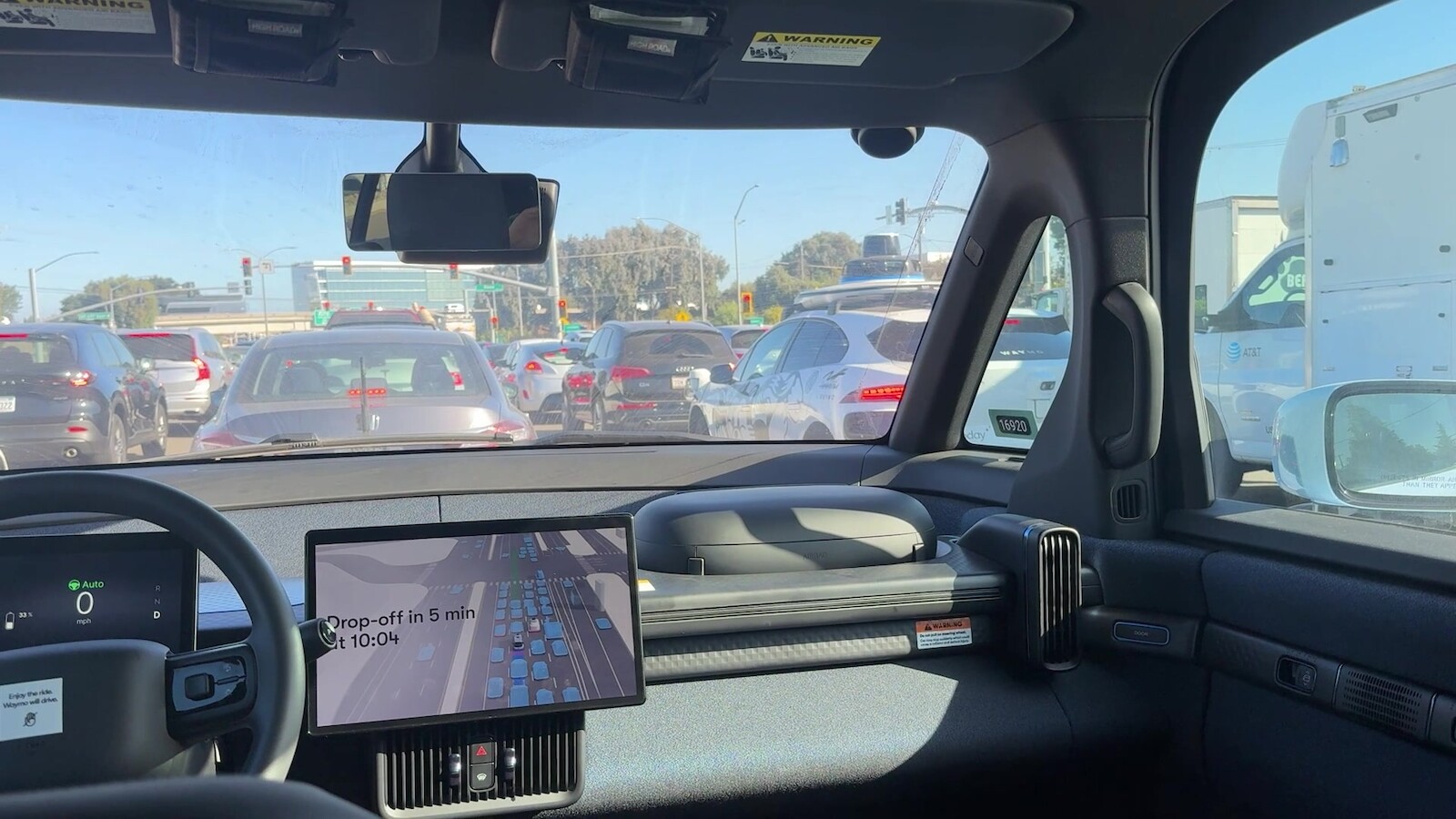
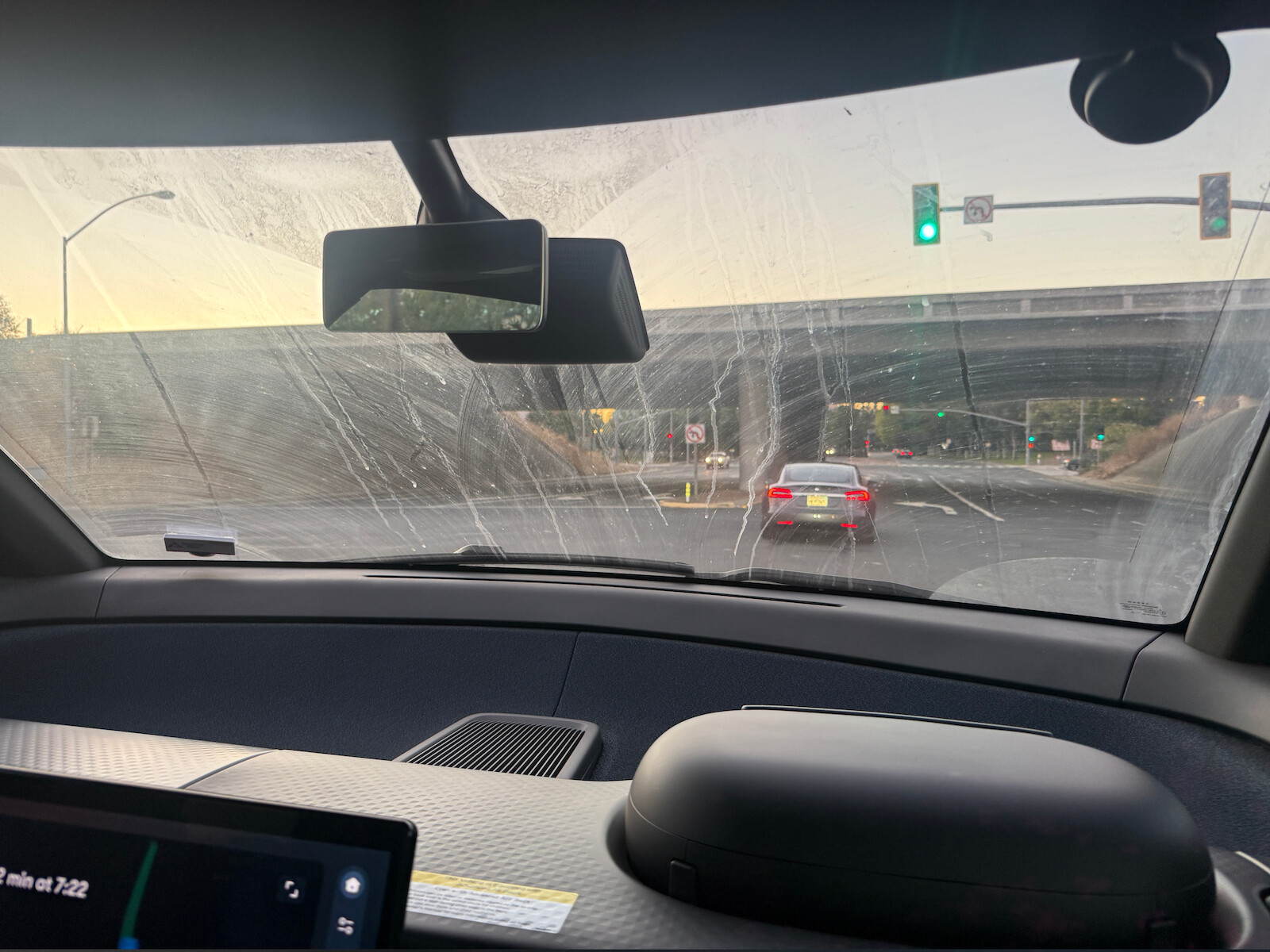
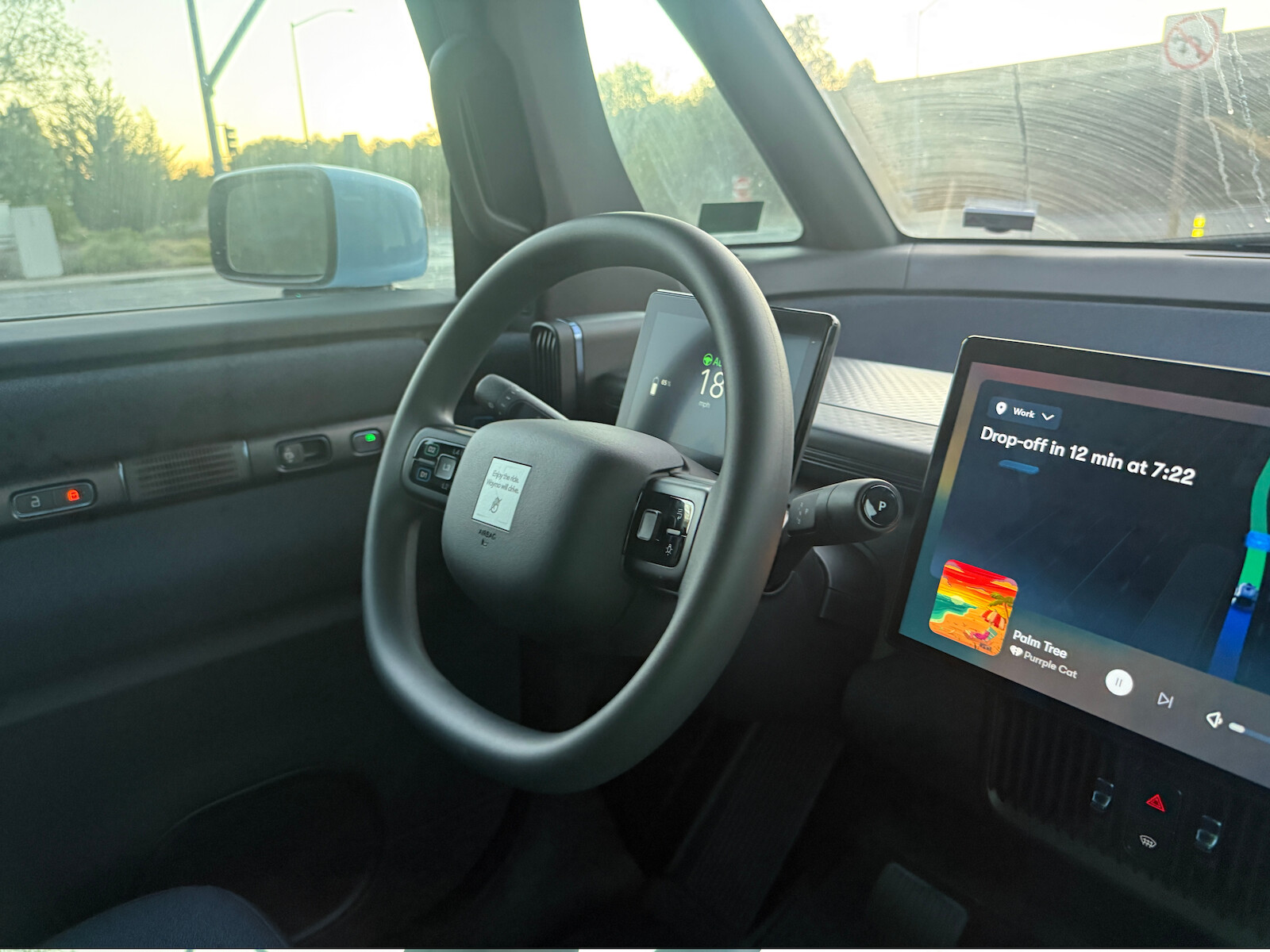
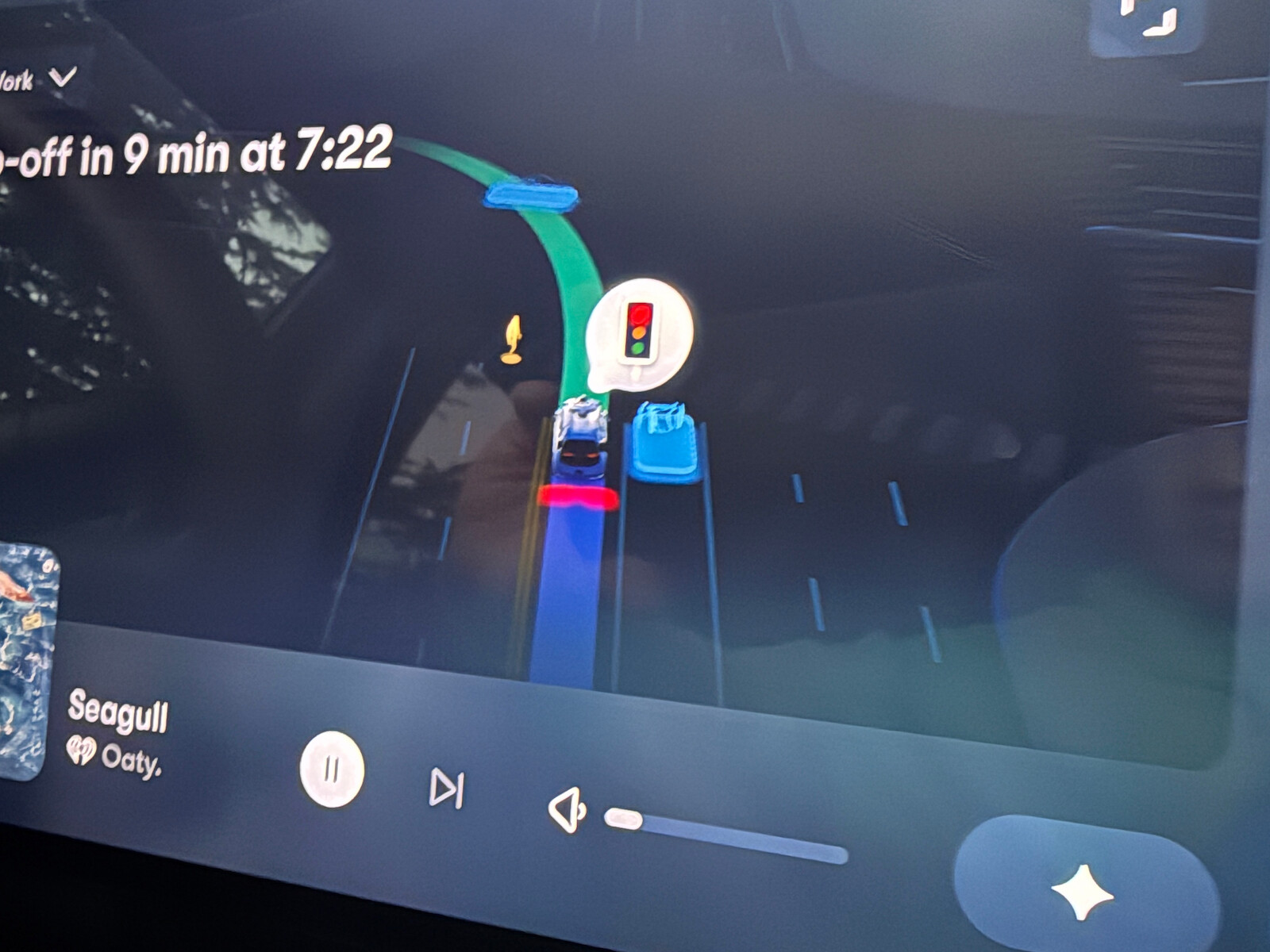
I’ve been in the bay area this week, and had several rides in Waymo. I expected
it to be only in SF, but it is all around the South Bay. It is remarkable how
many I saw, and how quickly I got used to the drive. It is clearly safer than
human drivers. While I was riding, it stopped for two kids chatting in the
middle of a pedestrian crossing. A human driver coming the other way nearly
didn’t stop and nearly hit the kids.
Much better awareness than a human driver - possibly a higher viewpoint.
The car has a steering wheel, mirrors, pedals etc, so I guess the staff drive
them from time to time. However, the windscreens are often dirty, because
there’s no forcing function to keep them clean.
Seeing a pedestrian and a red light - would never do in Dubin.
I was a bit disapointed to see this post on RSA 896. There’s no new stuff here, just a lot of compute. However, it was a chance to try out the egress sniffer. I have talked to 5.3k SNI names in the last two weeks. about 10% are not reachable today. However, none are at 1k RSA. This is a not very surprising - very few CAs hand out many year certs, and CAs stopped with RSA 1024 a long time ago. The threat is decrypting very old saved messages.
Drone zone tries to tell me where its safe the fly the
drone. The data comes from the IAA’s drone
map but mine
includes the user’s current location and relevant TRAs. It will one day include
Notams.
Back in 2024 I set up self-sniff,
which was a passive traffic collector. However, it suffered from the problem
that the machine does not reboot when power is restored, and is pass through for
external traffic. I ended up removing it.
More recently, I tried again. I had no luck fixing the lack of boot on power
recovery. I had looked at ethernet taps or mirrors, and found them to be very
costly. Claude suggested using a managed switch - two ports would bridge, one
would mirror, and the switch would boot on power restore. This turns out to
work great.
This time Claude set up suricata and
duckdb for the traffic logs. A couple successes:
Most of my outbound traffic by connections was DNS! This was due to the lack of negative DNS
caching.
<2% of traffic (excluding dns) is unencrypted.
I wanted to do this to detect if I was the source of a AI
scraperproblem.
From time to time I see speculation about prediction markets. I’m generally
cautious about how effective they are. I spent some time with OpenCode and it
produced the following from Kalshi’s
API.
About 80% of contracts or volume are for sports. Politics is
maybe 2% and 2 Billion USD.
Most of the money is in a limited number of contracts - about 90% of politics
bids are under a million dollars in volume. So, be cautious of claims that a
prediction market is a form of insurance or hedging - the numbers just aren’t
big enough. Also, smaller contracts about both likely less effective and easier
targets to manipulate.
Looking at the Prediction market
FAQ
its interesting to see that we now have both insider
trading
and people making contracts
happenor not. The first of these is probably good for the market - it provides information - but not good for society or the people involved. Both might make people more cautious - you’re betting against someone who knows more than you or is willing to act.
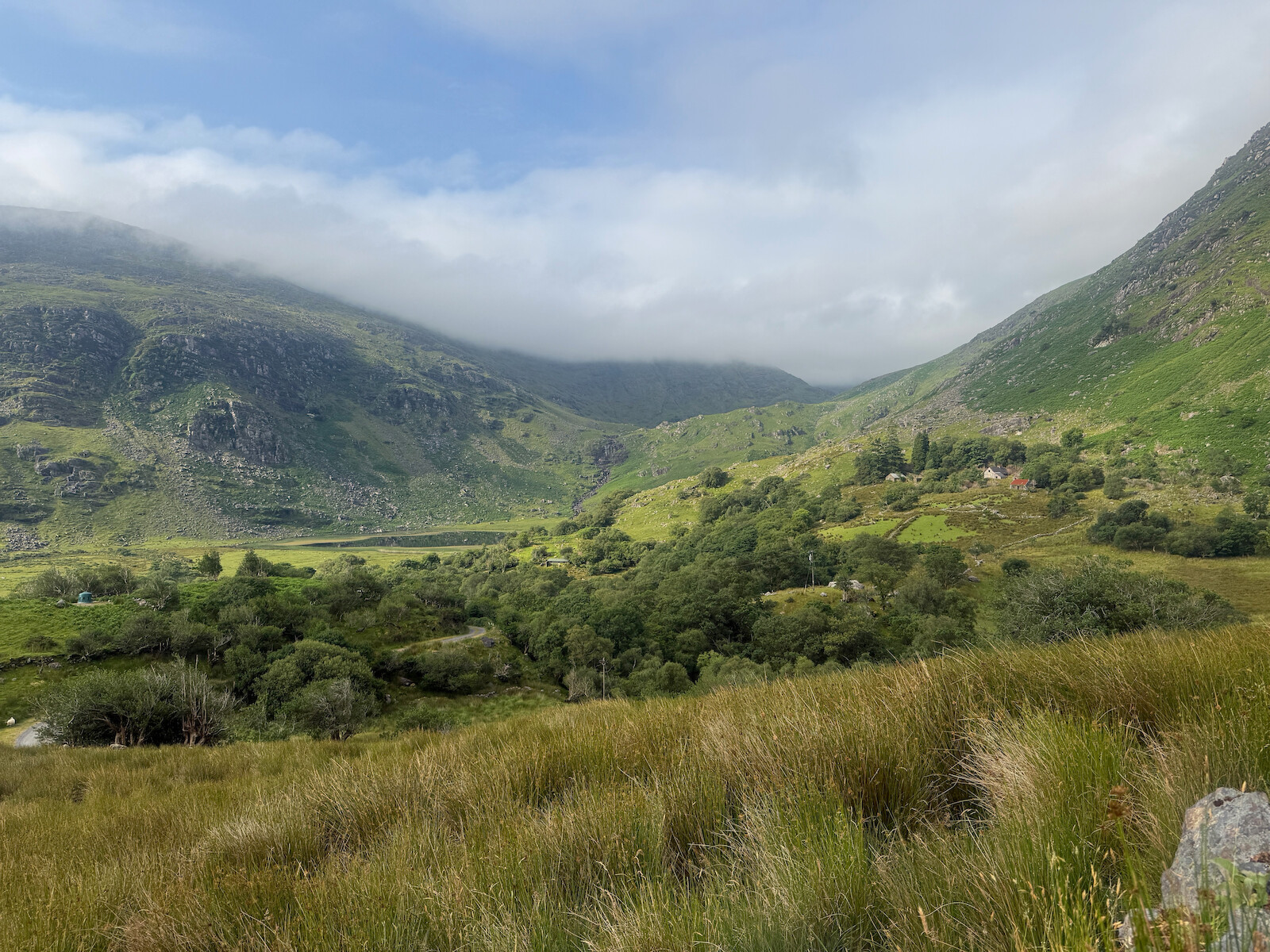
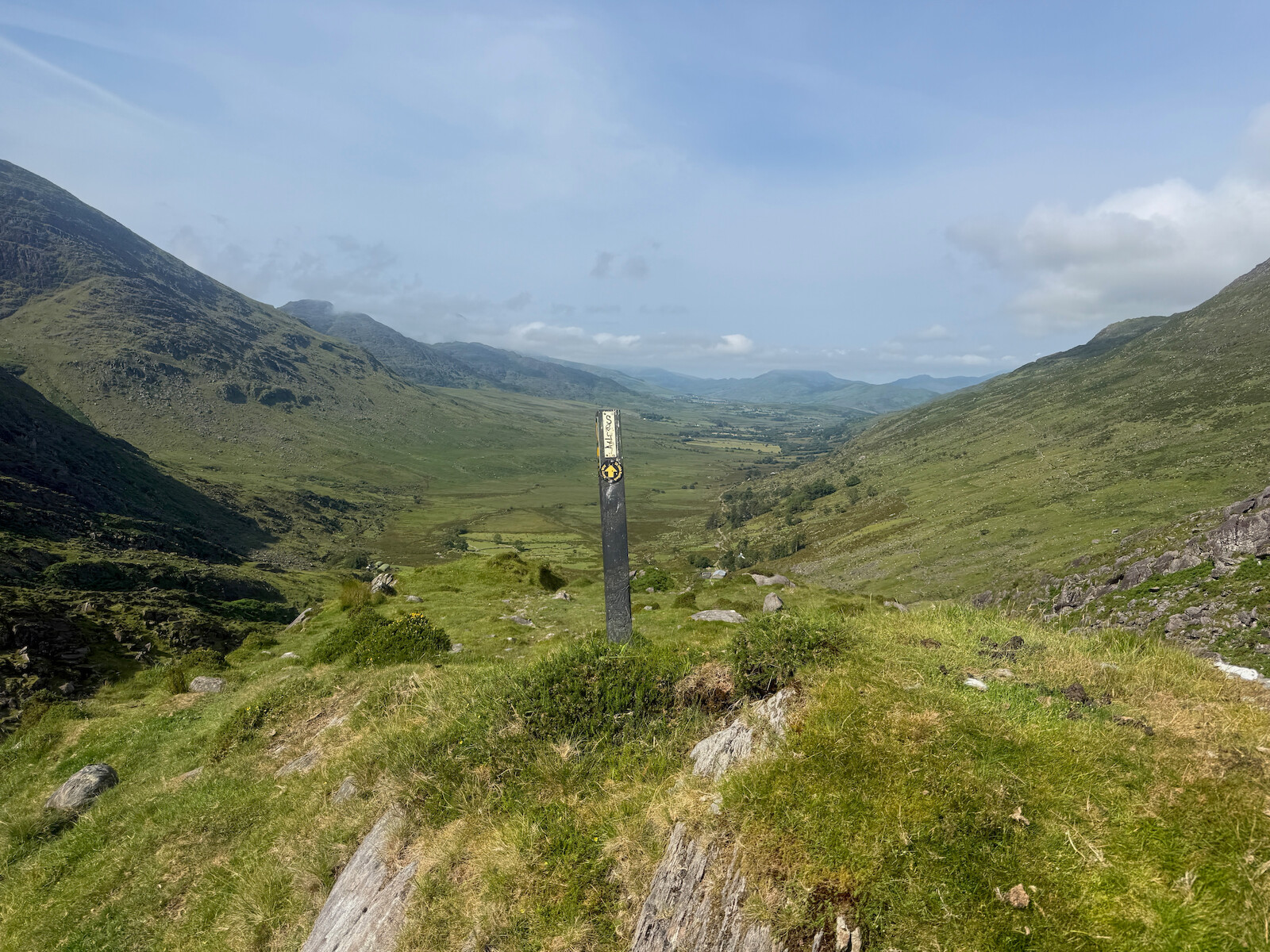
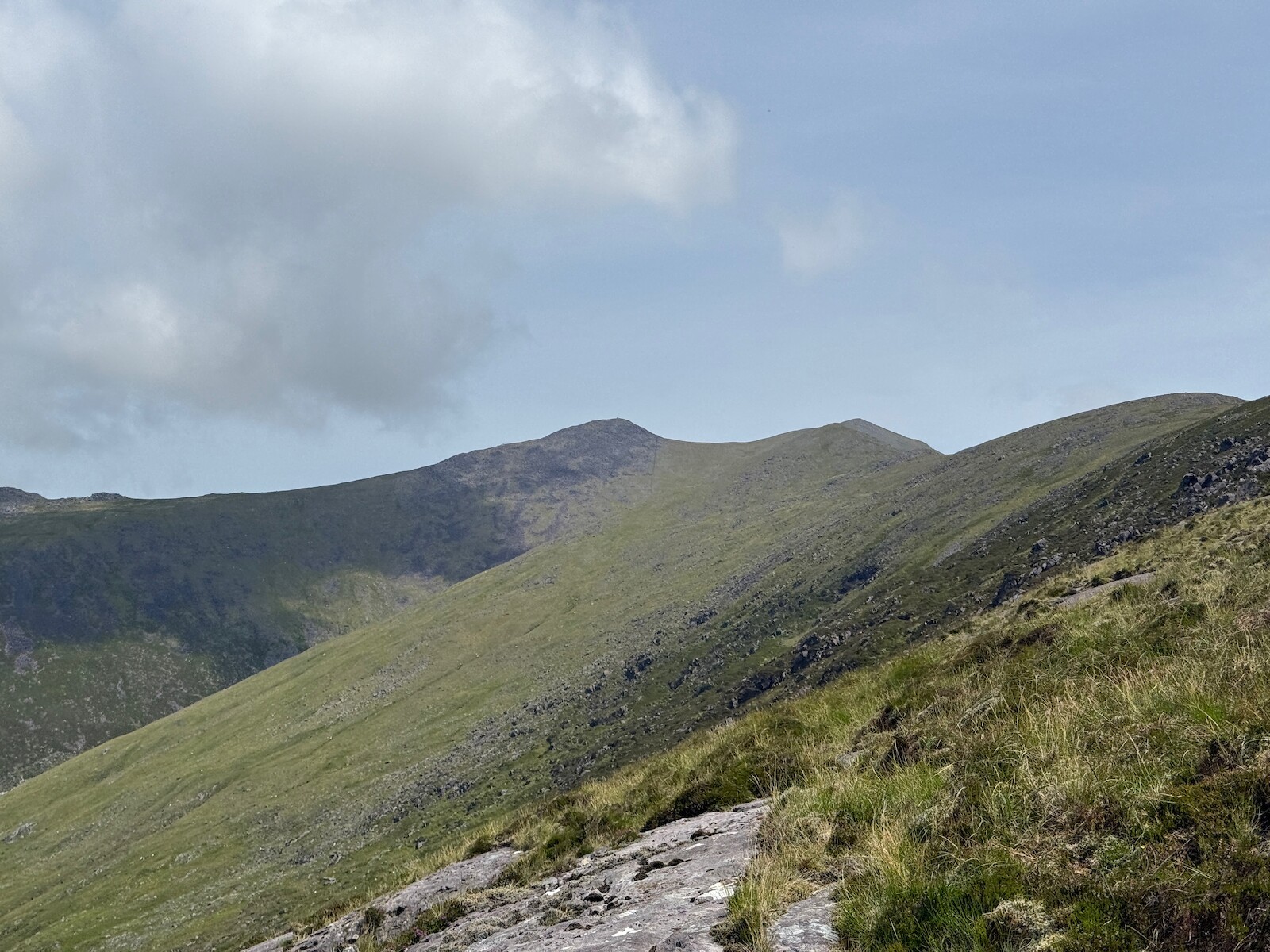
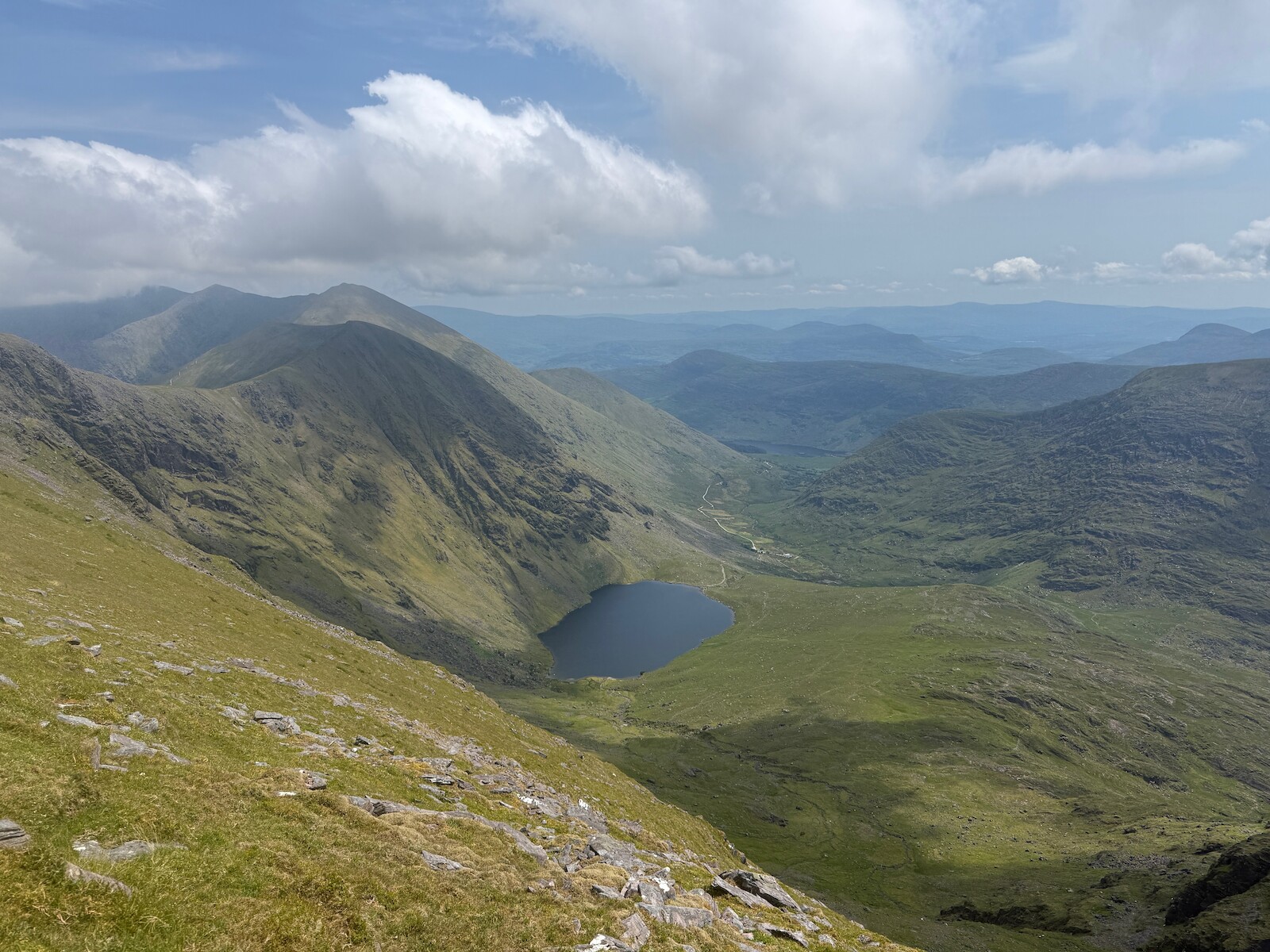
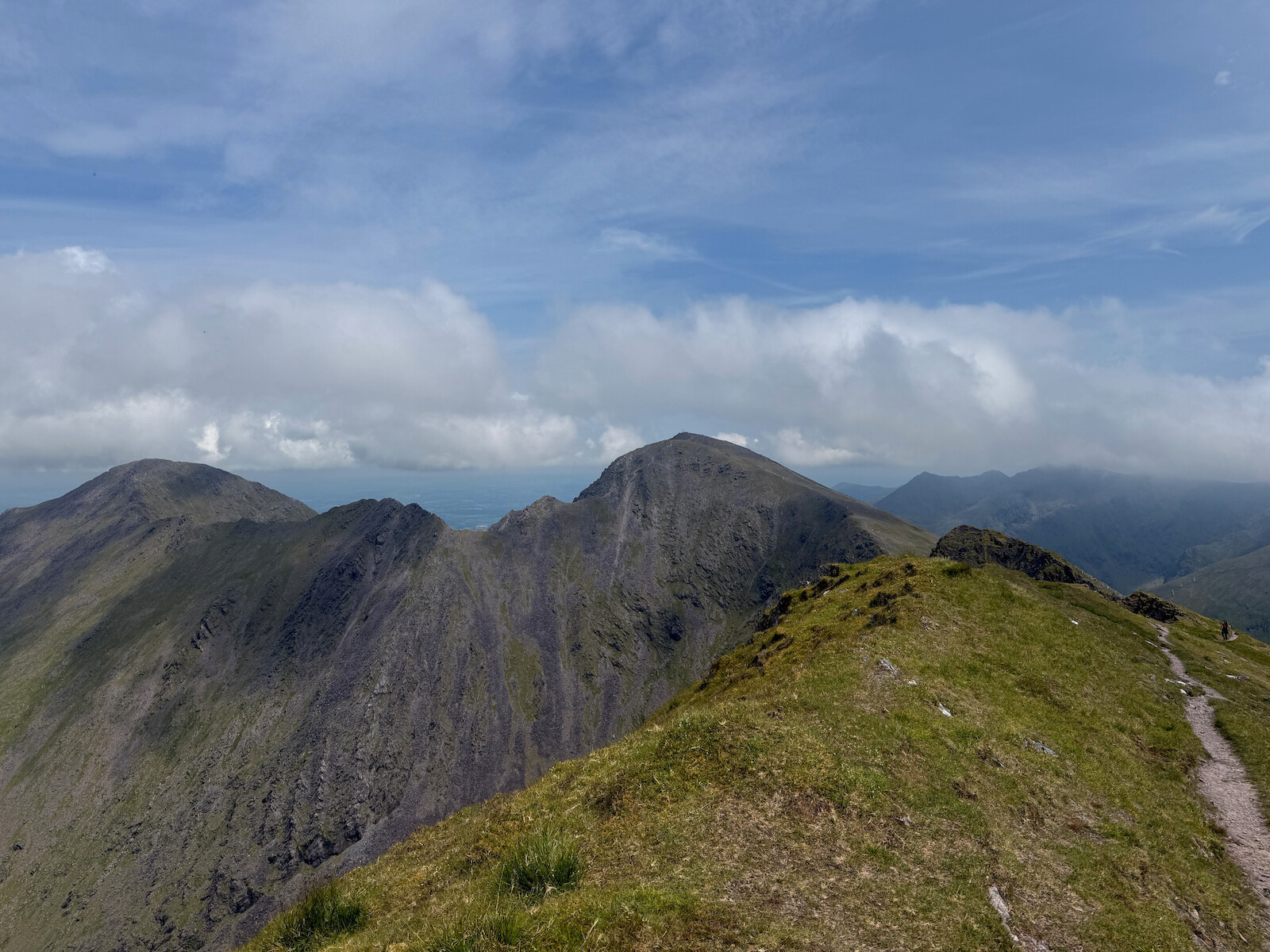
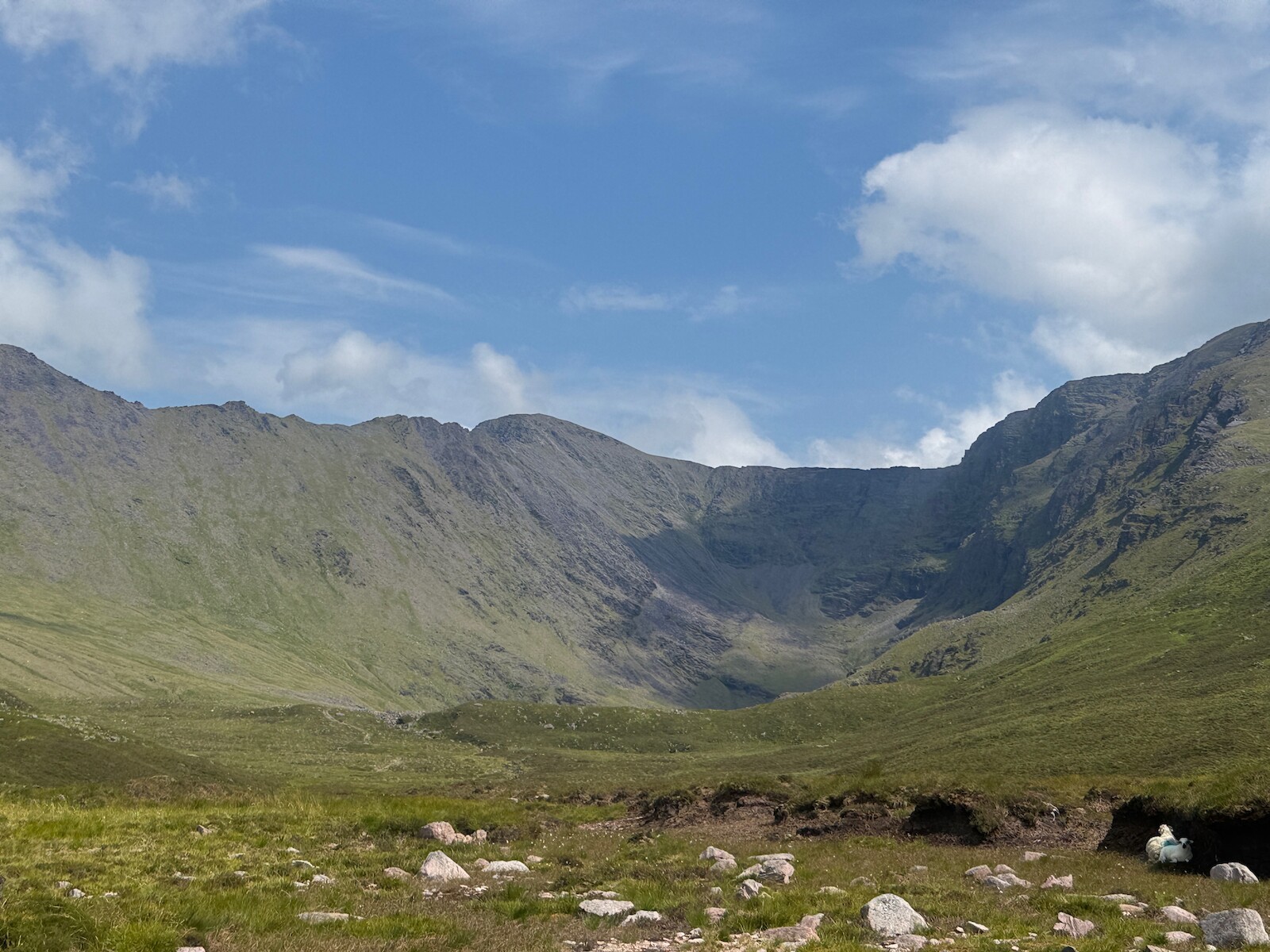
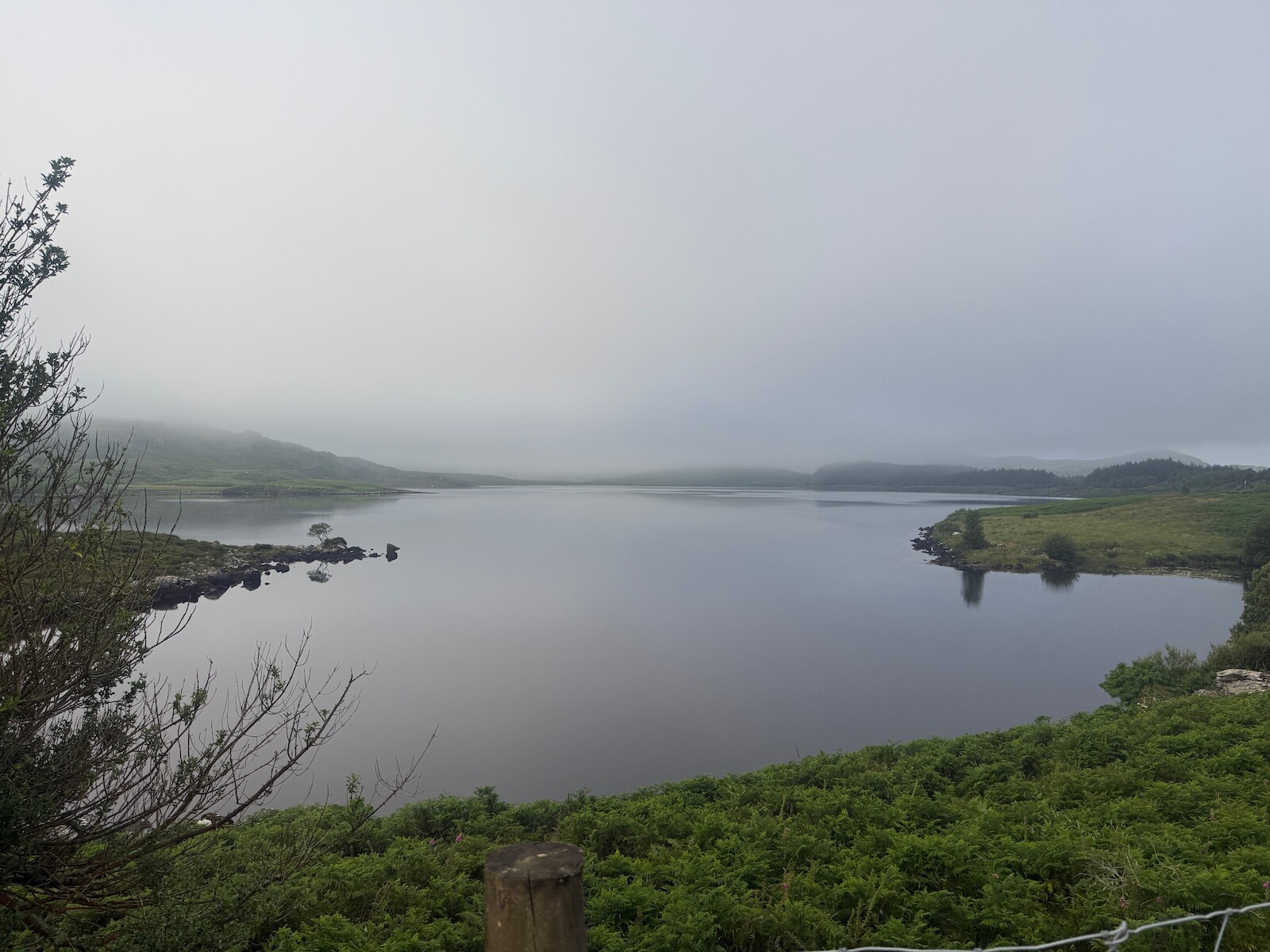
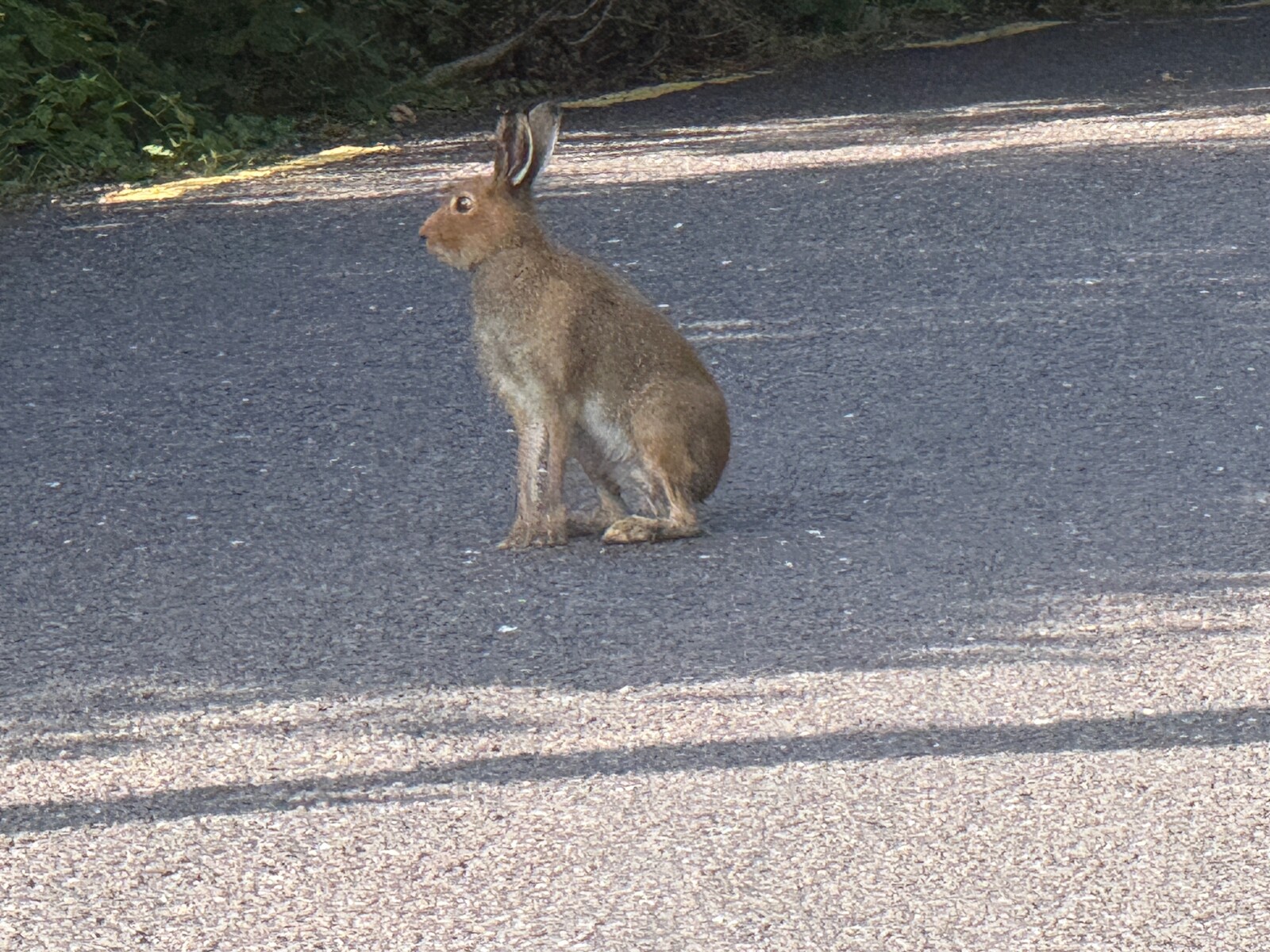
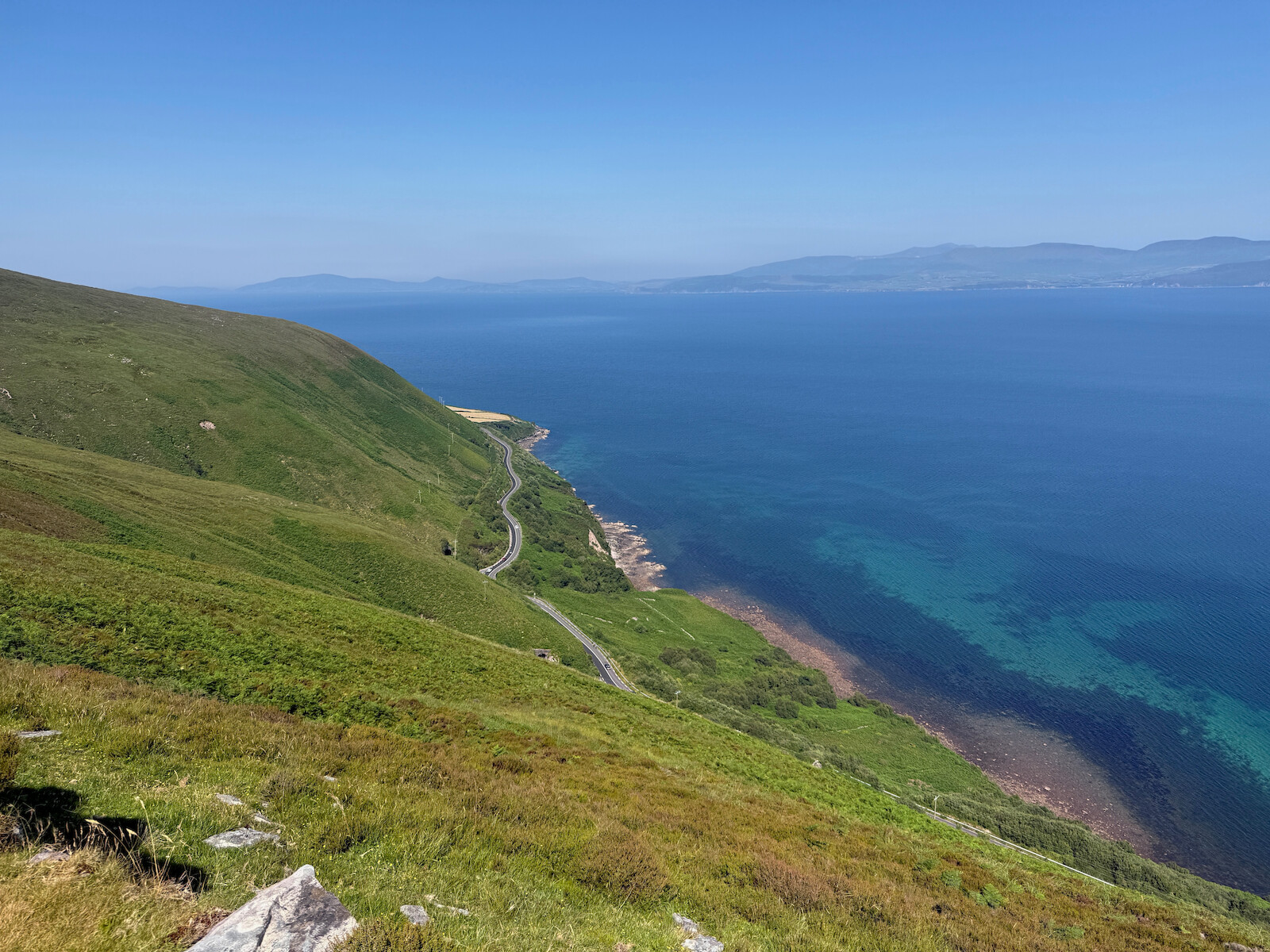
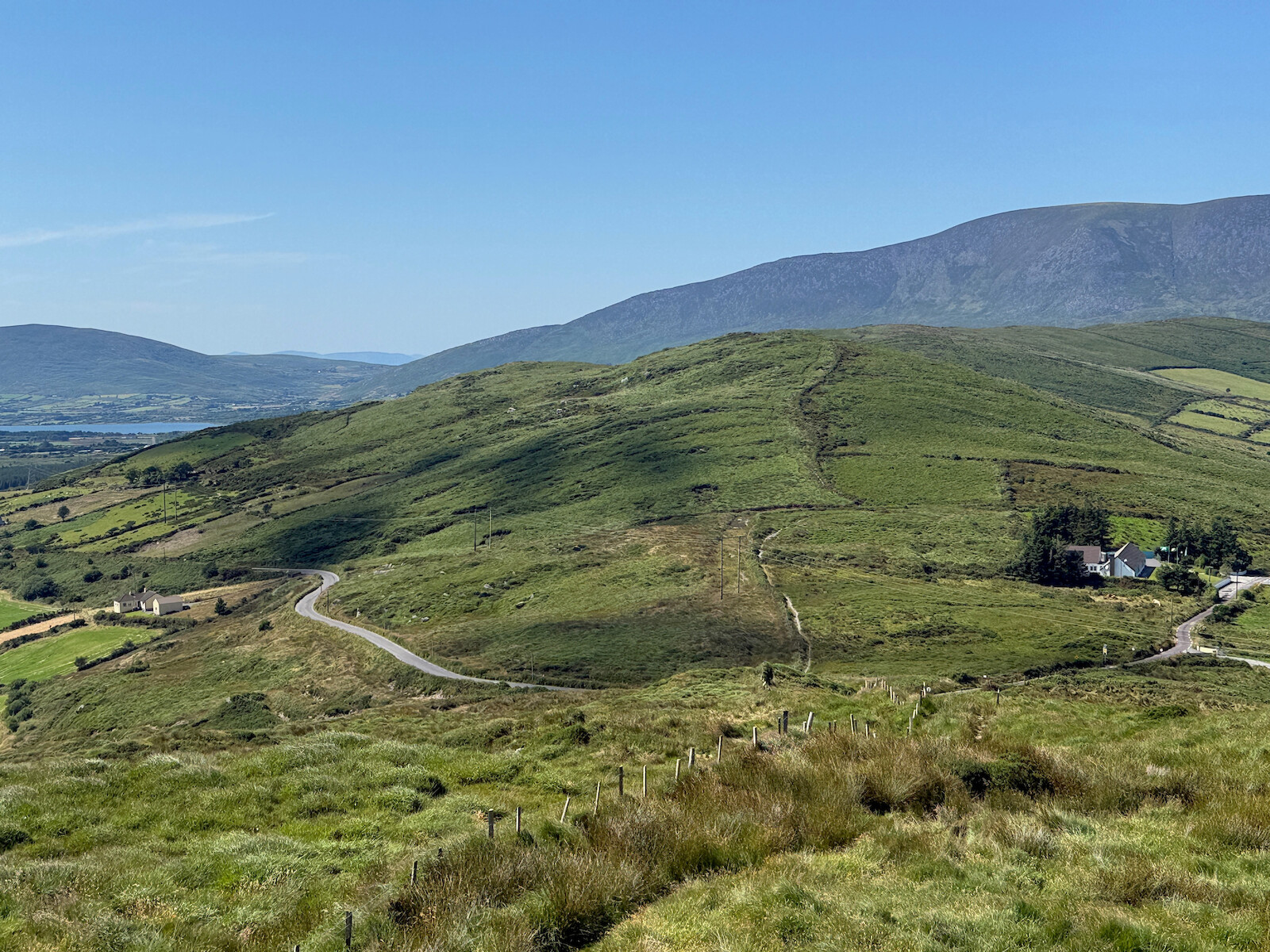
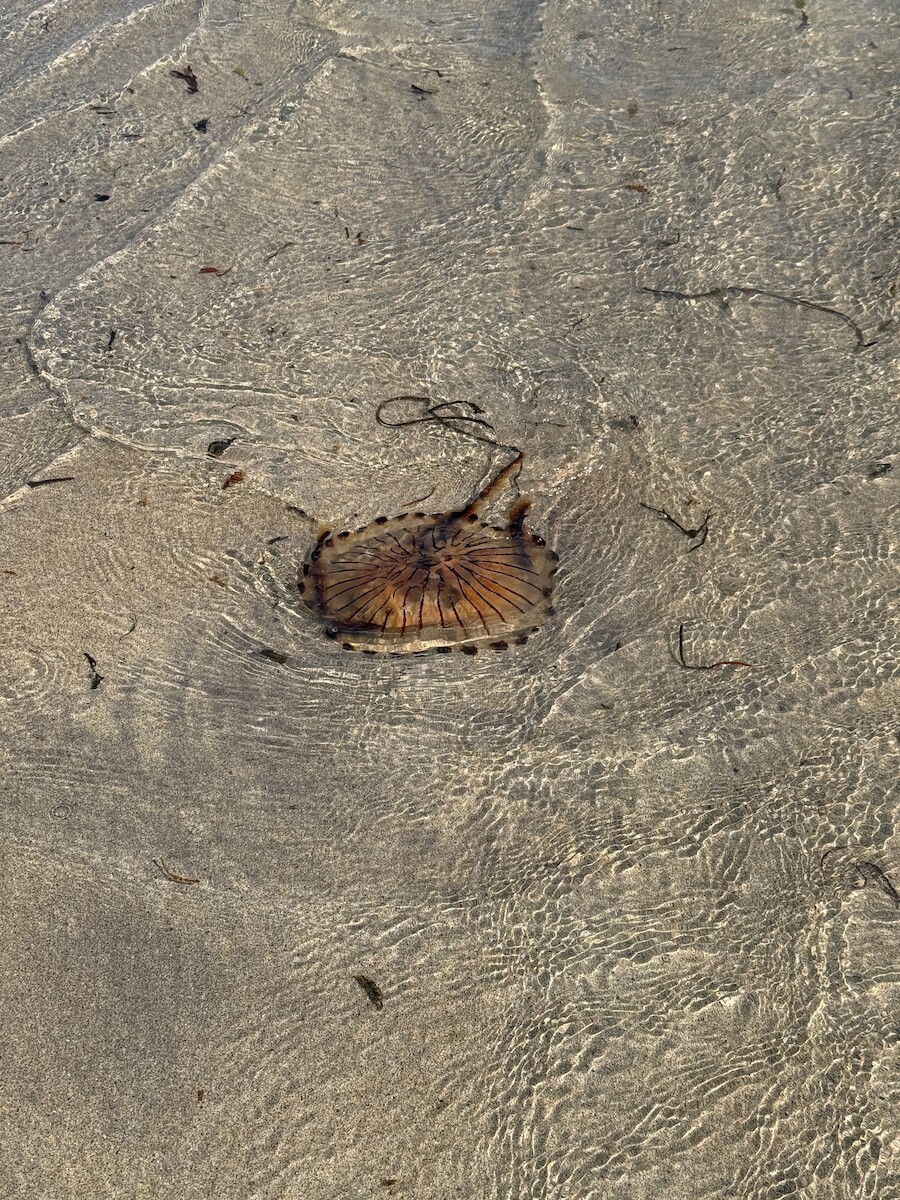
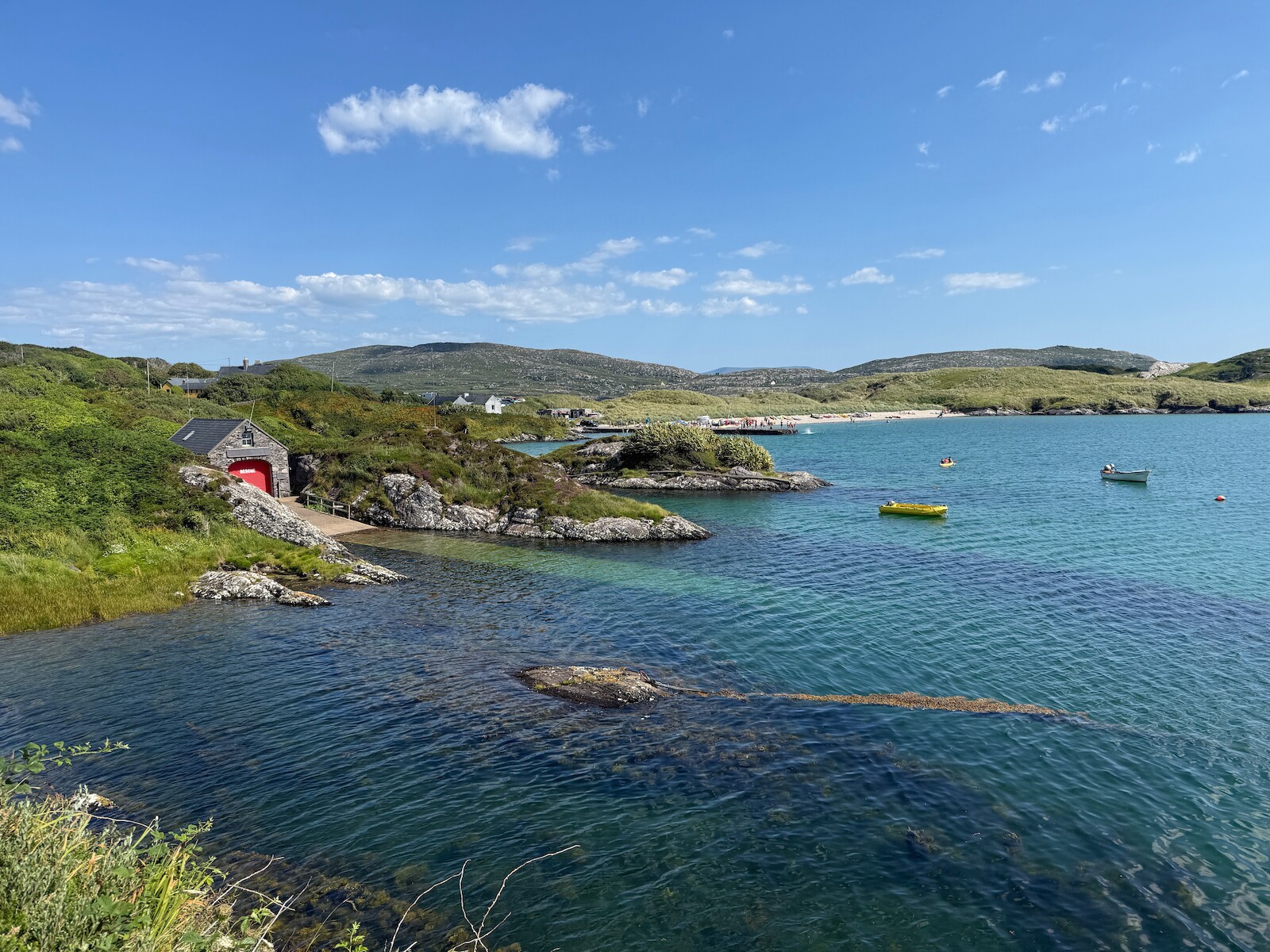
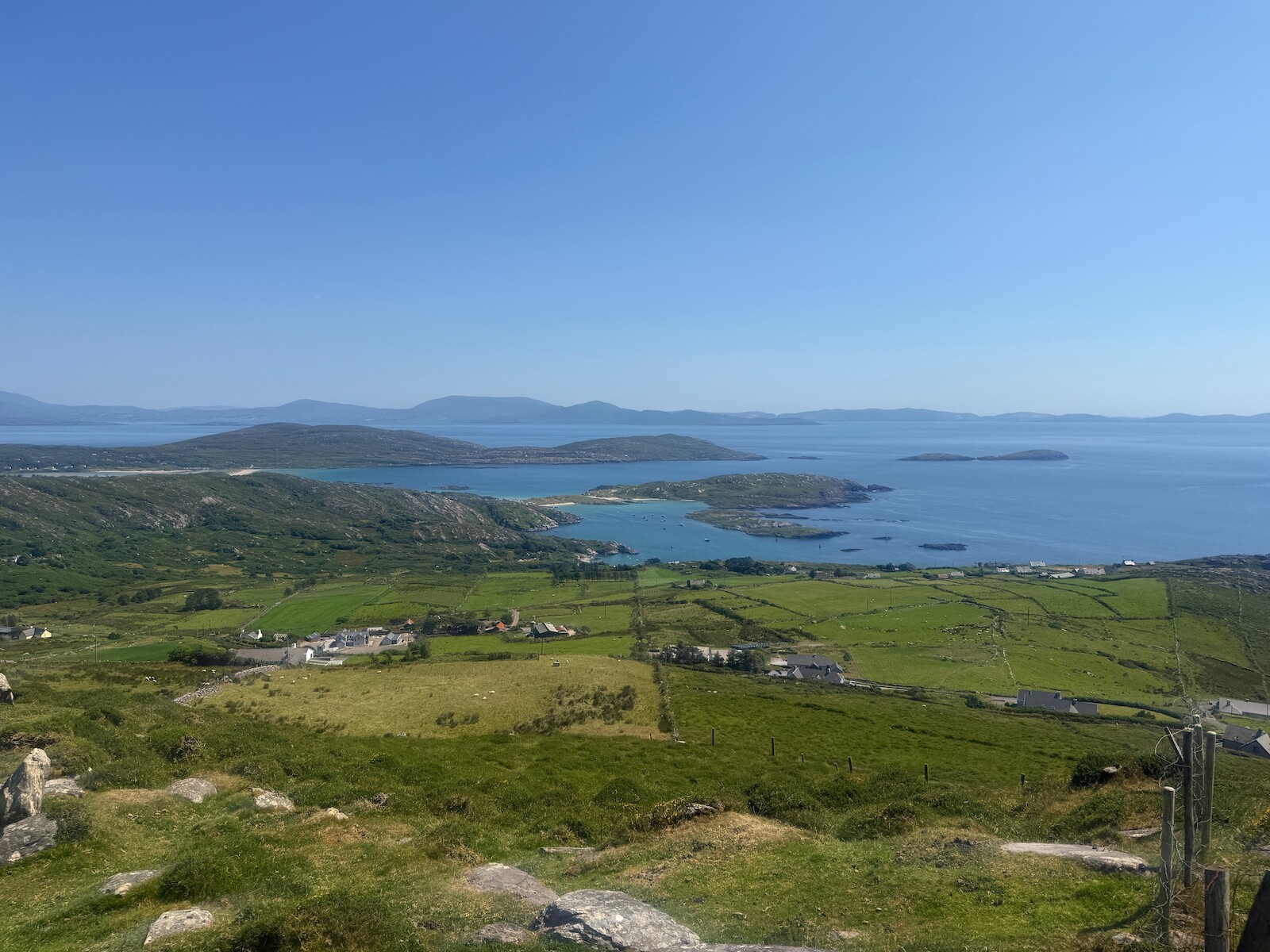
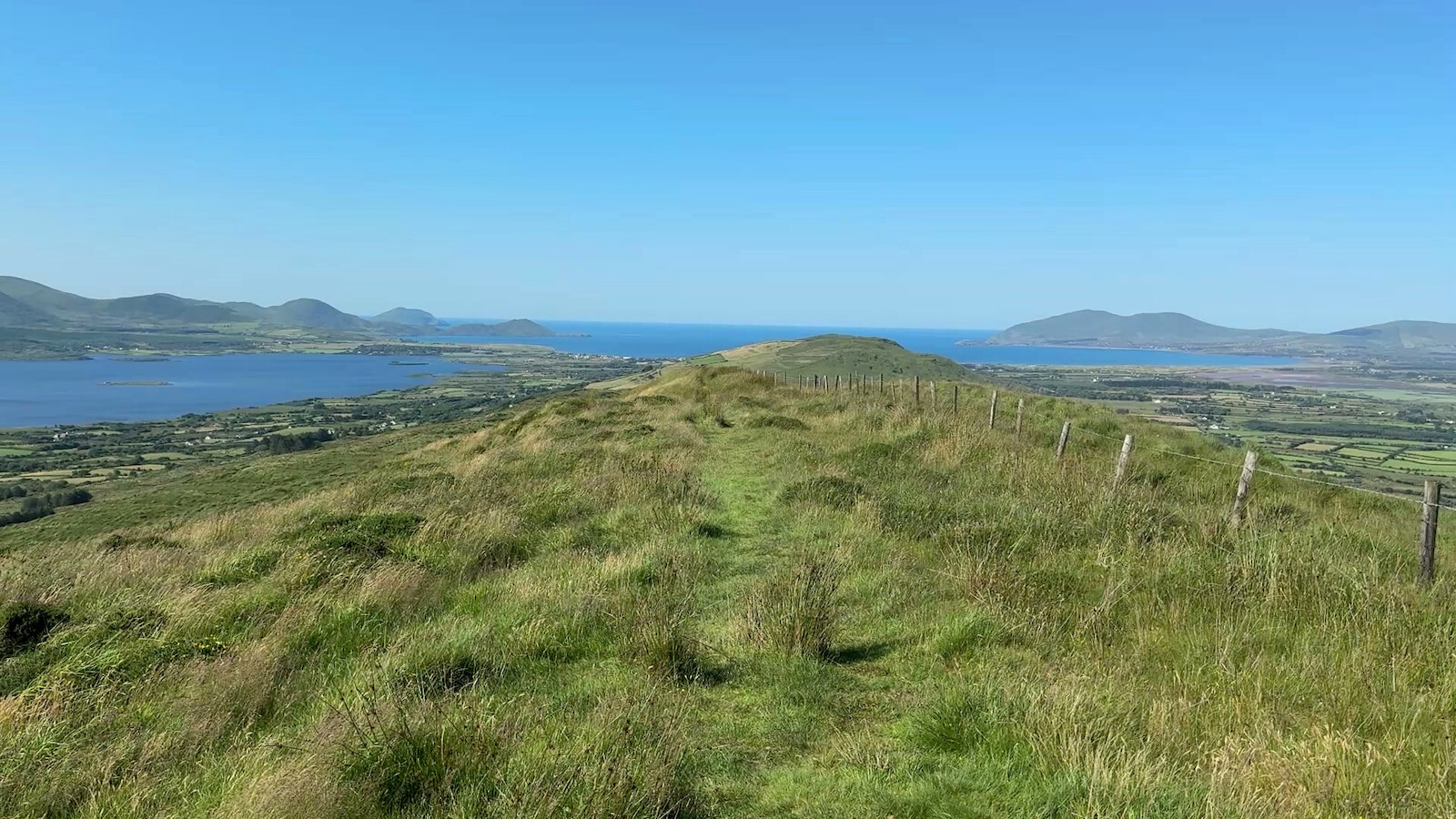
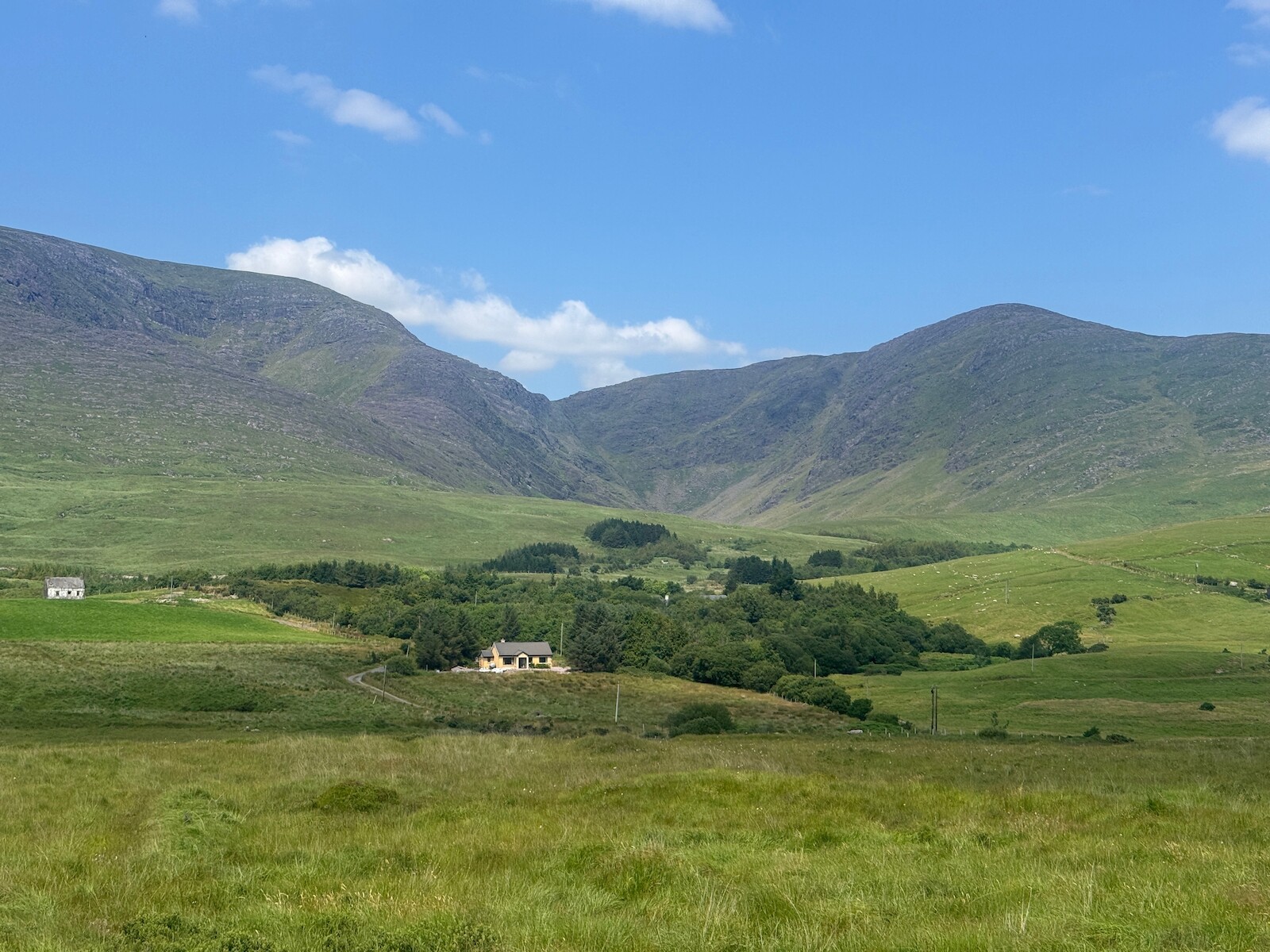
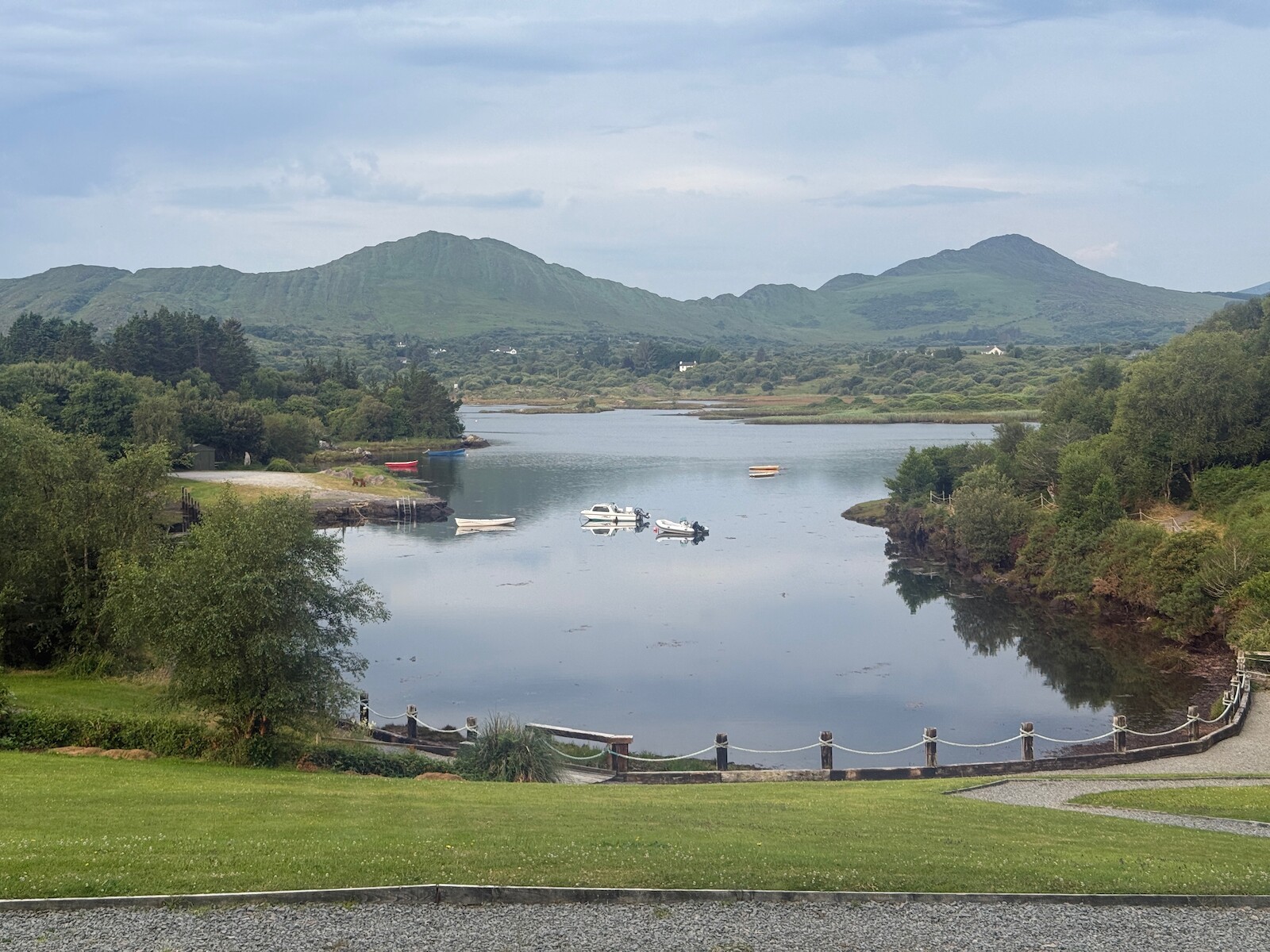
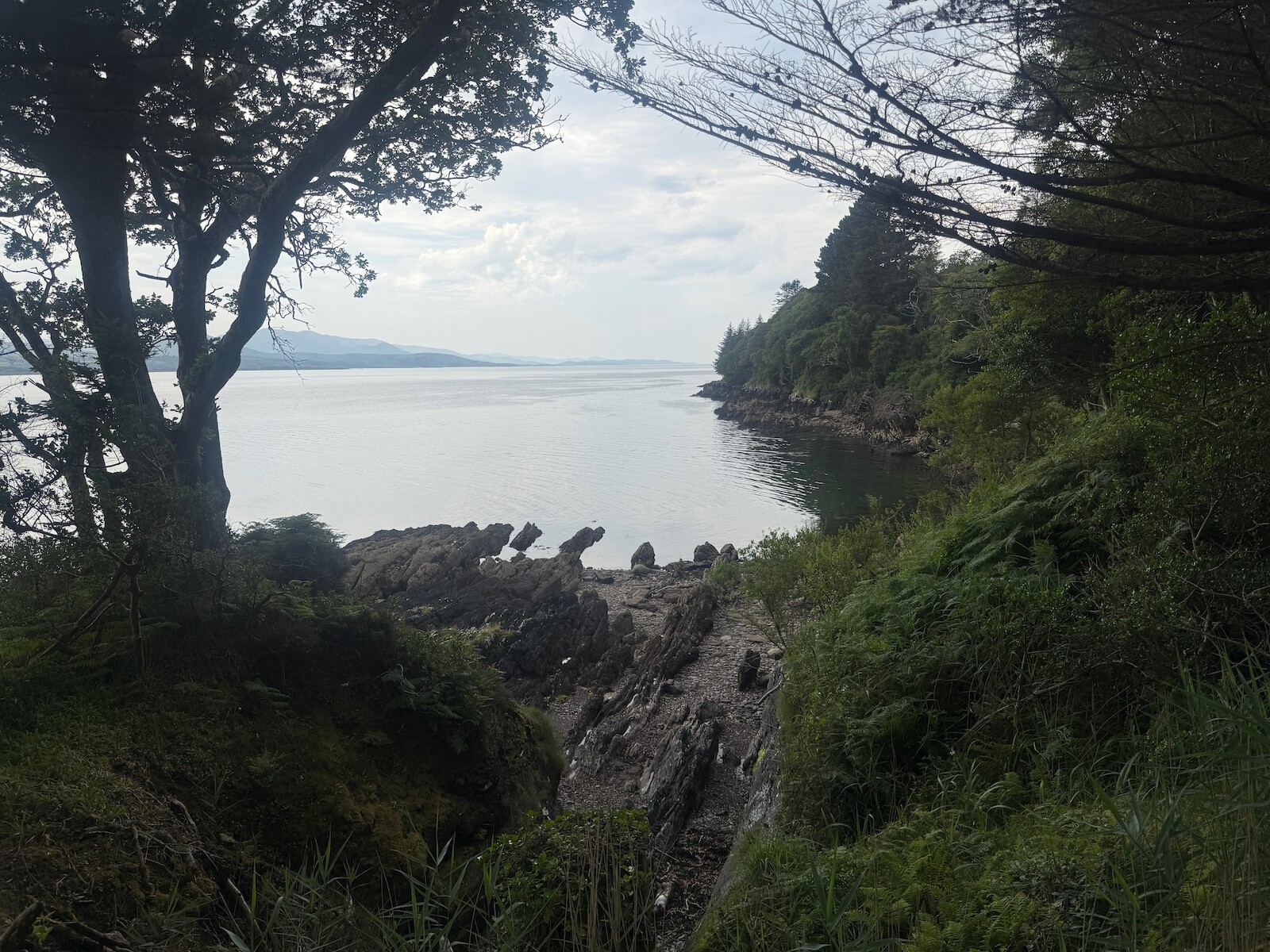
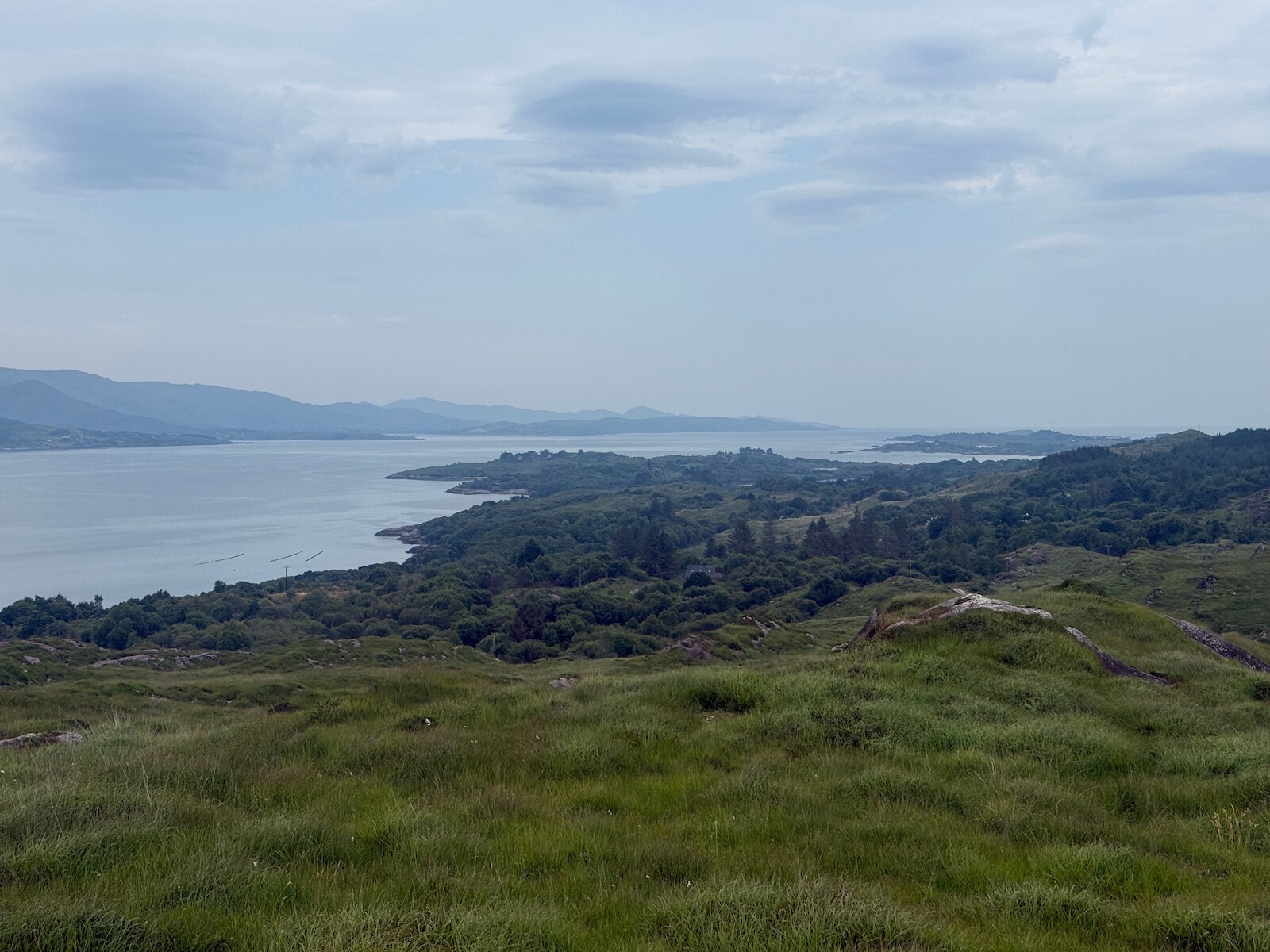
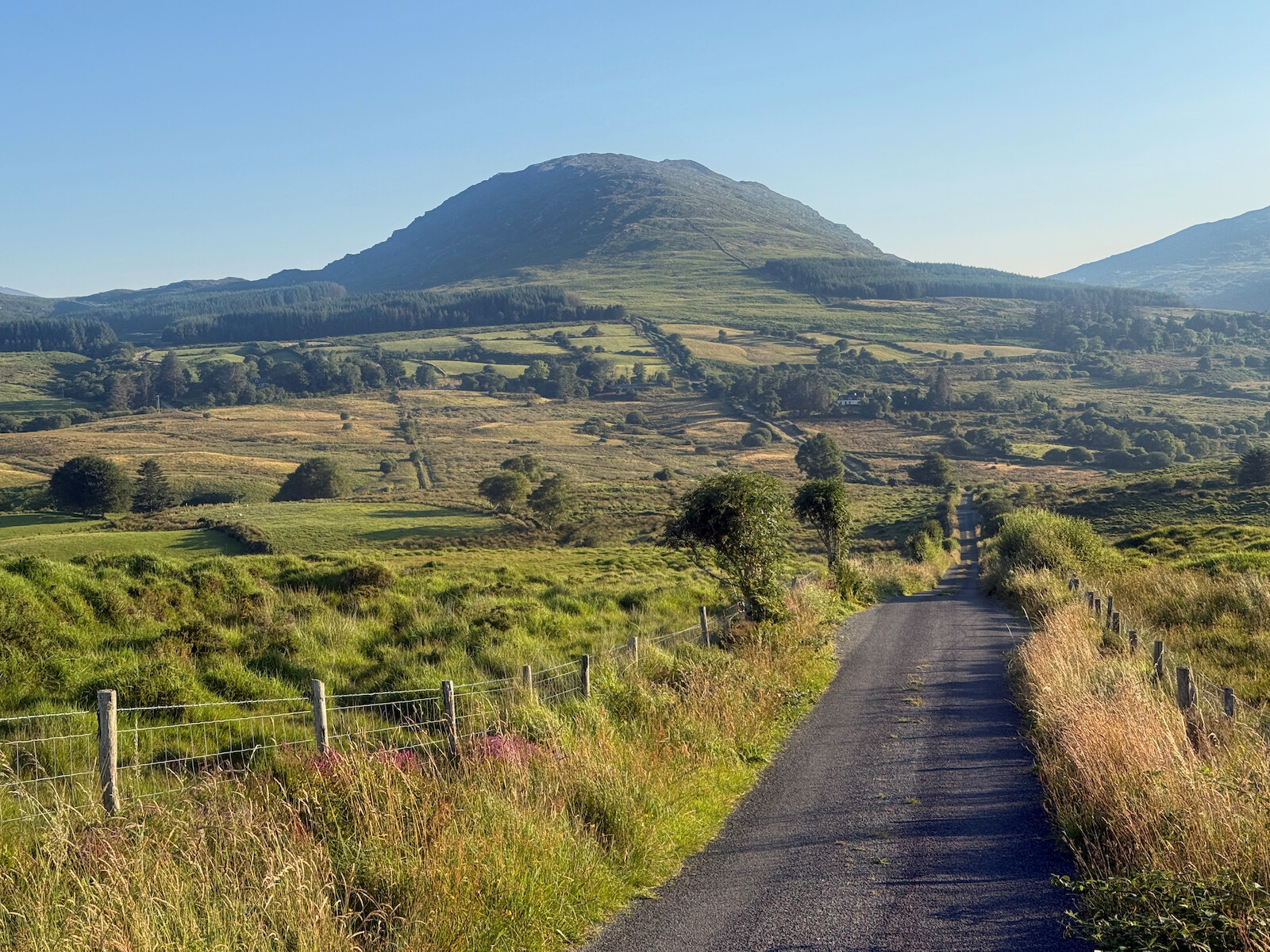
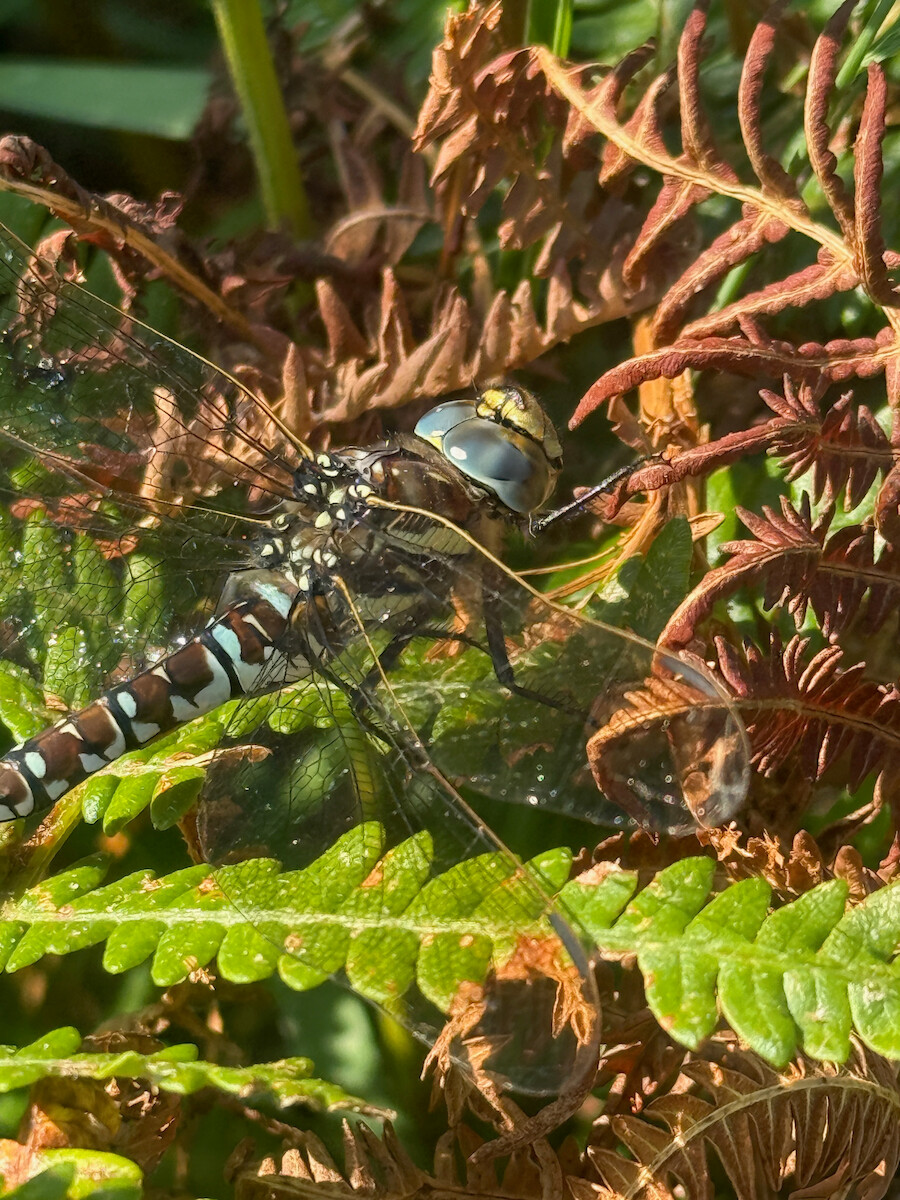
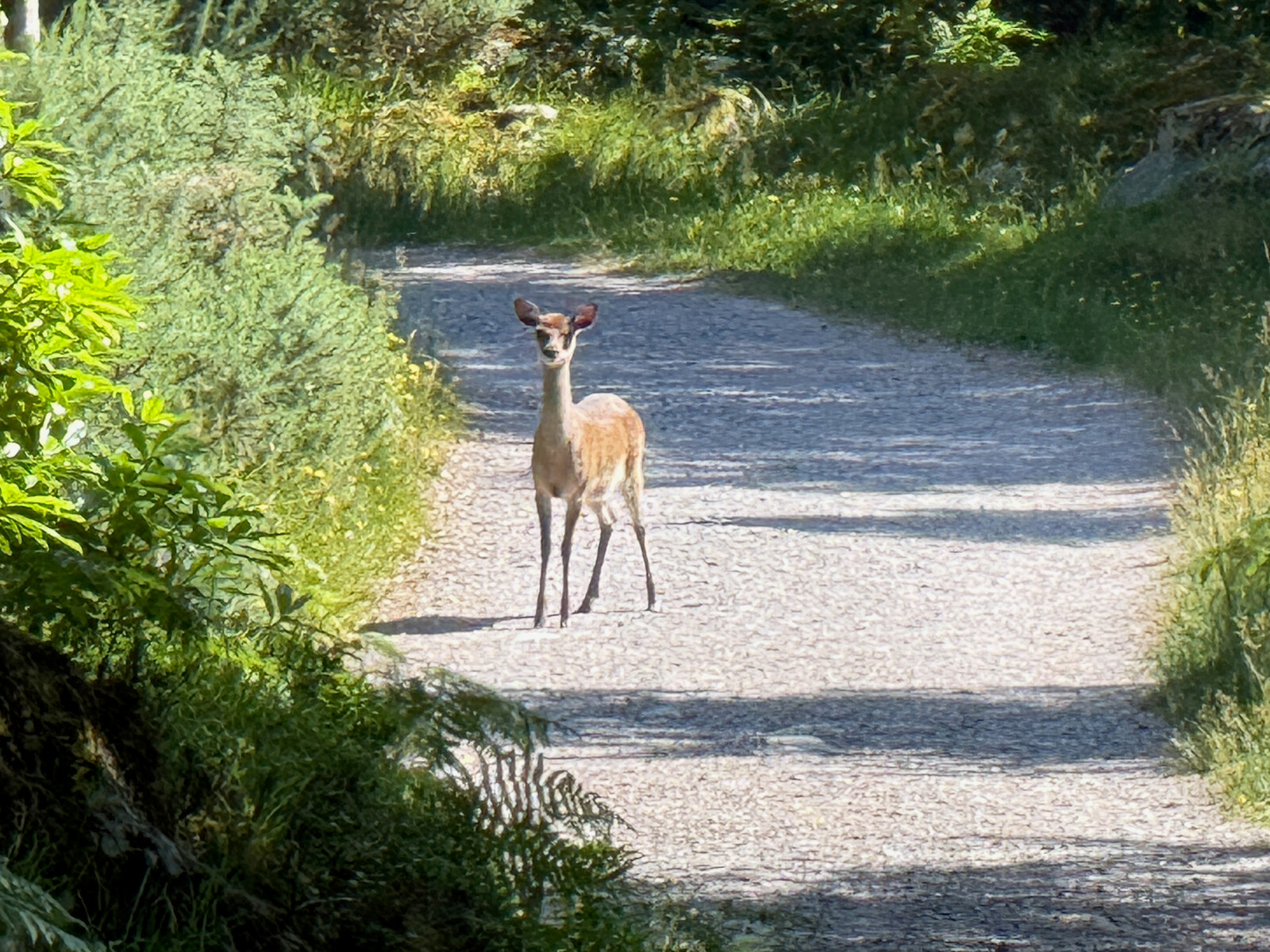
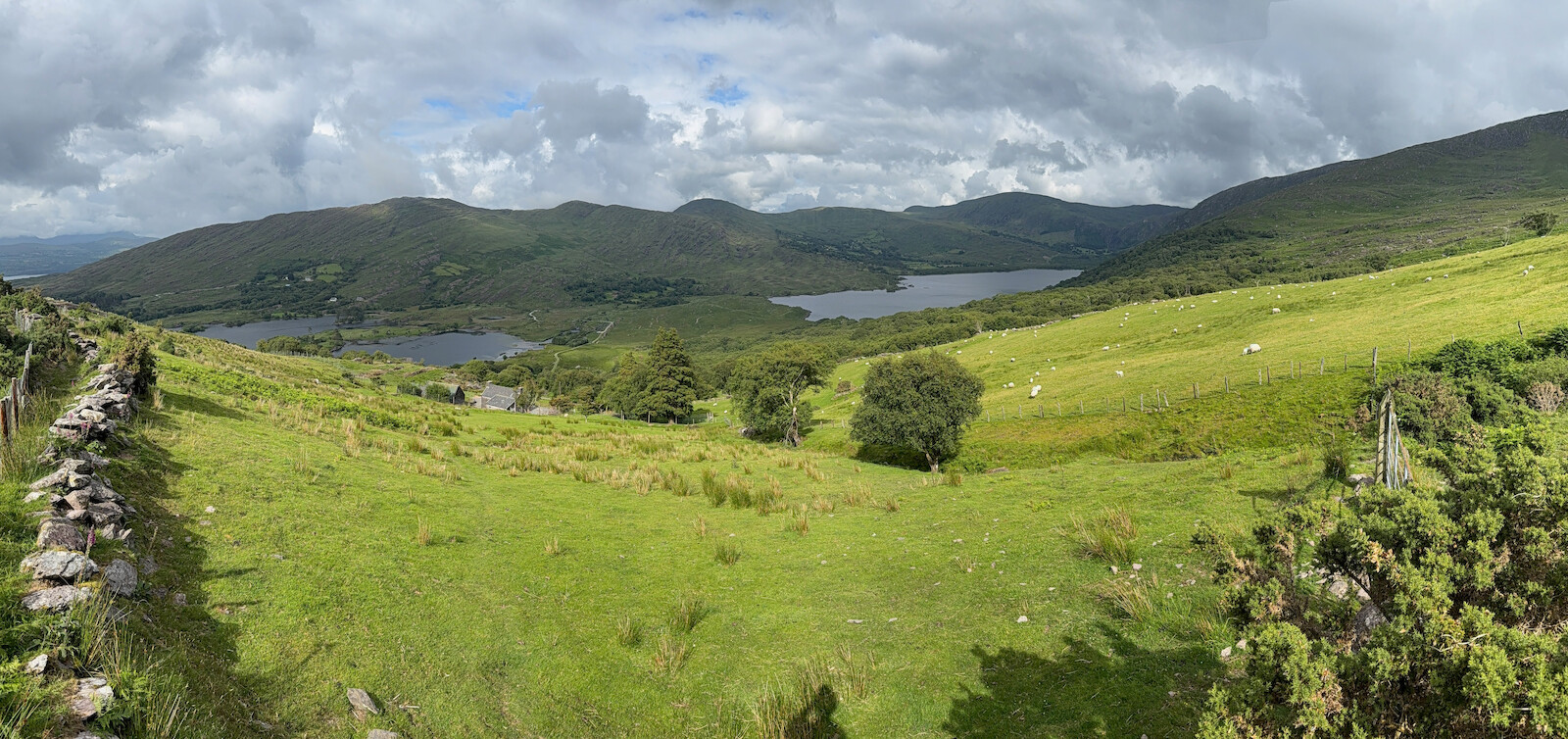
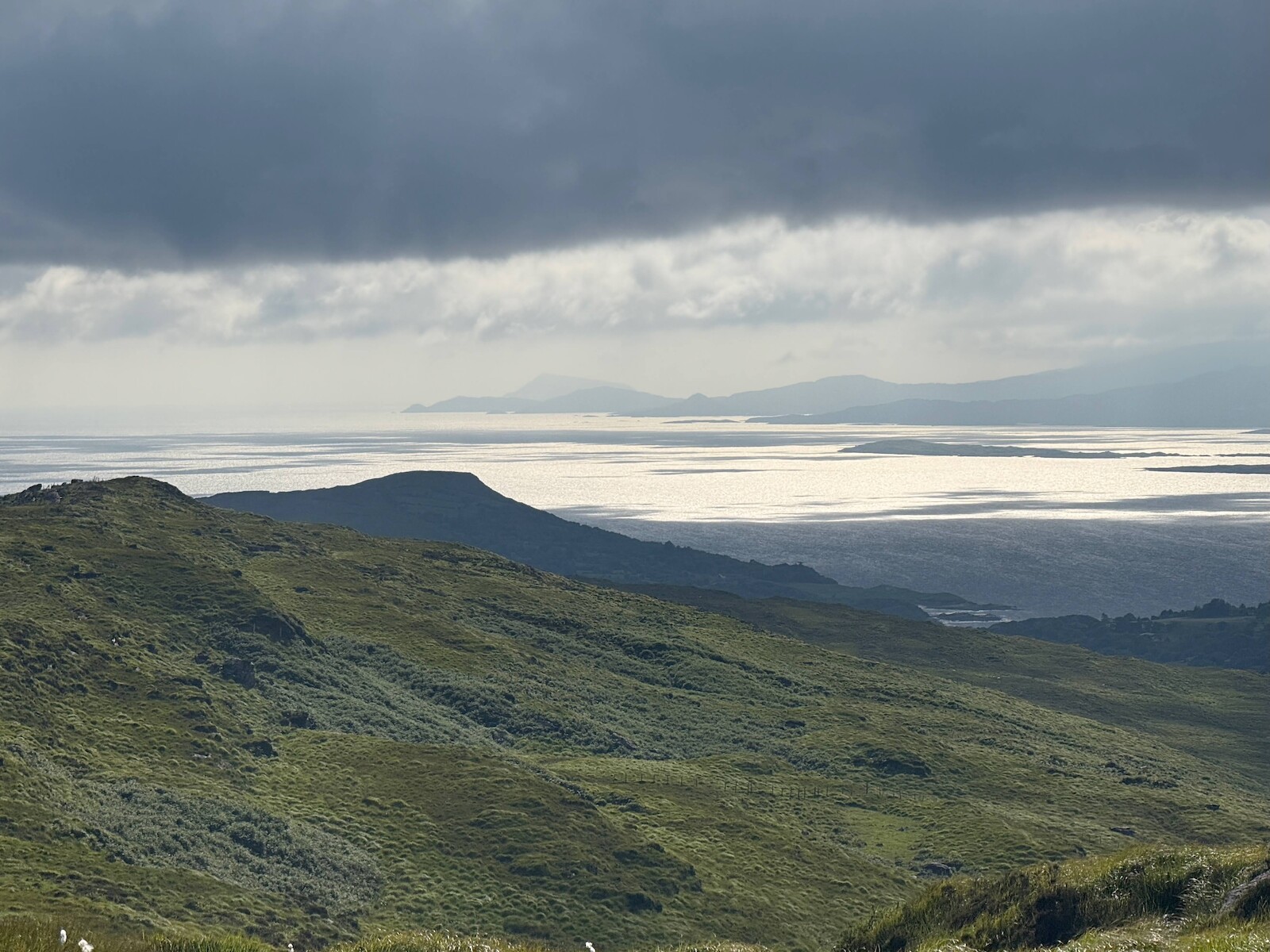
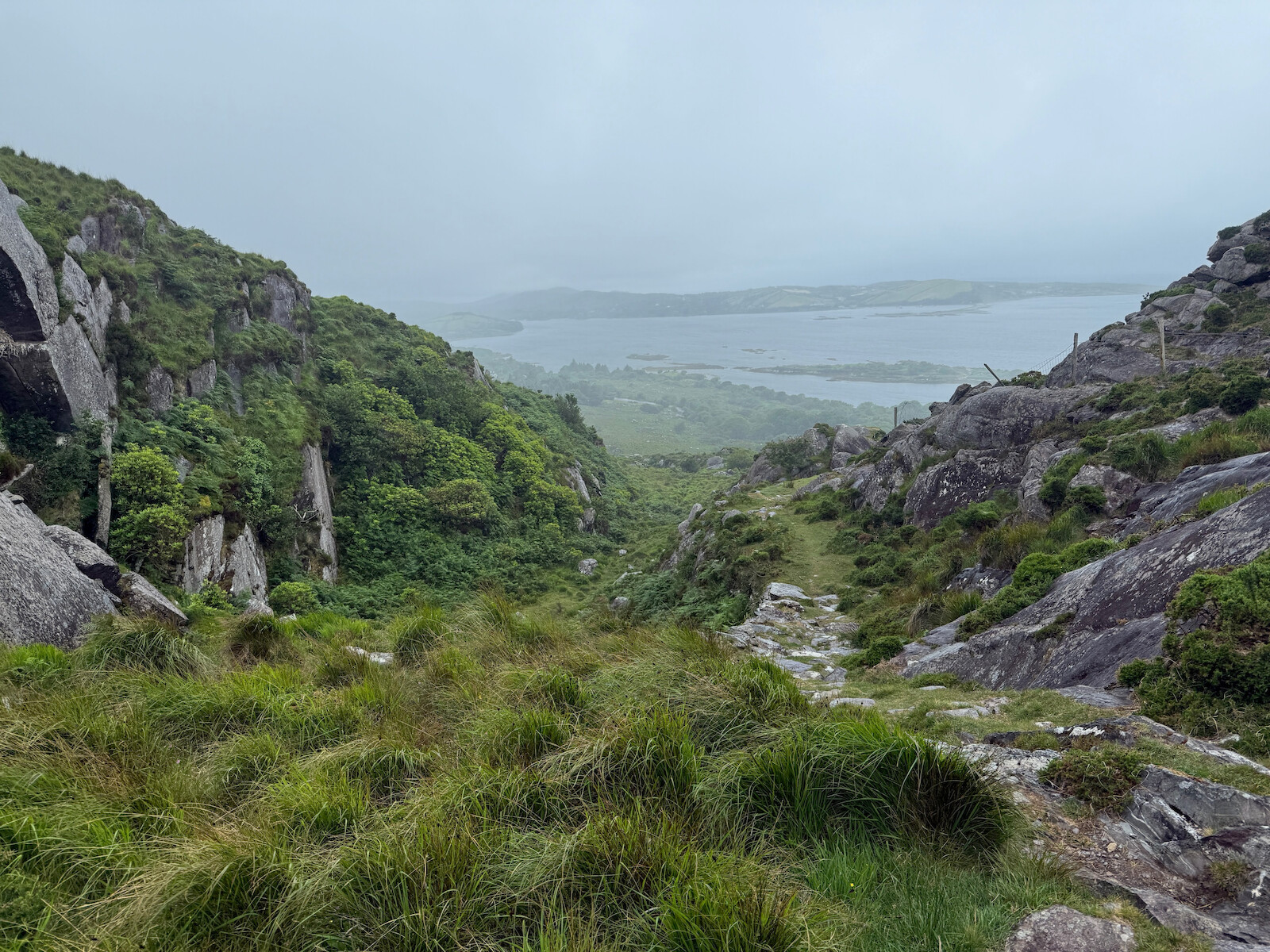
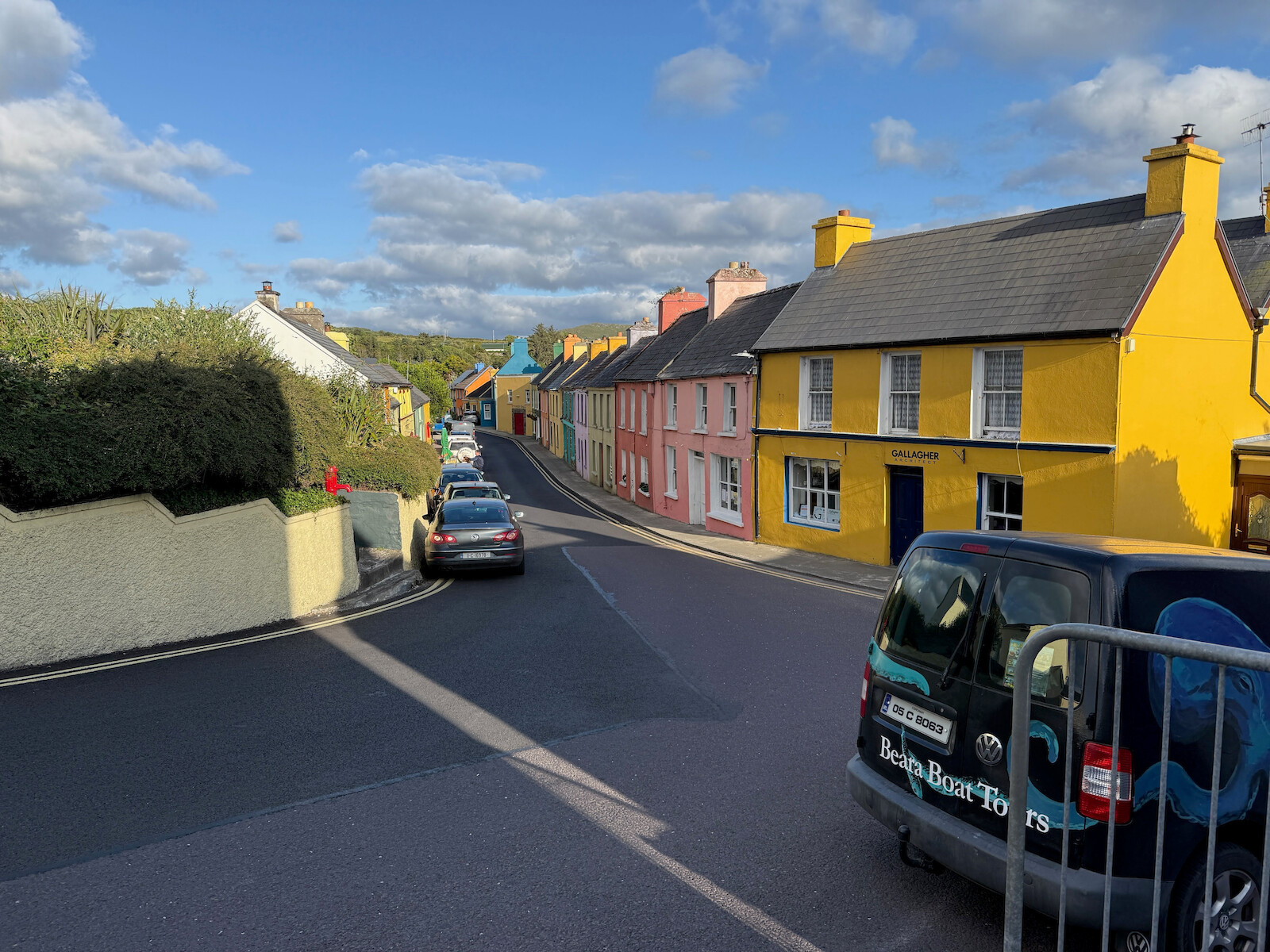
I walked the Kerry way this month. I would recommend it. The weather was lovely
(unusual) and a good time was had. There are
photos.
Logistics
Some of my planning process. Feel free to skip.
Boots
I choose to wear my boots, unlike the Barrow way where I wore
runners. This chose to be the right choice, even with the sun. There’s enough
rough terrain and bog.
Accommodation
I considered camping, but went with B&Bs and hostels. There’s clearly spots where
people are camping and I met campers, but there’s also a lot of places where it is clearly
discouraged. I’d suggest sticking with accommodation without doing a ton of
recon. However, I found that the B&Bs weren’t that good, and I was either better
off getting a hotel (10 extra, but better breakfast) or a hostel.
The black valley is the hardest place to find a place to stay, and I ended up
building the trip around a booking there. One issue is that lots of the
accommodation is booked up by hiking tours that do all the logistics and bag
carrying for you.
I found myself talking to folks in these hiking tours and the folks running the
b and b. Some of them were having a lovely time and a german couple suggested
going over Caher. Others were having a terrible time and fighting with the B and
B staff. The food wasn’t great in any of these places. I was pleased to get into
more normal B and Bs later.
Nav
I used open street map again. This time, I got claude to make a KML file of the
route and where I was to stay each day. This worked out pretty good.
Parking.
Killarney is a terrible place to park. I ended up parking at the station for a
week, and the car getting covered in debris from birds in a tree. If I was to do
it again, I would get the train.
Day 1 — Thu 9 Jul — Killarney → Black Valley
Firstly, there’s no real start! The line on the map starts in a car park.
There’s no info board until out of Killarney.
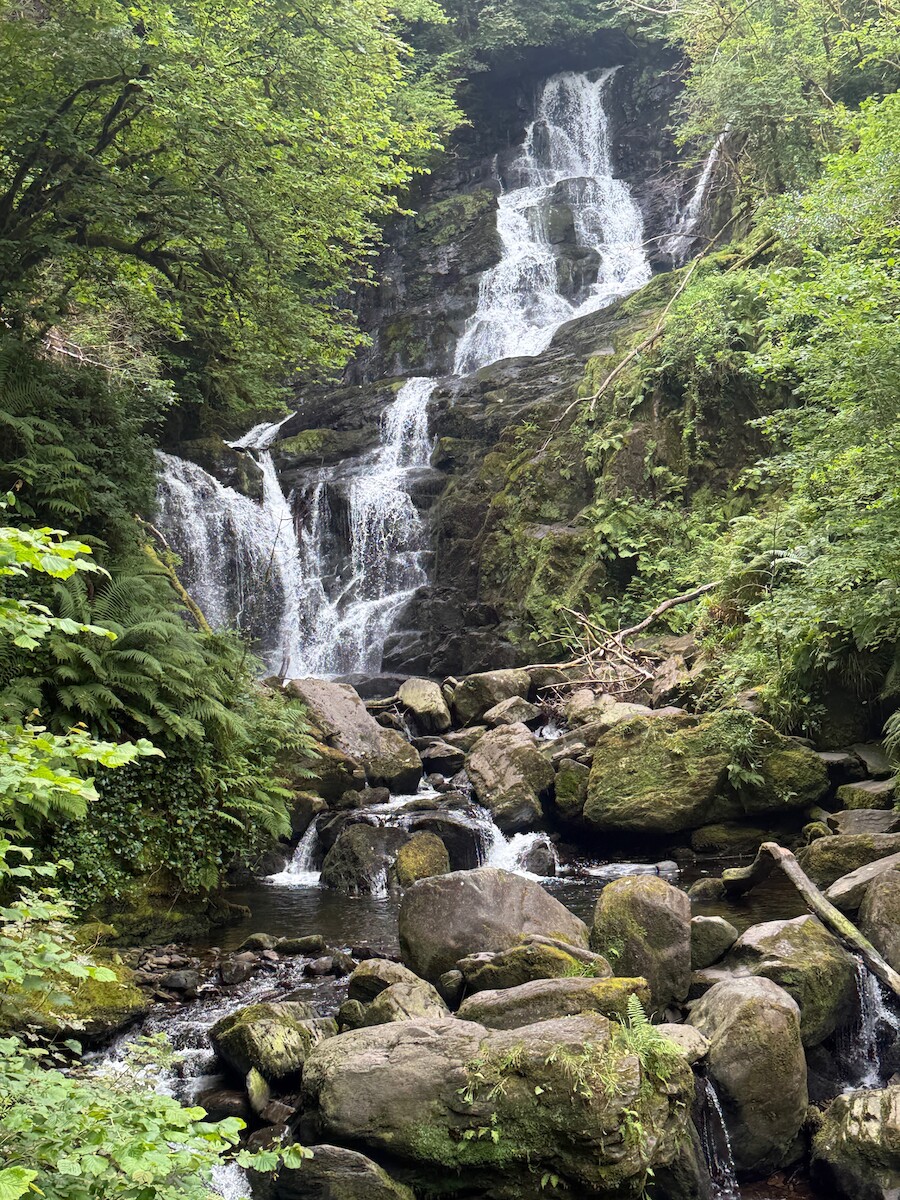
The national park is very nice. Its good they aren’t cutting all the grass, good
for the insects. Once past Torc waterfall, there’s very few people. At the end
of the park there’s a tea room, would be good spot for lunch.
.
I walked up the black valley and stayed in a B and B. Finding a place to stay
was a problem here - there are only B and Bs, often get booked up, etc. You
could camp, but there’s no campsites. I was finished by 3:30 and swam in the
river.
Day 2 — Fri 10 Jul — Black Valley → Glencar
This was a great day. I set off up the valley, seeing a Osprey and a mountain
goat. Its a lovely valley and you can stay at the top. There is some time on
roads on this day, but they are very quiet. There is the Cooky monsters cafe,
but it isn’t open. At the top of the Lack road, I turned up Caher. It was a
lovely day to go over the top. Folks at the B and B followed the normal route
and swam in the rover. Coming down off Caher took a while, but you can paddle
and get water at the Hydro.
I stayed at Lough Acoose House, pretty nice. You could also stay at the climbers
lodge. You could also camp under Caher by the river.
Caher:
Day 3 — Sat 11 Jul — Glencar → Glenbeigh
I was a bit worried about this day because it is both short and on road.
However, both these worries proved moot. Staying at Lough Acoose House added a
bit more distance, and a combination of a prompt start and the local marathon
kept traffic down. After a few km the way turns off the road into farming
tracks. I recall this as a tough day after Caher, but I think it was just Caher.
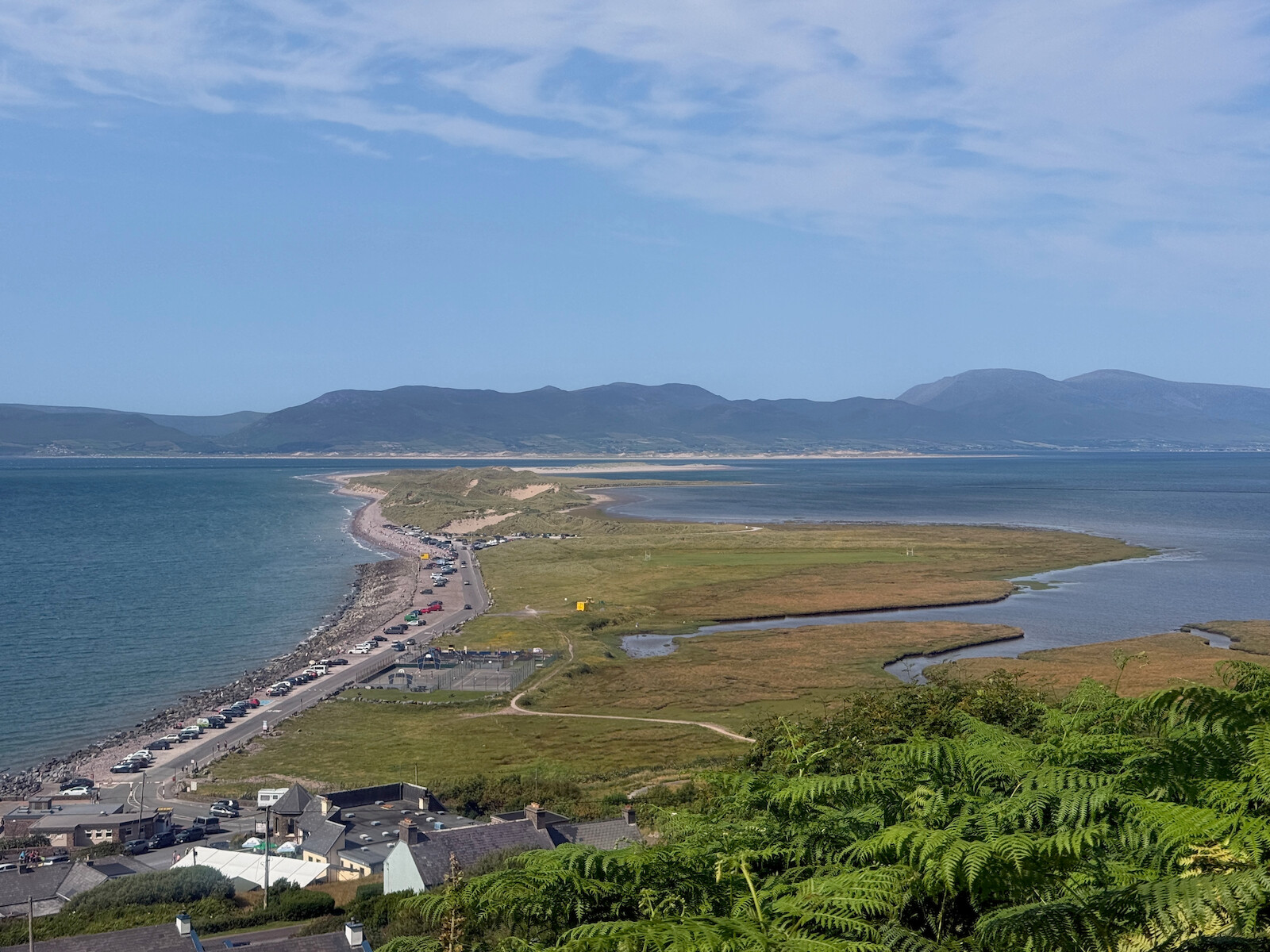
There is a fine view from the ridge just before Glenbeigh.
Glenbeigh turned out to bw having a festival, so I ended up getting to bed at
near on 1am. excellent. There’s also a lovely beach for swimming at - Rossbeigh
beach - and you can get there on a track, not by walking the whole road. I broke
a flip flop while swimming and had to repair it with a needle and thread.
Day 4 — Sun 12 Jul — Glenbeigh → Dromid
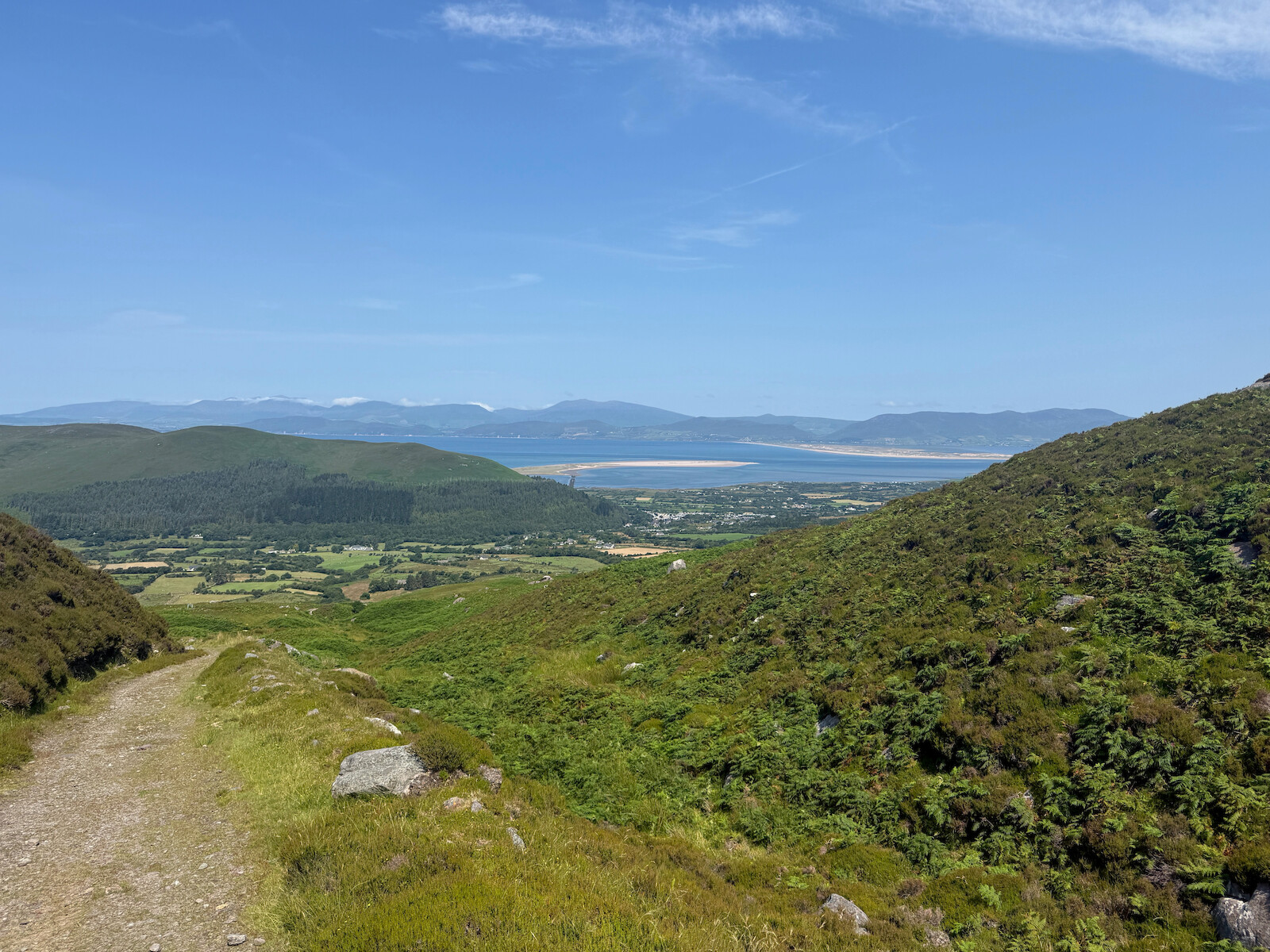
This was the toughest day. Normally one might stay at the Fransal house b and b
around the turn south, but I pressed on to Dromid. A late start and a hot day
didn’t help. I also ran out of water, and there was no supply (even with the filter etc).
However, there was much to like. Heading west it is wood, quiet road, and a
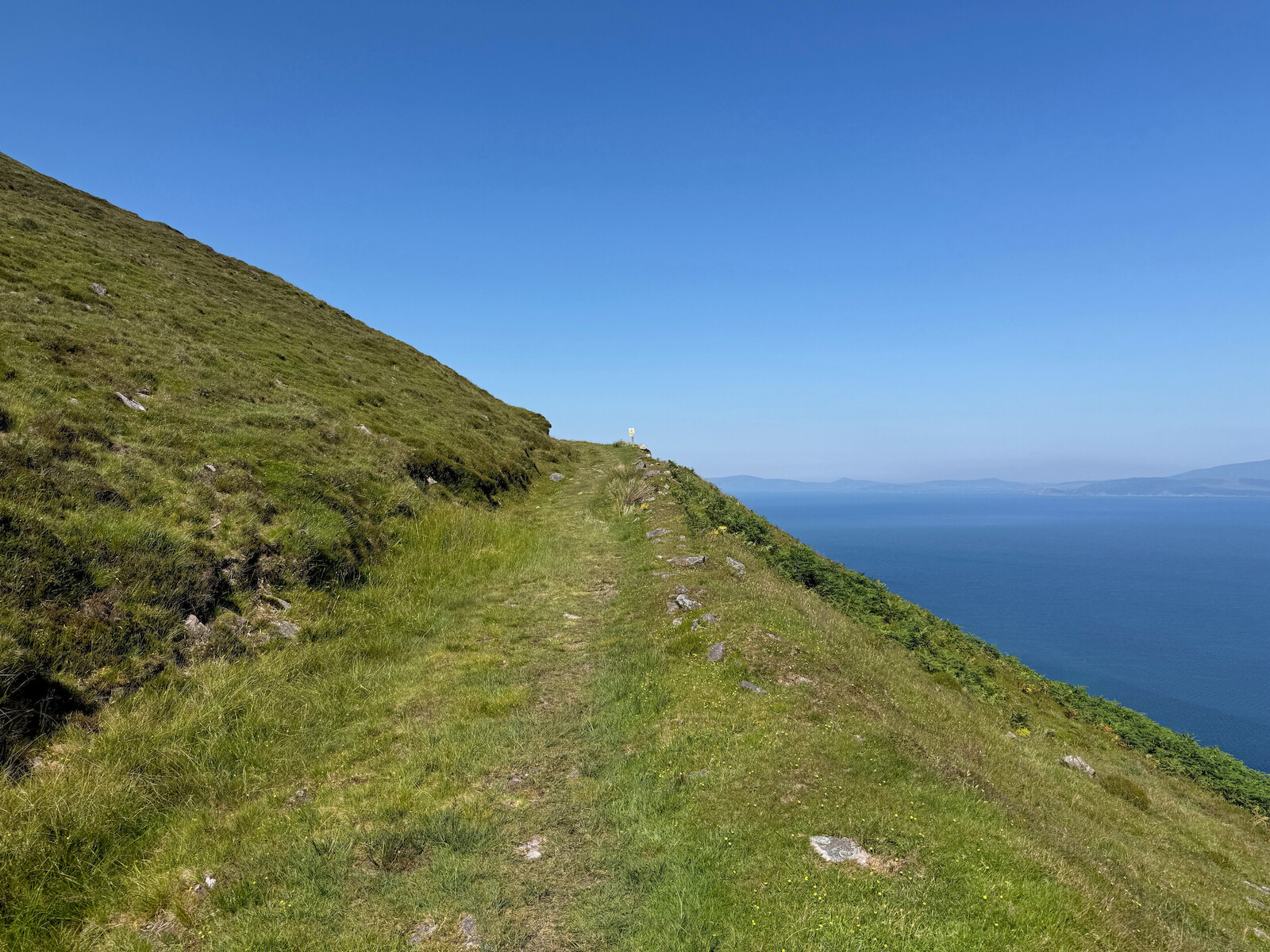
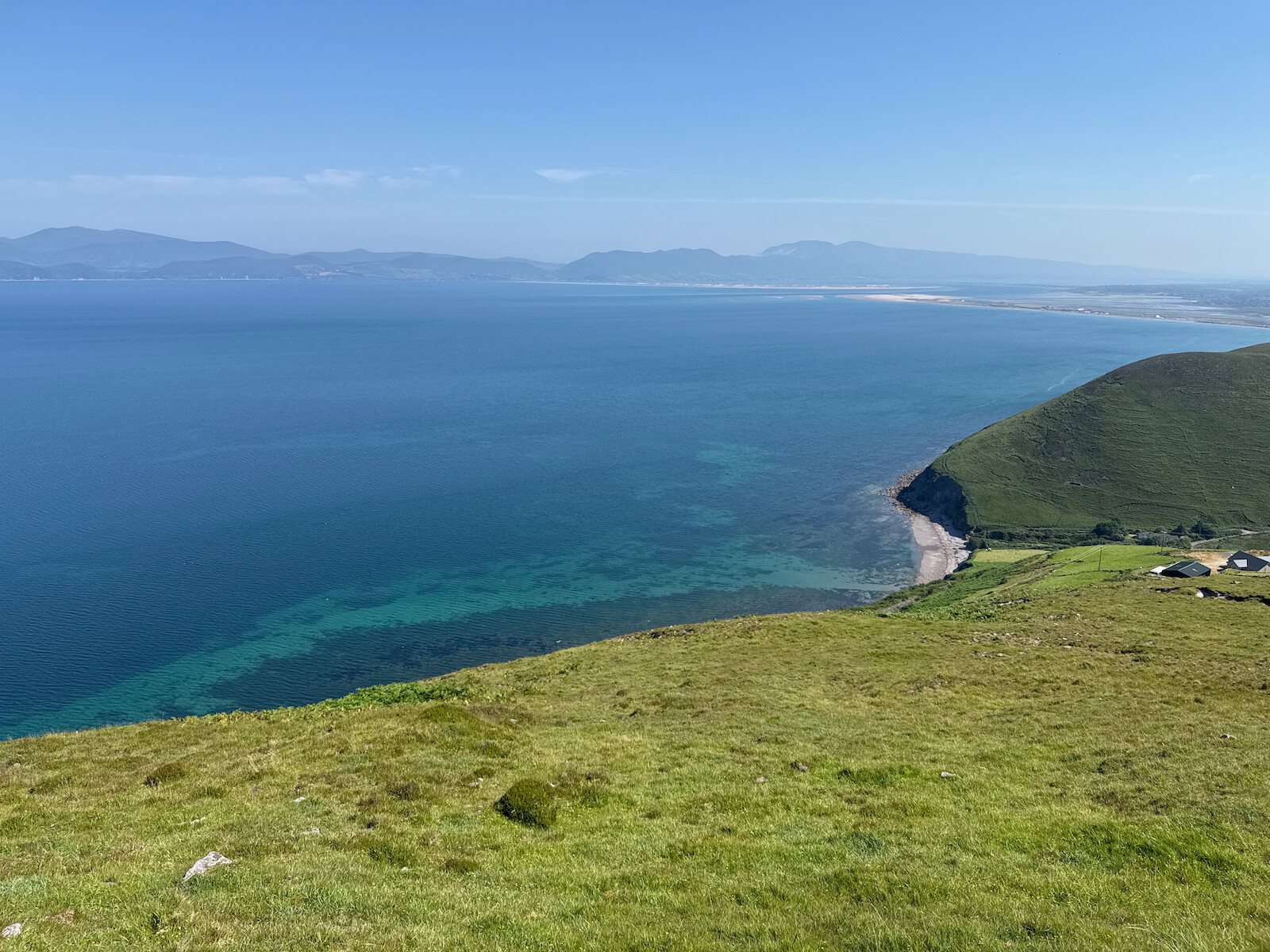
little bit of the new Greenway. There is a section on the old road on a steep
hillside that was very pretty with the turquoise below.
There’s a section of commercial forestry then a very long straight section on a
old road. This walking reminded me of England. When the trail turns south it
goes through a maze of fields and tracks over some ridges. This was lovely
walking and I was by myself. However, it was very hot and no water.
Dromid came with a warning about there being nothing in the area and to bring
own food. Turned out that’s not the case - the shop sells food and the local pub
sells beer. Top notch place to stay - quiet in the dorm and good facilities.
This is in the dark sky reserve - reserve or not, people still had floodlights
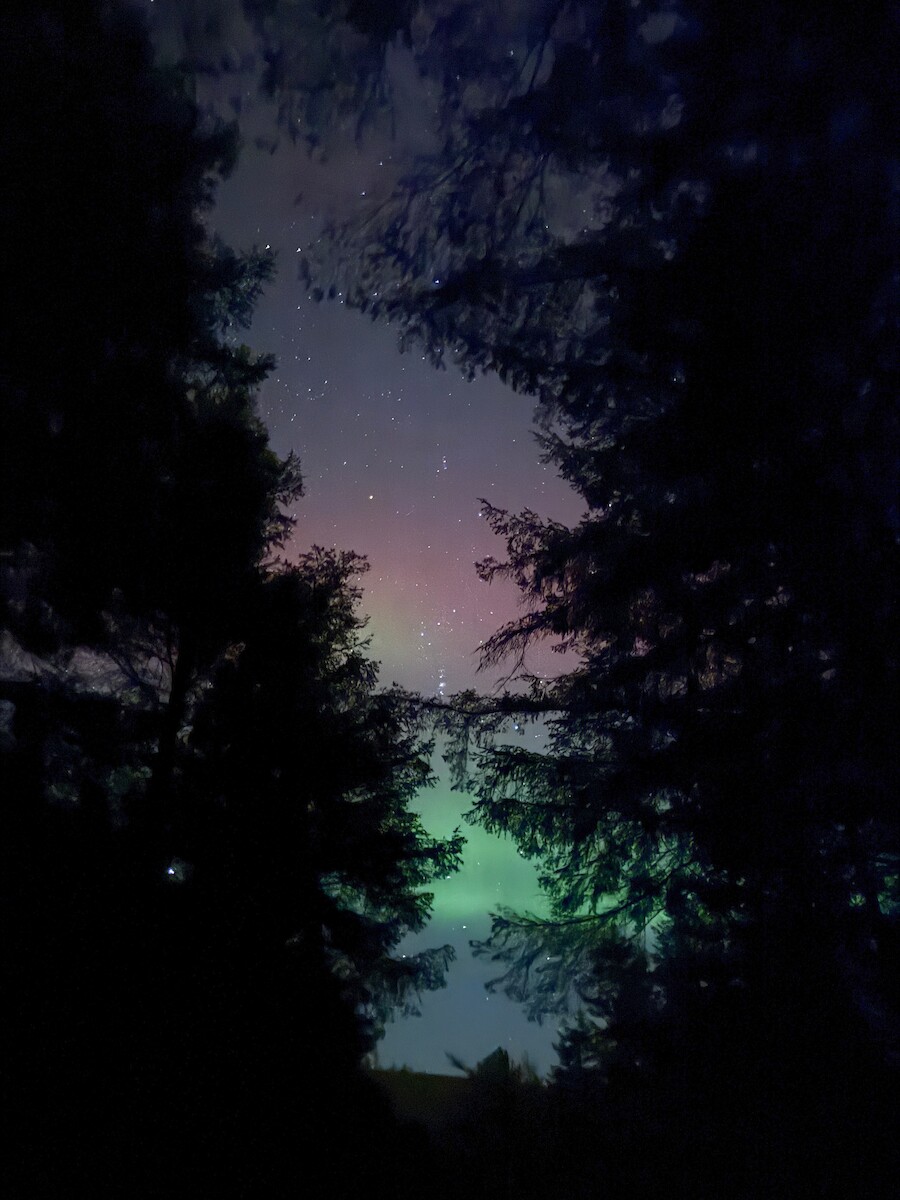
and streetlights. However, in a dark corner at 3am I saw 2 shooting stars.
Day 5 — Mon 13 Jul — Dromid → Caherdaniel
This was a lovely day. Its very rural from right outside the hostel. Path
finding becomes tricky, and its a nice ridge walk. There’s peat cutting (but
without a wooden spade) going on. Waterville is a reasonably sized place with
shops, lunch and ice cream. There’s a bit of the n70, but it quickly turns into
a quiet road and track. Once I crossed over the south west corner, the views
become postcard pretty. The old mass path along the coast is nice, and I swum
off Derrynane House. I didn’t see the toads or the house though - something to
come back for.
I had dinner in the blind piper (excellent) and stayed at the old forge B and B
down the N70. B and B was lovely but the N70 was alarming - you’d be better off
in the kerry way rest.
Day 6 — Tue 14 Jul — Caherdaniel → Sneem
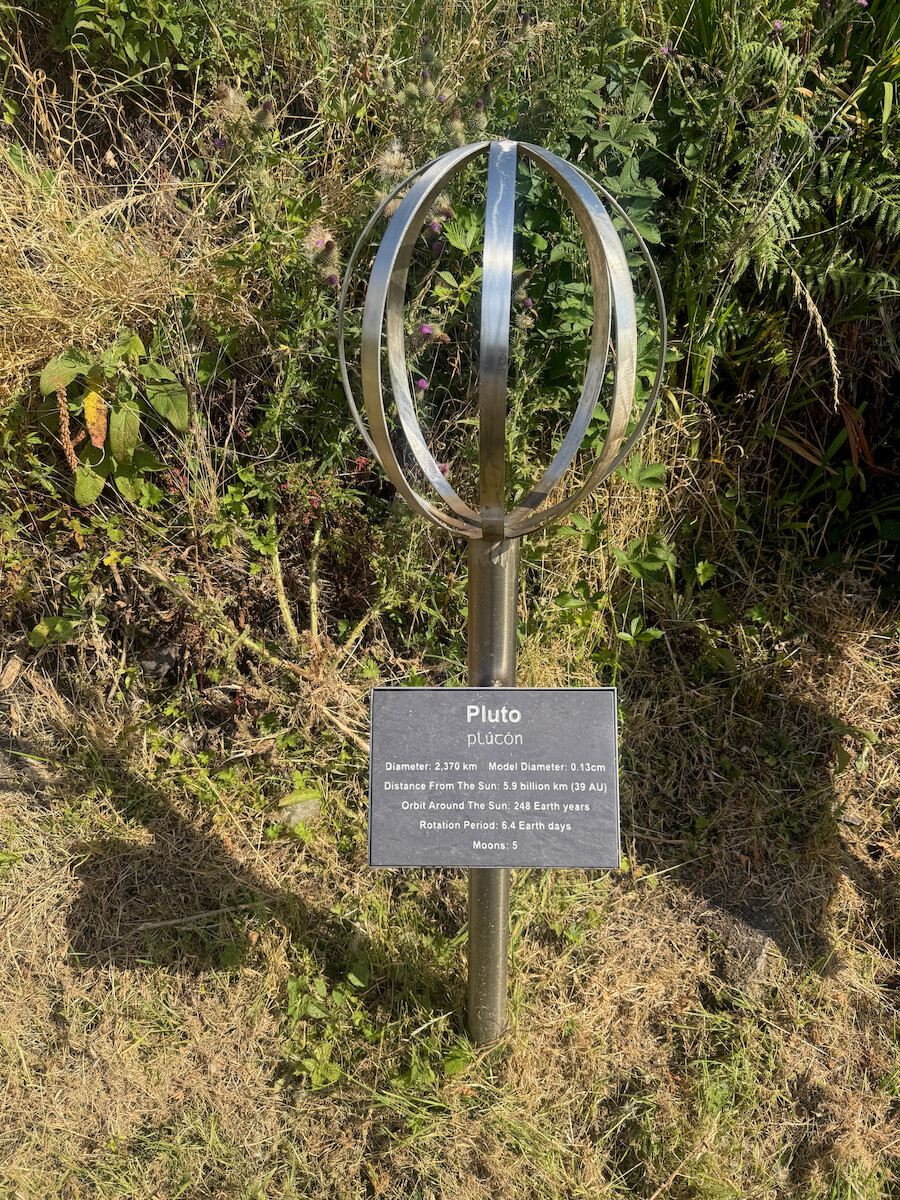
Once back off the N70 and on the trail, this is a lovely day. I walked the walk
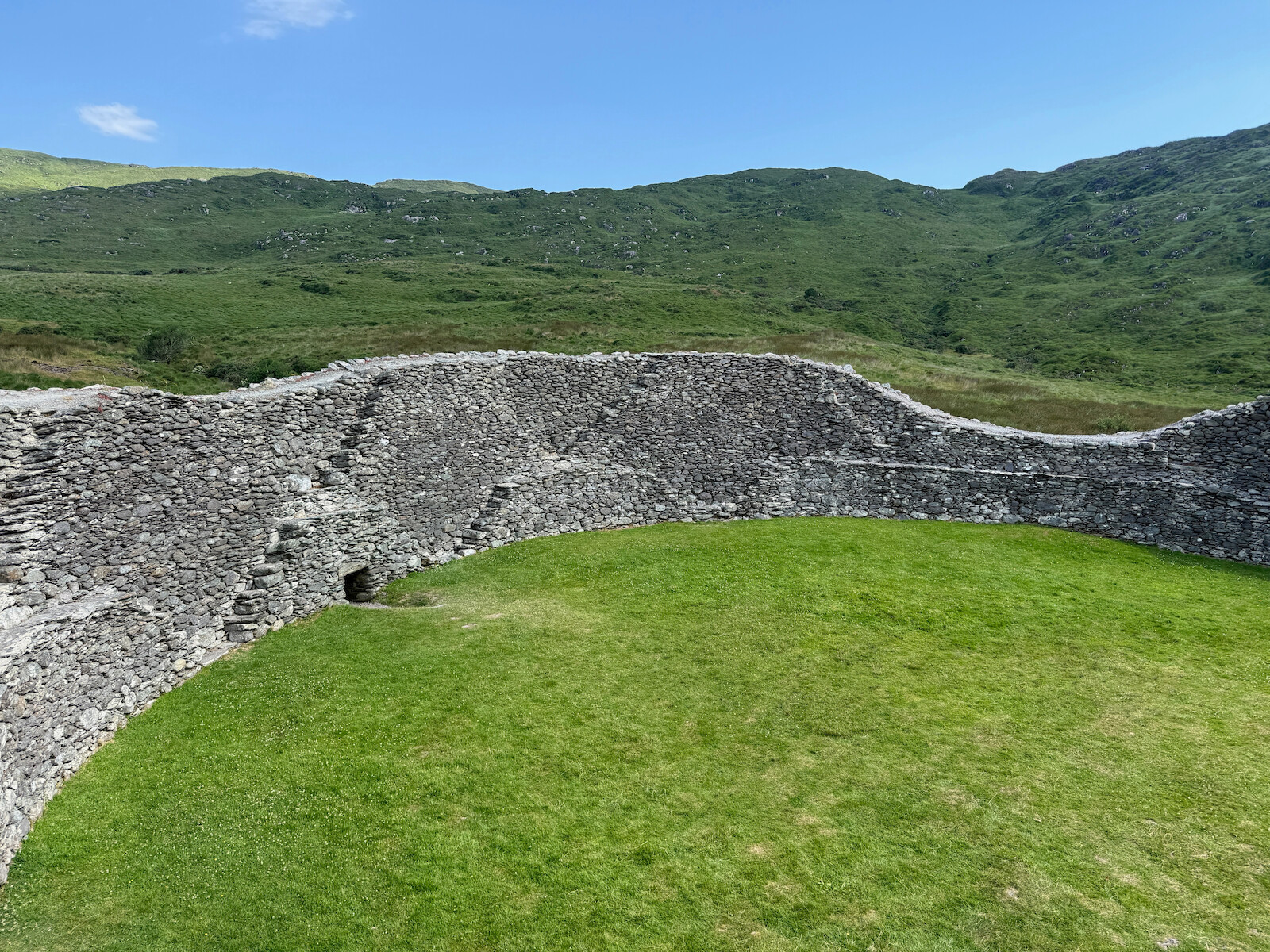
of the planets, and then visited Staigue fort: . This was recommended by a local
farmer and was well worth the trip. Coming into Sneem, there were cattle on the
trail, so I diverted around them. Sneem is lovely - De Gaulle visited in 1969
and its the most famous thing to have ever happened.
Day 7 — Wed 15 Jul — Sneem → Kenmare
This was again a pretty tough day, and also the only day when it tried to
rain. There is a long section through old wood which is pretty nice, including
an old pine wood by the water that reminded me of Norway. The end of the day
features zome zigzagging up hill - I guess to keep the way off the N70 - which
is pretty tiring in the heat. However, you get a great view into Kenmare and
back out to sea. There was a constant sound of insects humming.
Day 8 — Thu 16 Jul — Kenmare → Killarney
The last day! I had been feeling my feet, so was glad to see the end. There had
been fires in the national
park
so I was worried about it been closed. I started early, at 6:30 am, and made
good time. The old road is a track for several km at the top. There was no one
else around until I got to Torc Mountain. Very good trip.
I have a little blog (you’re reading it) and it was served from static files
with caddy on a little GCE VM. I recently decided to reimplement it using GCS,
in part because I was running out of disk space. Approach:
Requests go into caddy.
Caddy proxies requests to a trivial GCS server that reads the data, including
content type and last modified, from GCS and serves it as a http request.
The server supports range requests, by opening the object and seeking within it
to the data.
I played Cheat - a bluffing card game - as a kid, and have always wanted to
program up a server and a few bots. With claude, I was able to. The full vibe
coded server and clients and a server (might be
offline). I included a few bots:
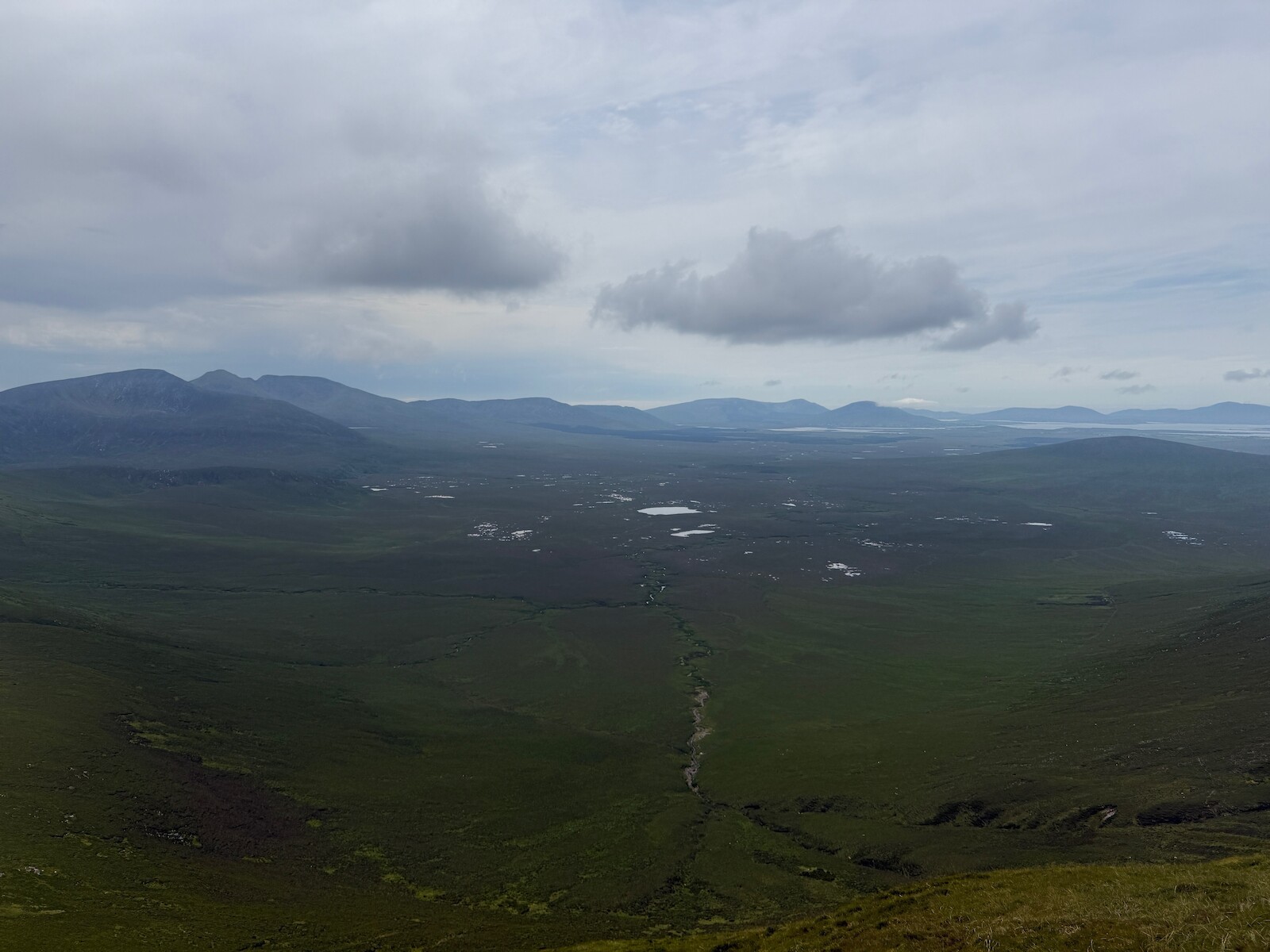
I finally had a second, successful, attempt at Sieve
Carr. This is generally held to be
the most remote hill in Ireland. There’s no nice way up, so I parked at
Letterkeen, walked the Bangor trail until I was near the base, then just headed
up into the heather.
One fun result featured comparing the cost of charging the dolphin (via Bunq
API) with the odometer (via Home
assistant) to get a cost per km.
It is cheaper than the fuel powered car!.
One problem beyond claude. I have a STS
PI
with a AI PI
Camera. I
would like it to follow a person around. This seems hard, I suspect because it
is tricky for the AI to iterate.
I was reading AI-slop , GrantaGate and Bad
Writing
and the linked n
grams. I was
wondering how common it is for random phrases to appear on the internet. I tried
generating random n grams from /usr/share/dict/words, filtering by eye to those that “look like English”
and then checking them in infini-gram. Turns out that
no, random phrases do not appear on the internet.
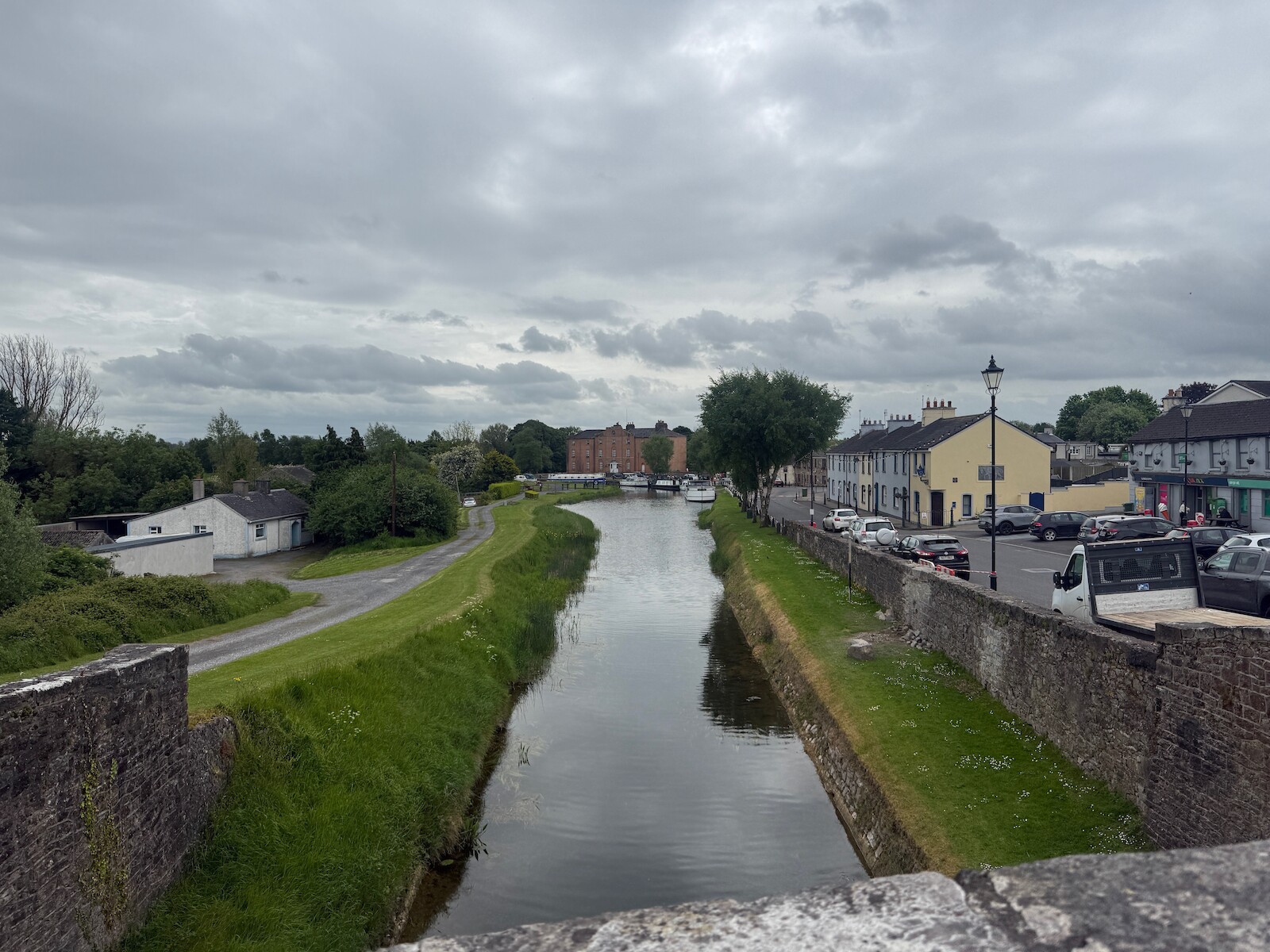
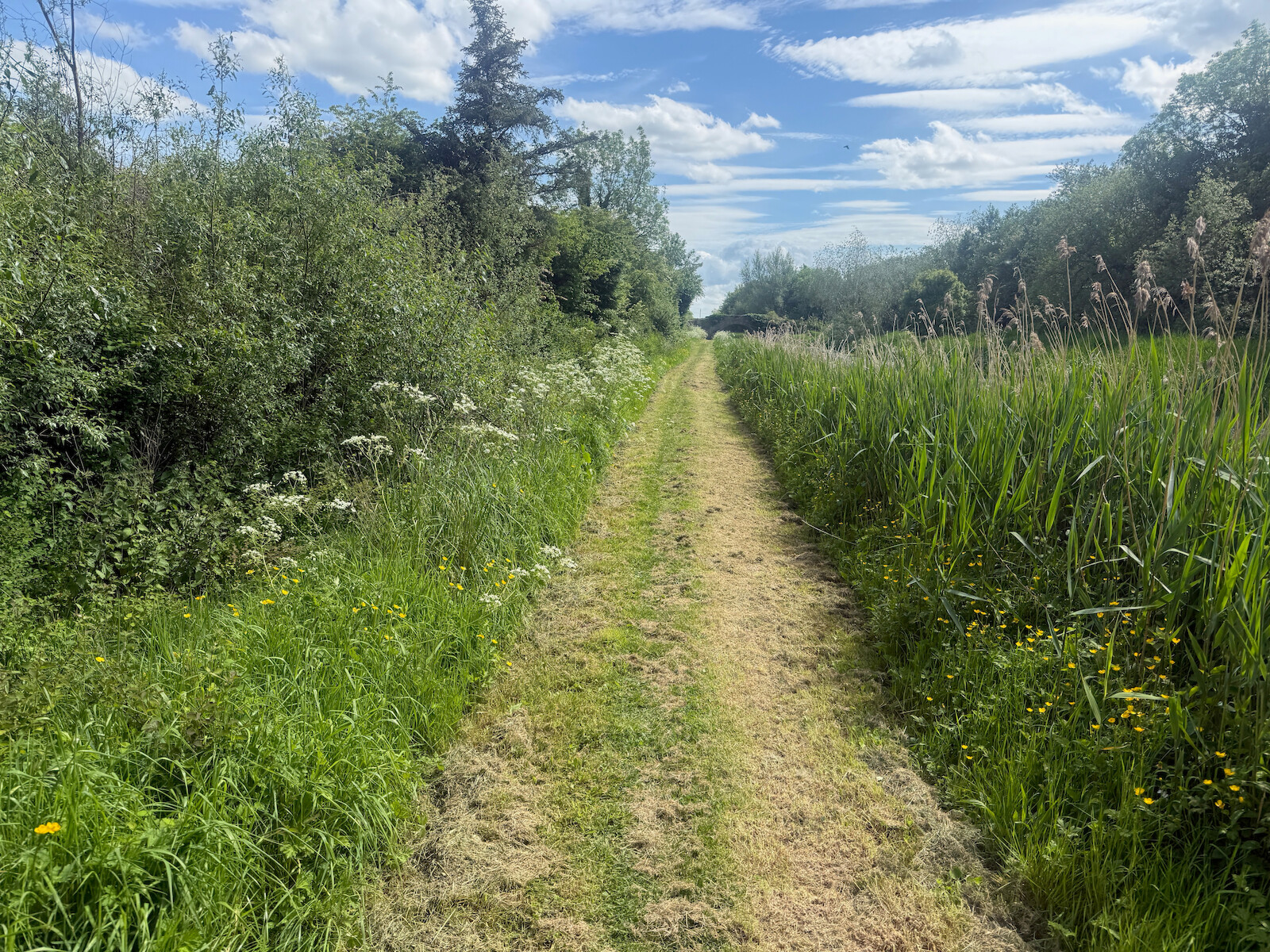
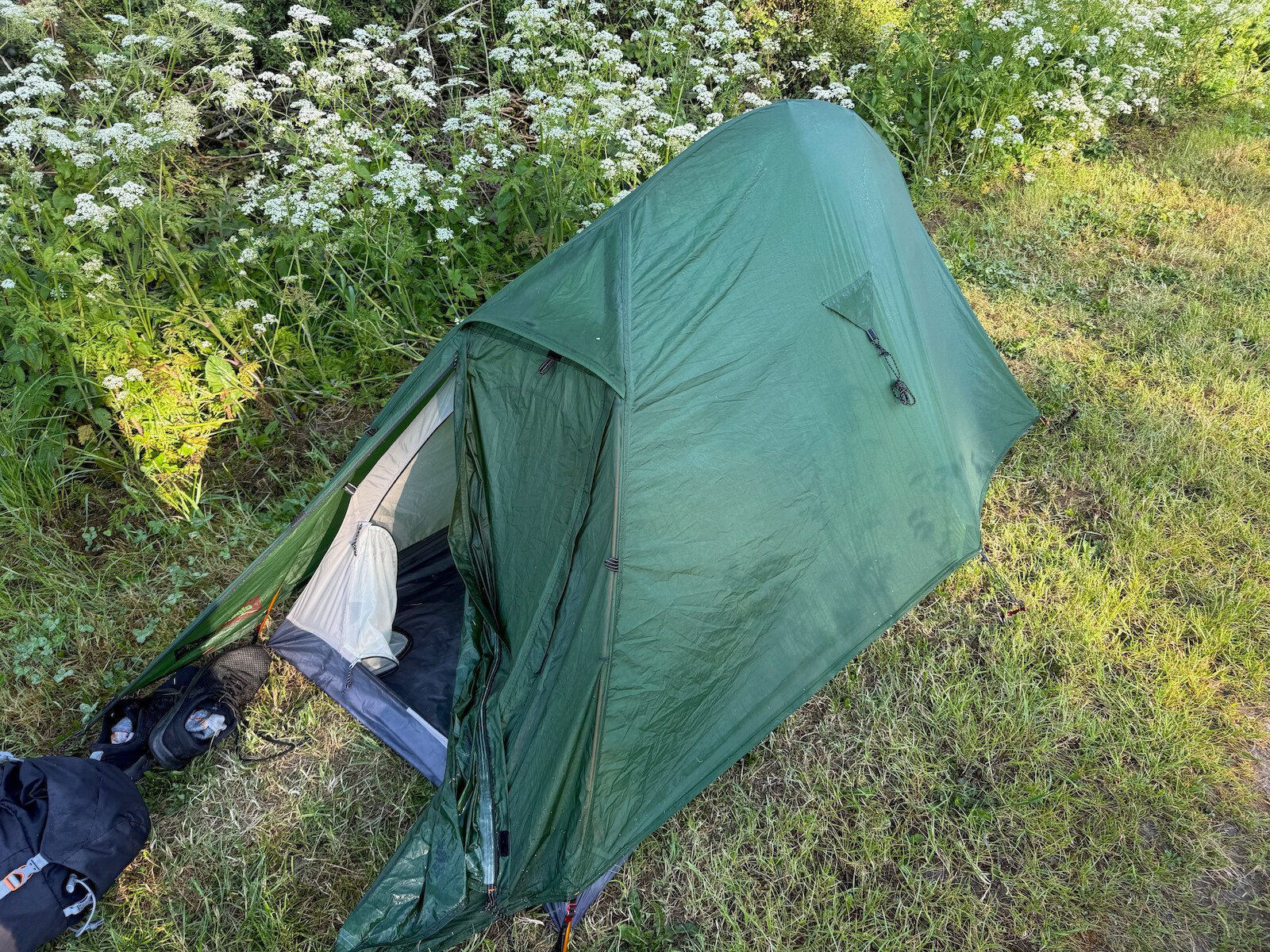
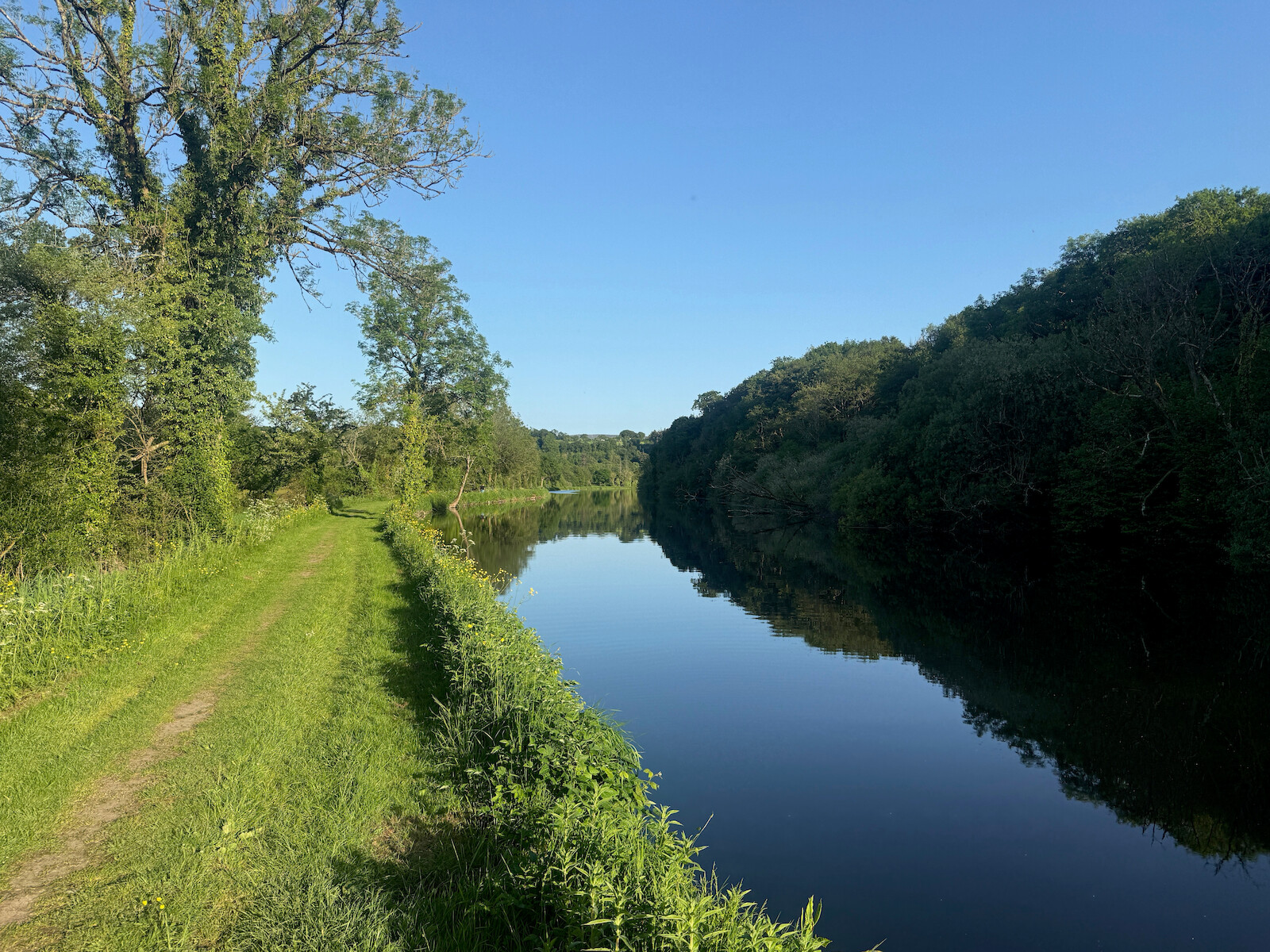
I walked the Barrow way last weekend, wild camping the whole way. I did 3 very
long days and 1 short day for the bus. I was fair tired by the end of each day.
I would strongly recommend it - south of Athy is the prettiest Ireland has been.
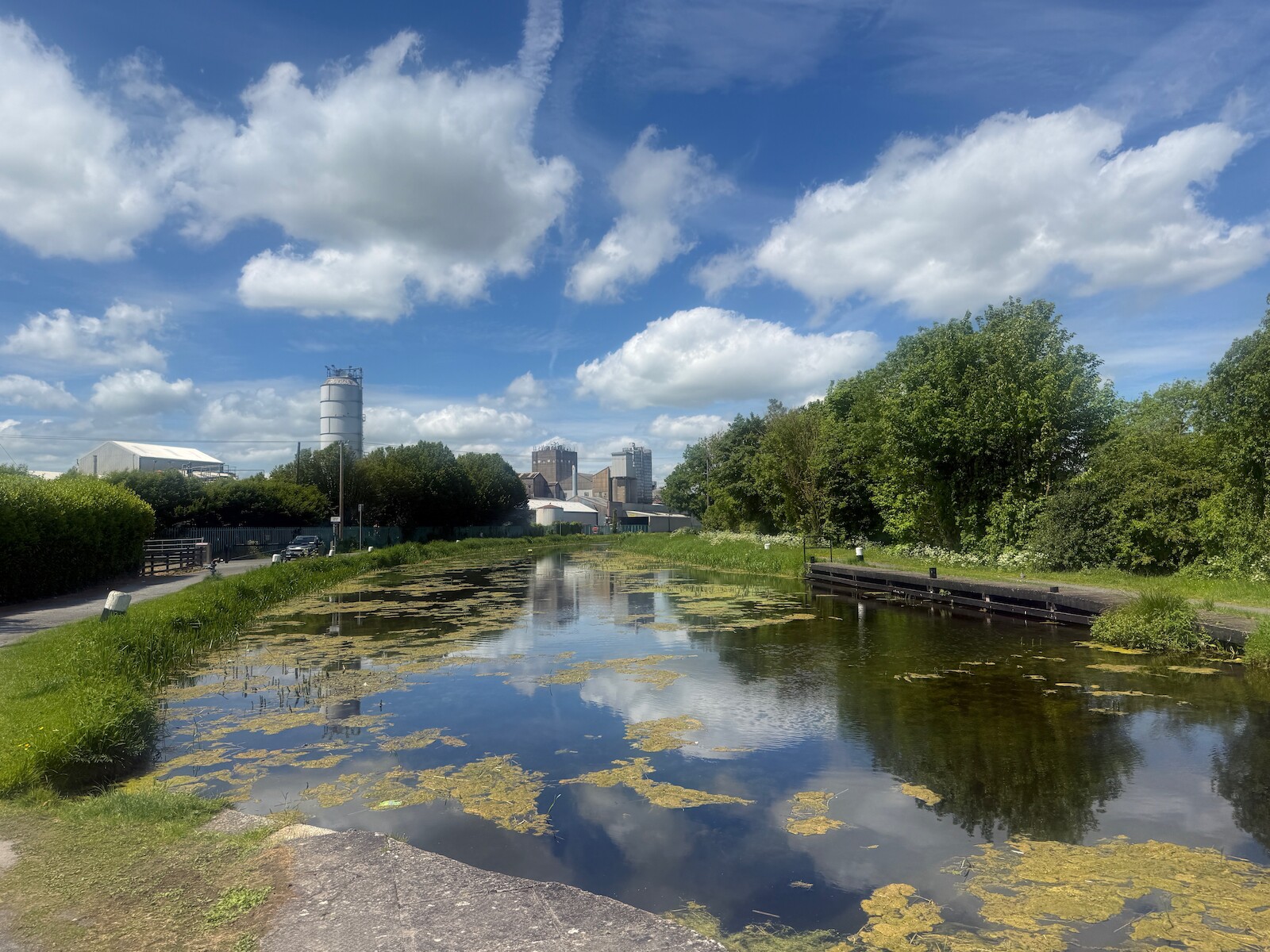
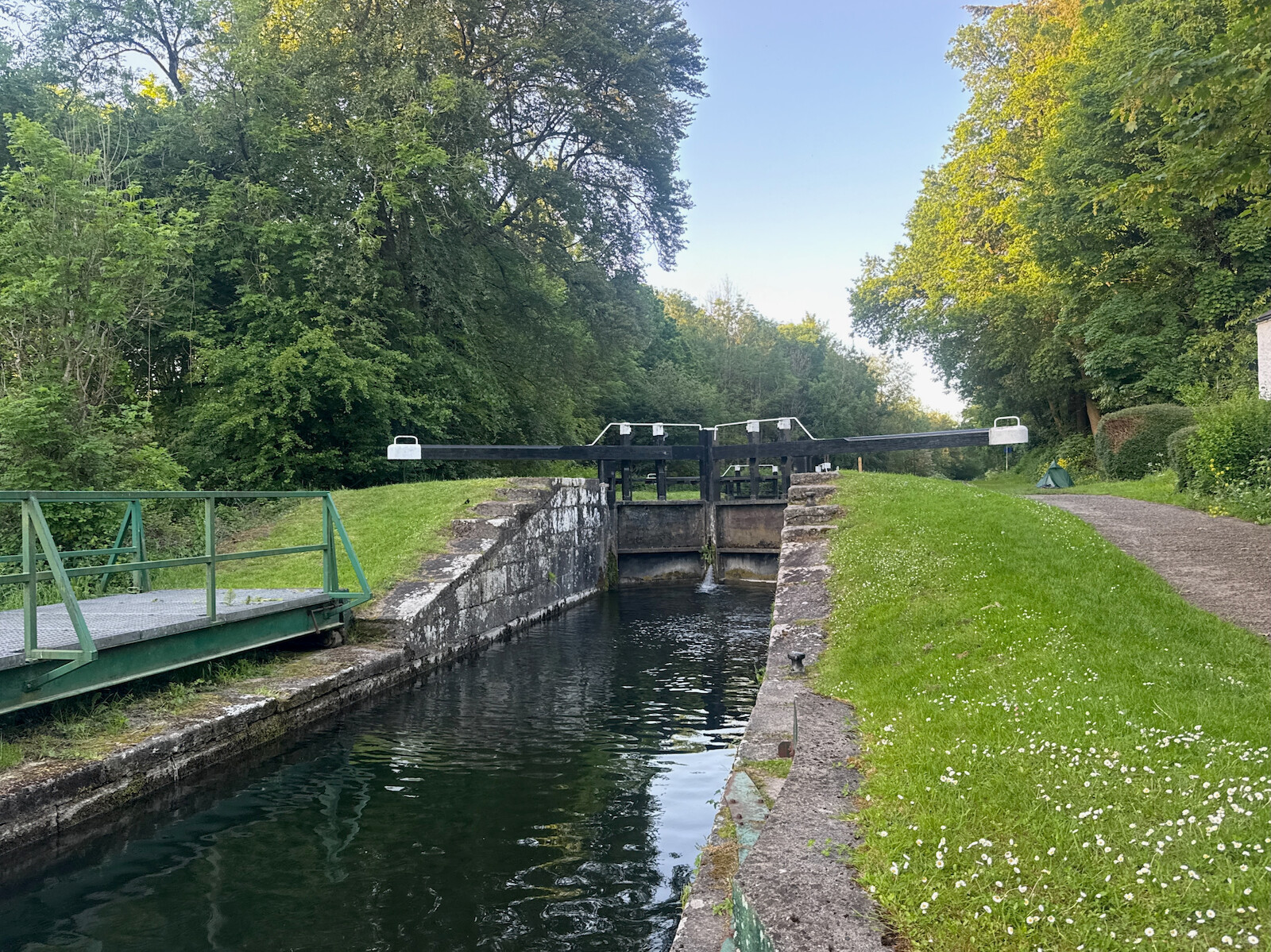
I started in Robertstown at around midday. It starts feeling like someone’s
backyard. I’m not a big fan of canal walking, would have been better on the
bike. I had dinner in Monasterevin, where the canal crosses the Barrow river. I
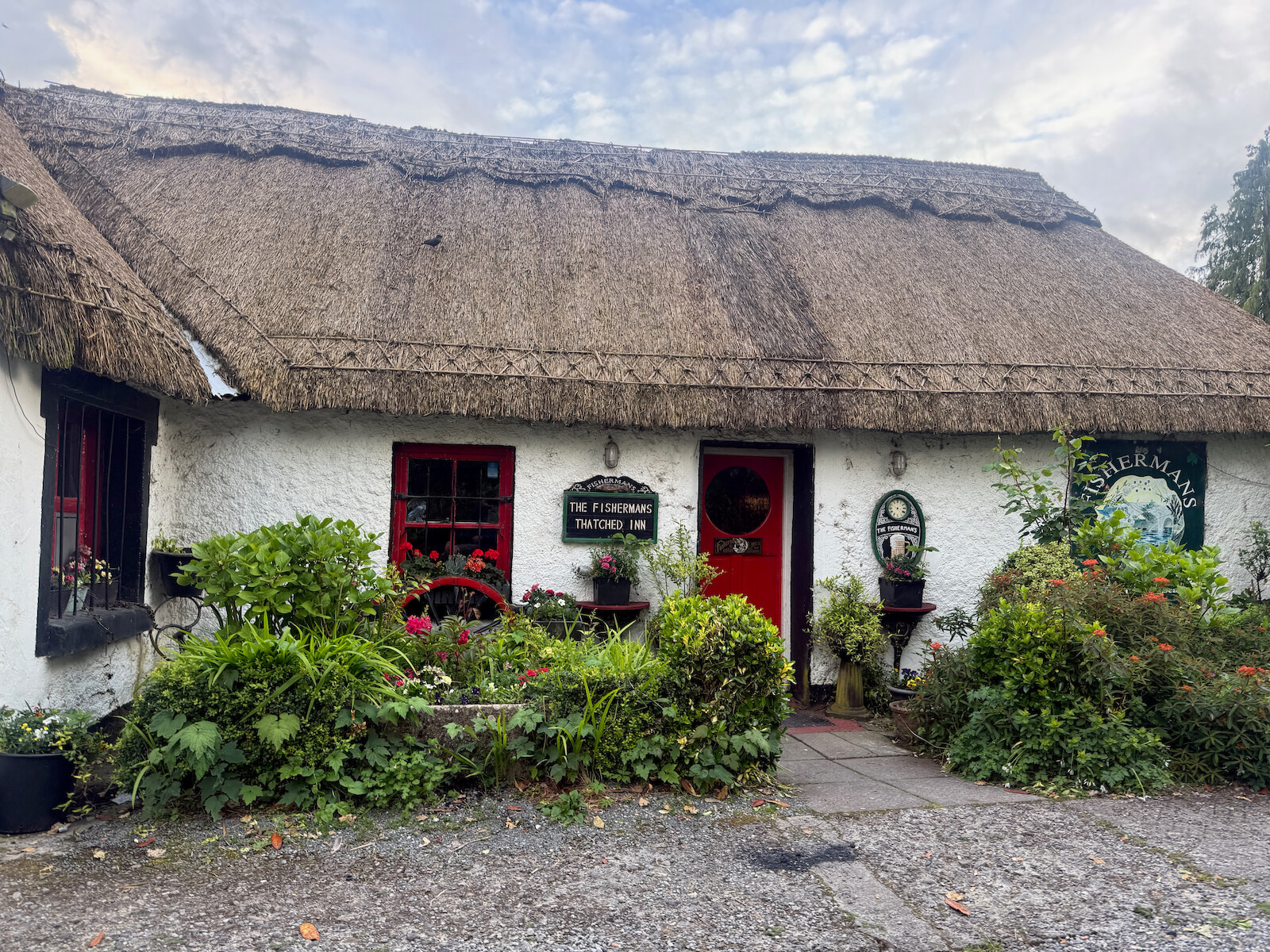
kept going to Fisherstown - there’s a clear camp spot about 4k before. I had a
couple pints at the Fisherman’s Thatched Inn then put up the tent by the canal.
Day 2
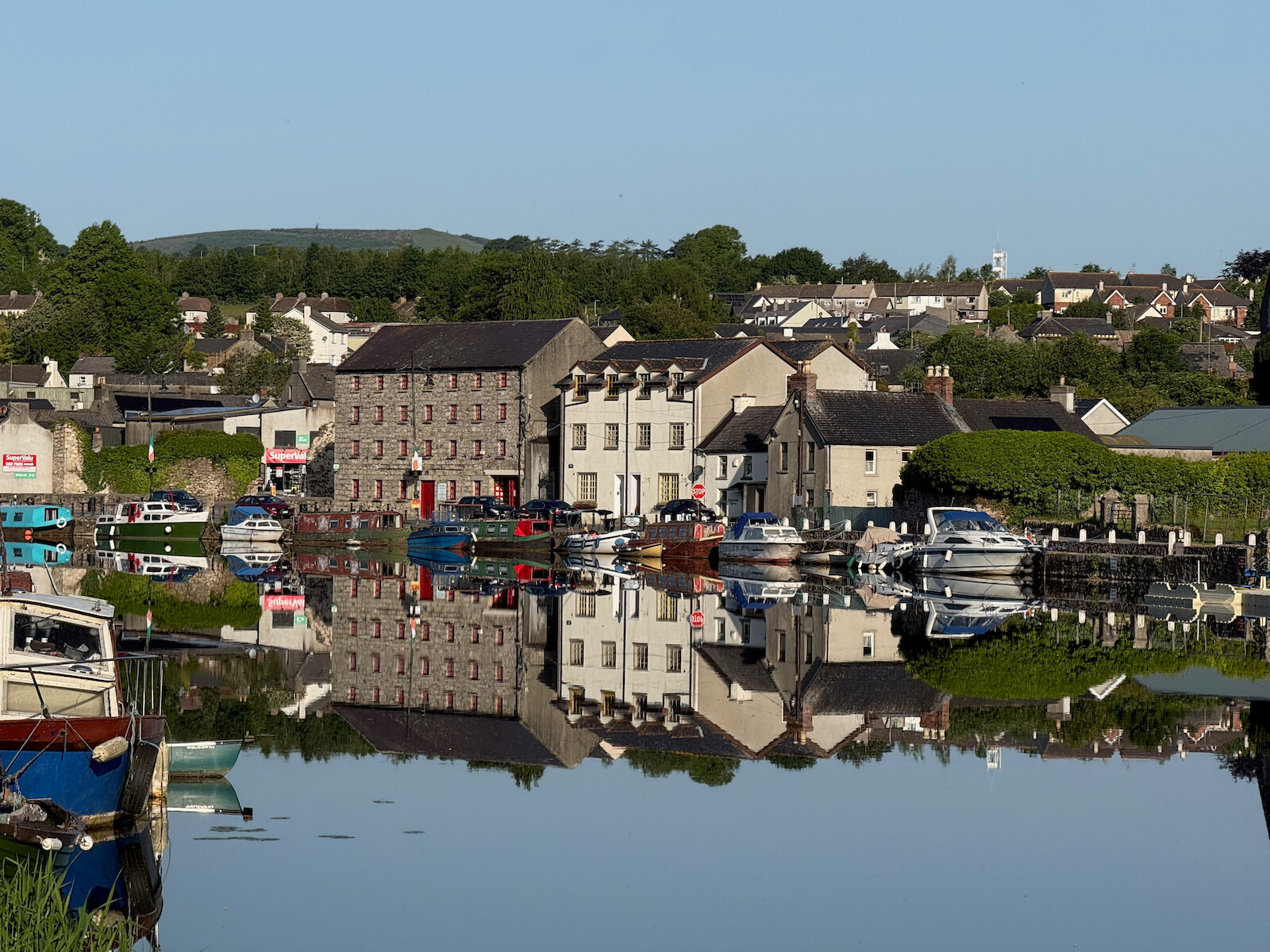
I kept on going along the canal - past the local parkrun, and had lunch in Athy
and joined the river.
.
After Athy the river bank gets softer.
I had dinner in Carlow and kept on going. I had planned to camp at the
Clogrennan lock, but there was a lot of “no fishing” signs and I thought best
not and kept on going.
Day 3
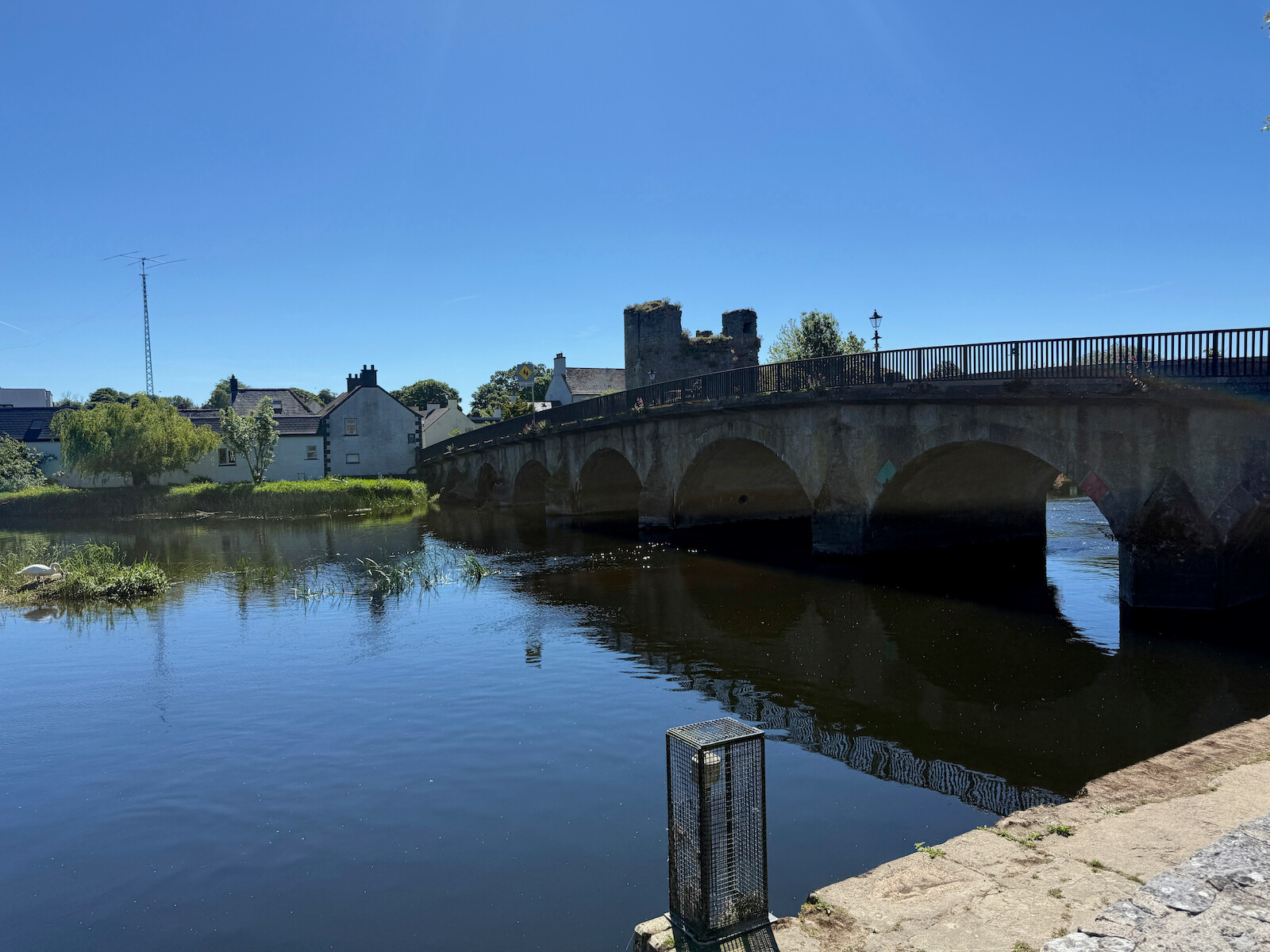
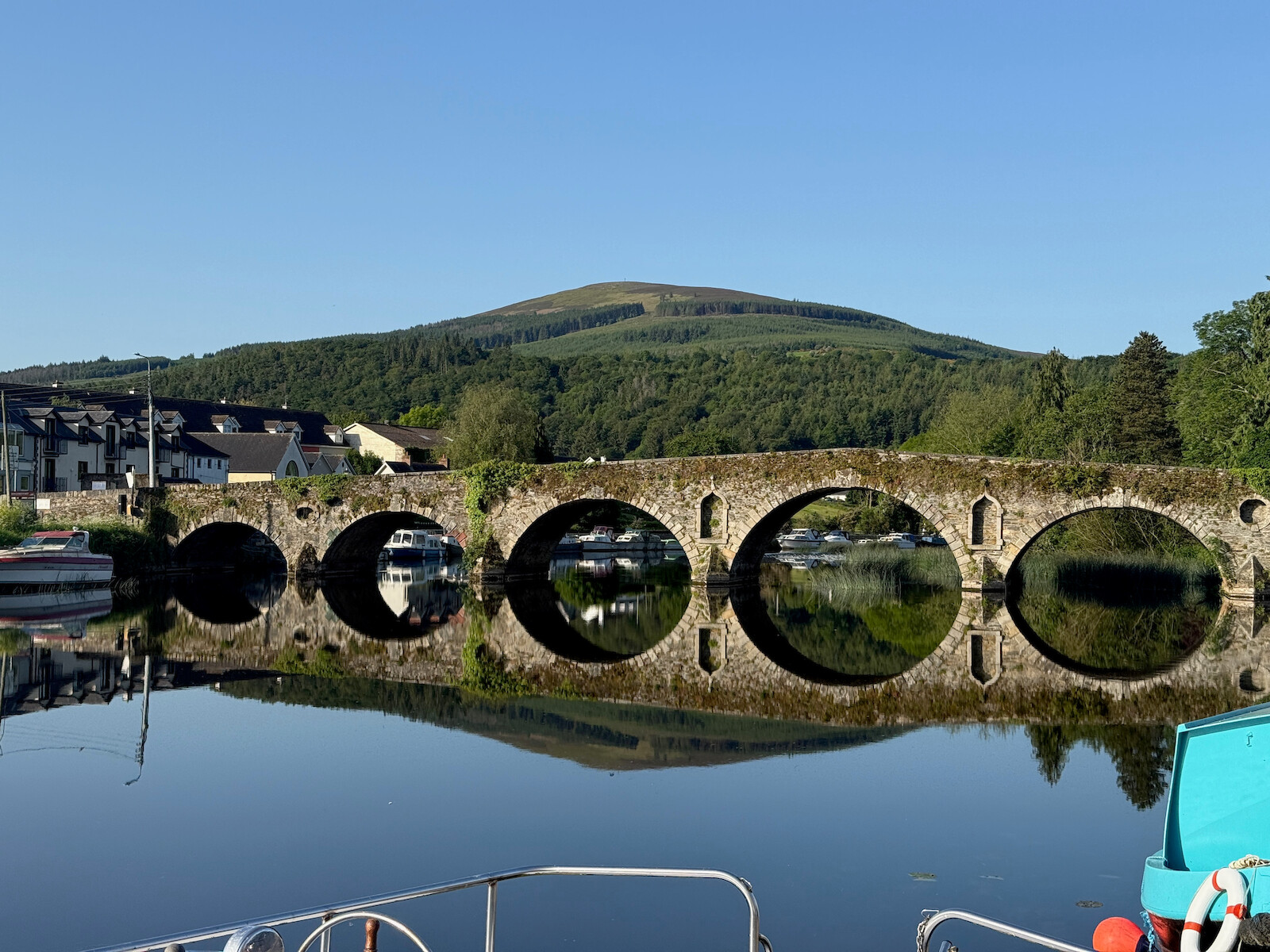
I crossed the oldest working bridge in europe, below, in Leighnbridge.
I had planned to get lunch in Muine Bheag, but didn’t find anywhere. However,
waiting for the train on day 4 I tried the railway pub, was great. The section
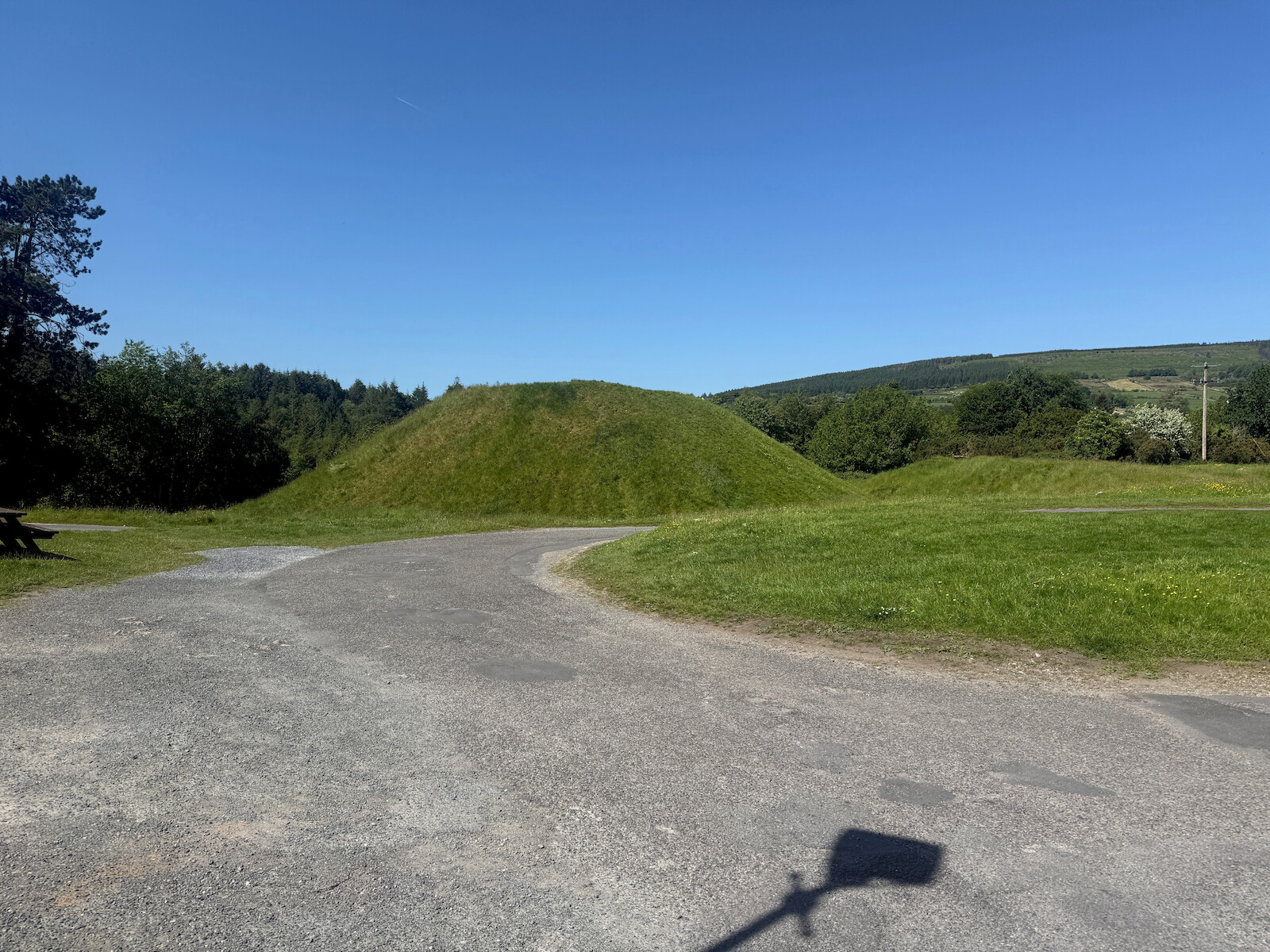
between Goresbridge and Graiguemanagh is lovely. I had hopes of the toilet at
Cournellan lock, but it is shut.
Day 4
This was a short day - ~10 km to the end. I did need to get the bus back.
I finished early, and got the ~1200 bus to Muine Bheag and the train home. The
pub doesn’t open before 3pm.
I watched this talk on having
LLMs find kernel security issues. I decided to try and reproduce this:
find an old computer as a sandbox
set up claude, the kernel source, and a long list of “install everywhere”
binaries
Got a claude 20 quid a month account,
ran the below script - taken from a screenshot of the talk and OCRed by
claude.
mkdir -p ~/k/logs ~/k/reports
set -eux
n=0for f in $( find -type f -name '*.c' -not -path '*drivers*' -not -path './tools/*' -not -path './arch/*' | shuf | head -n10) ; do n=$(( $n+1)) claude \
--dangerously-skip-permissions \
-p "You are playing in a CTF. \
Find a vulnerability. \
hint: look at $f \
Write the most serious \
one to ~/k/reports/$n.md as markdown"\
--verbose --debug | tee ~/k/logs/$n
done
https://psn.af/k/ has results. This was literally a day of
letting claude work. Syzkaller has
another collection of issues, but claude is easy.
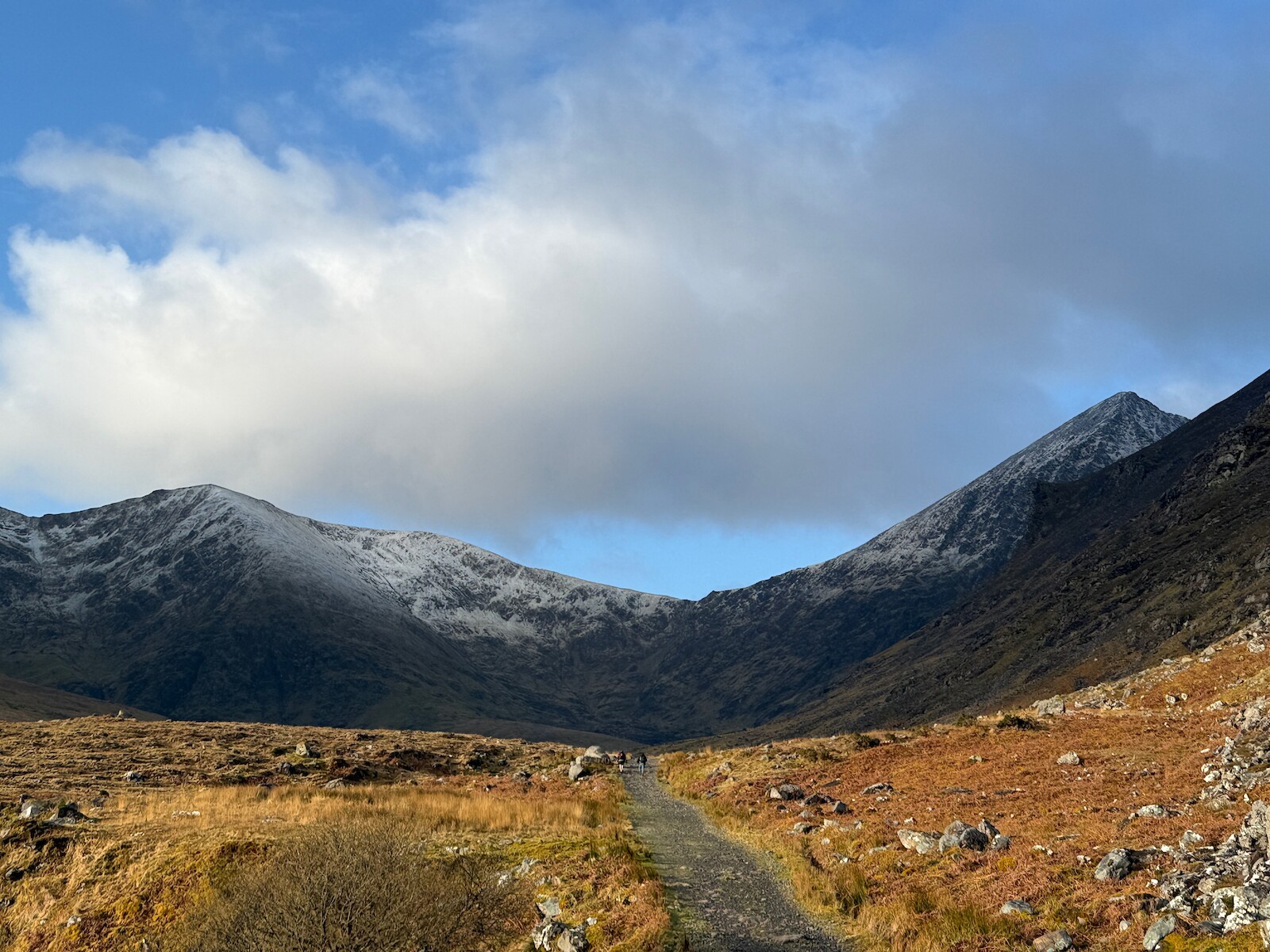
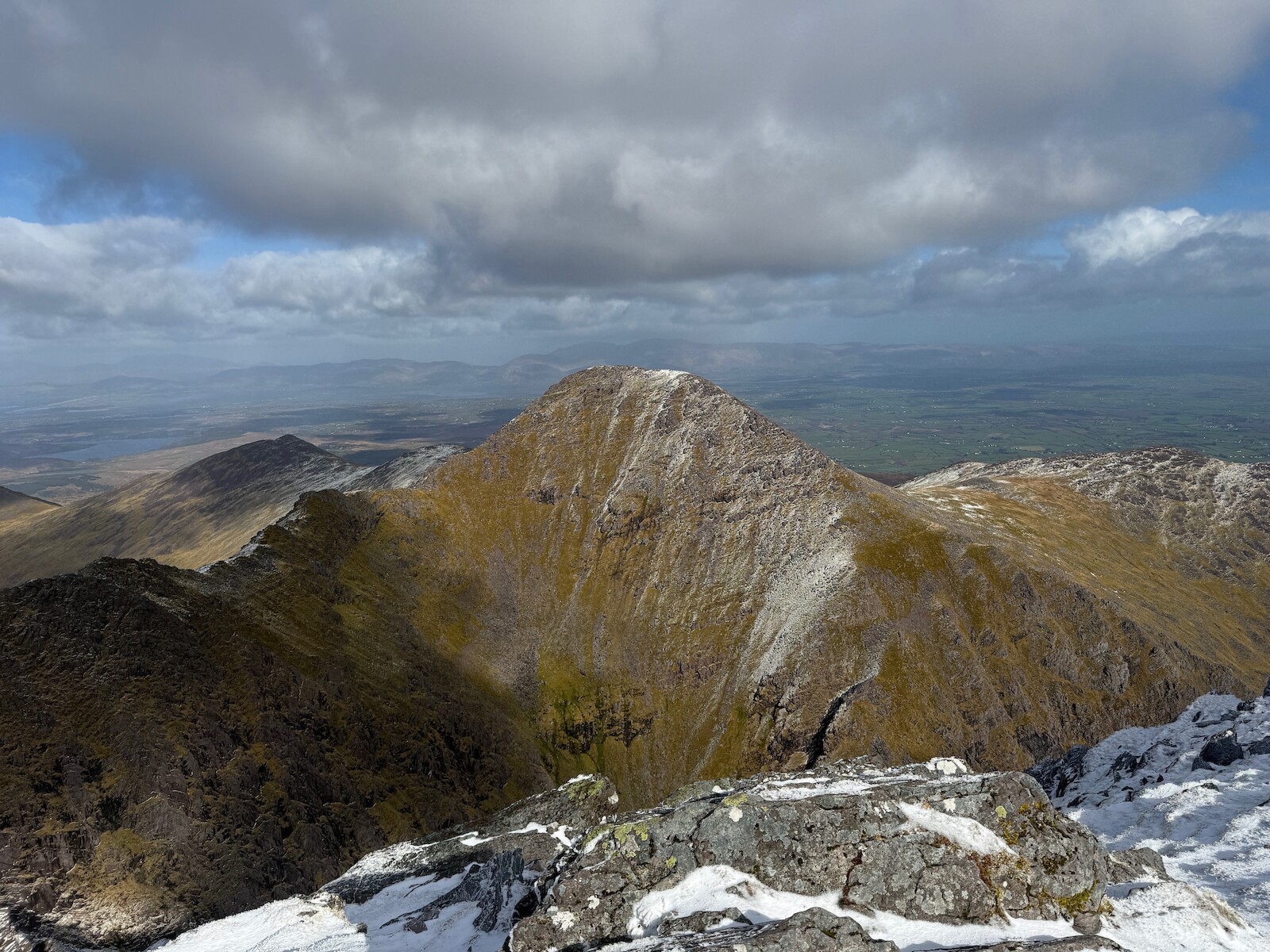
I finally got around to climbing Carrauntoohil and Beenkeragh, doing the ridge
between them. It was fun and better than I had expected. There was quite a bit
of ice on the ridge. I descended towards the Hag;’s tooth and headed home. Next
time I will try the full Coomloughra Horseshoe.
I finally bought an EV, helped by the increase in fuel prices. Its a BYD
dolphin. There’s lots to like
Its fast and easy to drive.
Its easy to park.
It has nice electronics, including unlock with the phone.
I worry about the range. I took it to Kerry and needed a charge on the way
there. However, I don’t think charging will take long and I have a book. It
also comes with a lot of safety features that are way too sensitive.
The two improvements I made pretty quickly:
Take out the rear boot shelf - this gives me a few more inches down into the
boot and makes the boot feel bigger.
Take out the rear headrests when not needed - this gives more rear
visibility.
We have had quite a lot of rain recently, resulting in flooding here. The water
didn’t come into the house thankfully, but it was quite a shock and did some
damage. Couple of tech things:
sniffer
The flood and cleanup cut the ethernet cable linking the pump house and the
house. This cable was used for a collection of cameras from the pumphouse,
including to open and close the gate via home assistant. This feel back on a
WiFi Bridge, but with lots of packet loss. I set up a sniffer to find the most
costly TCP streams and turn them down - for example reducing from having two
sources pulling from the cameras to one, then reducing the camera quality. This
has not been totally successful - the reduction in quality is noticeable. I
will replace the cable when it is dry.
Switch
Somehow water got in to a outside ethernet cable and toasted one switch port. I
recrimped the cable, it toasted another port. I ended up finding water at least
a foot up the cable, and threw it out.
IR lights
The cameras have infrared lights. I am trying to set up home assistant to turn
them on and off easily, and without having to log into each camera in turn.
Progress is slow.
I have wanted some form of lighter than tailscale auth for my homelabe. One
example is the voice agent, where I want to show it off without having everyone
on the internet have access. So I finally set up auth via Caddy and google IDP.
I used caddy-security to host a portal, providing signin with google. I
spent some time looking at IDP providers, before copping on I could just use
caddy. I also set up the discord and github IDPs, which also seem to work fine.
This is first a project I asked AI to do. And it made a total mess of it, and
couldn’t dig itself out. I ended up doing most of the work by hand. This was
fairly disappointing, but also educational.
I have probers for some services, so have ended up allowlisting some tailscale
IPs.
My Christmas project was to have a tool calling Voice agent. The code on
github. It can debug a little linux
container by voice, which I find to be strange. It feels very responsive.
I got a photonicat. I am still playing around, but it
seems to work as a 5G access point. The one thing is I have to leave it for a
bit for the 5G to actually start. I have installed tailscale on it, but no other
poking.
quake shake.
I also set up a Quake
shake. Will
see if we have any earthquakes :).
I hacked away a little on my little agent
program. It now has Readline history
and more logging. I have found it to be better than cortex and claude code
because you don’t need a subscription. It also has no safety, which is a mixed
bag at best. However, it did write the default single page theme for this blog.
It is amazing how much you can get done with only 10 quid worth of tokens.
First I worked through You Should Write An Agent, then I rewrote it in golang with more tools. It is amazing how powerful and simple this is. I gave it psql access, and it can debug Postgres. I gave it nmap and shell access, and it can start finding network vulnerabilities. This is pretty great.
I also tried setting up a realtime voice
agent doing talkie toaster. This is
also pretty great, and its much more responsive than other voice agents.
However, it needs some tool calling to be useful.
I tried out Nanochat. It was a good learning exercise, but what was interesting was finding a GPU provider. I ended up on Jarvis labs. Its pretty different from any other cloud provider, likely due to the GPU cost dominating. There’s no network costs, cpu costs, etc. You also pay in advance. It feels very different from normal compute - there’s a constant pressure not to waste the money.
I peered at this post. I suspect it
is about right, but wanted to check. It turns out it is easy to use the
Jetstream to get a corpus of
posts. With a corpus, I can find bots by finding identical posts, urls etc.
I suspect there is a bias. On one hand, bots probably worsen the user
experience. On the other, they help boost daily active users, posts, and so on.
I made a talkie toaster, based on
this. It was mostly written by
claude, with some careful tuning of silence and making responses faster. It is
every bit as annoying as you might expect.
I walked the Beara way a couple weeks
back. I found it a big tough trip, but well worth doing. Tough
soles have it as one of their
favorite trails.
I walked it in a counter clockwise direction, starting and ending in
Glengarriff. I attempted to camp as much as possible, only staying indoors for 2
nights. My thinking was that if I was going to need to take the tent, I might as
well get as much use out of it as possible.
I drove down to Glengarriff on the hottest day of the year. This had the nicest
weather and I was sorry to spend in a car. The one question I had was where to
leave the car for the week. I ended up leaving it in Casey’s hotel car park. I
asked them first, and had stayed there. Glengarriff is a nice little town. I did not find a campsite in Glengarriff itself.
Day 1 Glengarriff to Lauragh
This was a big day (40k) and fair tired me out. If I was to do it again, I would
look at more options splitting this day up - perhaps going to Kenmare or going
to Tuoist.
Looking back on Glengarriff
There are two stretches on the N71 - coming out of Glengarriff to the nature
reserve, and later around Bonane. Both of these lack pavements, but both of these were actually fine for traffic.
A lot of the day (20k+) is on boreens.
These are fine for walking in general, very quiet etc. However, in Drombane
every house has a dog, resulting in much barking as I strolled along.
This is a very scenic day. There are the trees of Glengarriff nature reserve,
then views back down to the south, and later in Urgh and beyond. It is steep and
boggy around Feorus East. This was also the first encounter with cows, which
resulted in a long, off trail diversion. There is a stone circle in Urgh, and
the valley is pretty.
I camped at Creveen Lodge campsite, was very nice. I got the tent up just before
it started to pour down.
There is a wine bar in Lauragh that looks very nice and does food, would suggest it for
dinner.
Day 2 Lauragh to Eyeries
This starts on the road out of Lauragh, but this is very quiet. The path turns
off the road and becomes muddy and craggy. There are fine views. I was going
slow due to being tired from the previous day. I had hoped to get lunch in
the pub in Ardgoom, but no lunch, just a pint. I bought some lunch from the
spar. After Ardgoom, there is a nice part near the coast, then later I got lost
in the bracken. The final part into Eyeries is along the coast and is very nice.
I was fairly foot sore at this point. There was no dinner in Eyeries, but I did
go to the pub. There was no campsite (which I knew ahead of time) and so I had
booked a b&b.
.
Day 3: Eyeries to Alihies
I had picked up a limp, but made reasonable progress despite it. The route goes
over a pass to Alihies, but first it bears left, up the hill and along. It is
pretty pleasant. I didn’t realize until day 5 that it comes quite close to the
route to CastletownBere. I saw butterflies close to the sea. The road down from
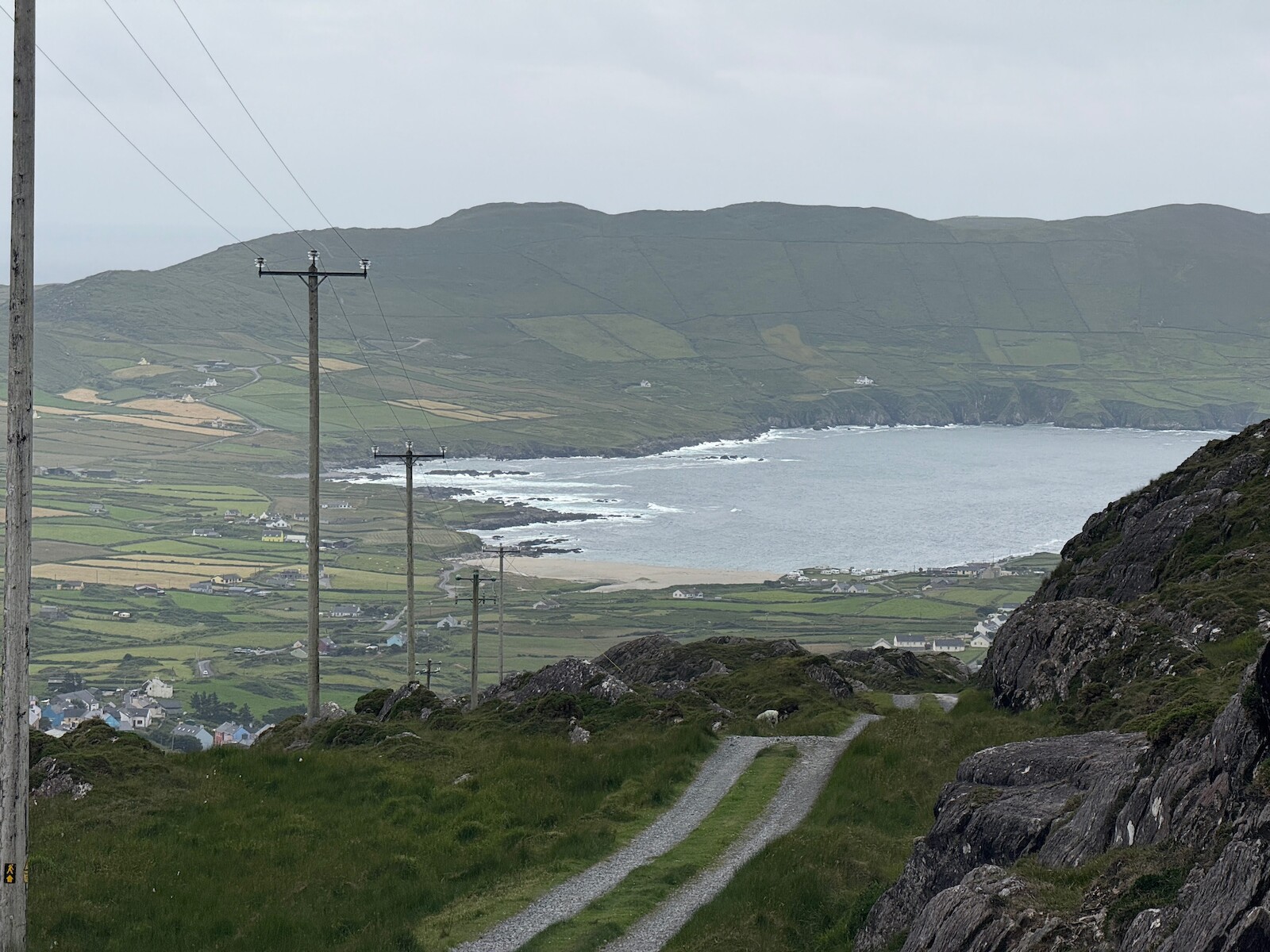
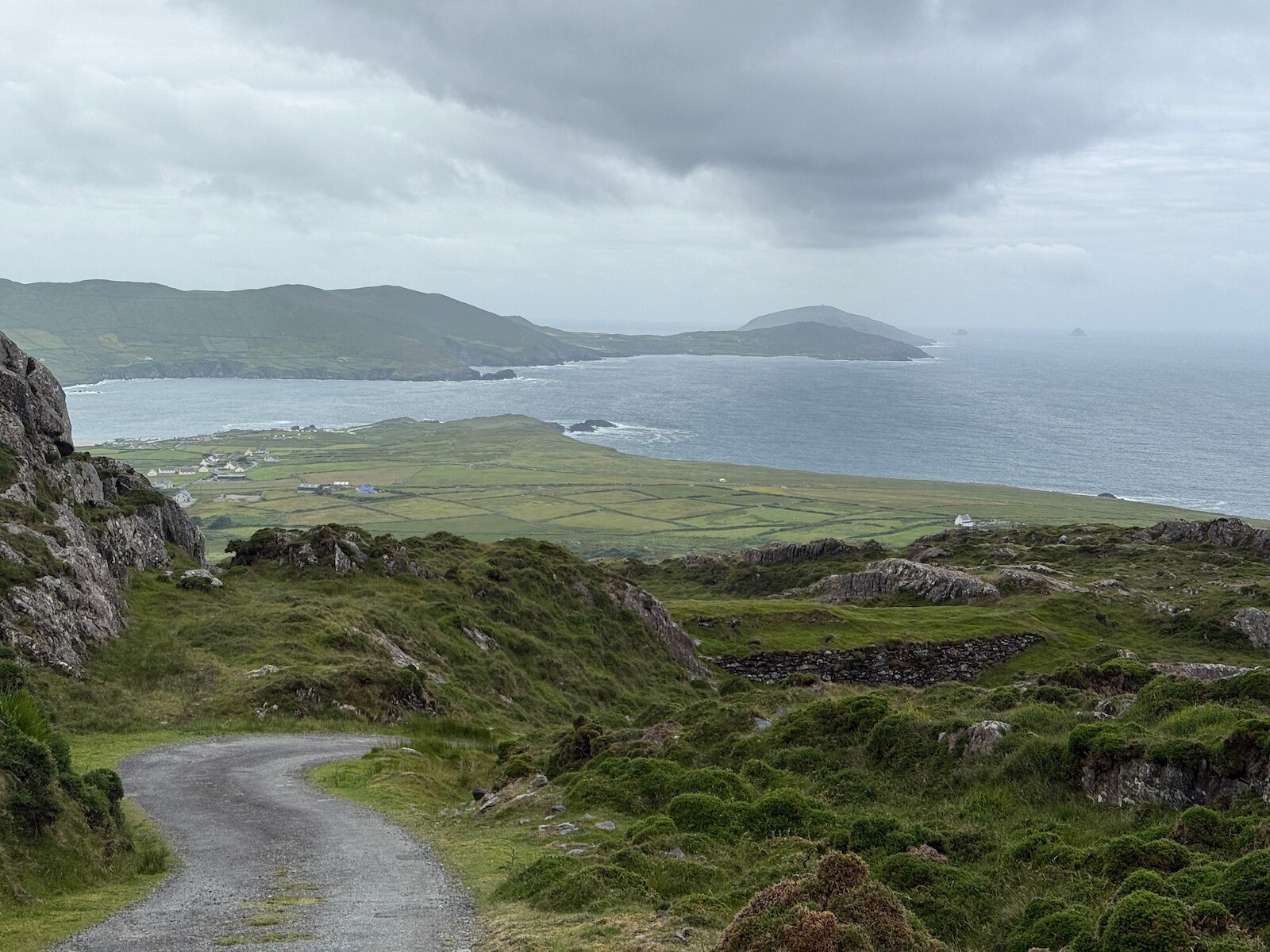
the pass is long, and has a branch off to the sea. I was pretty tired and
didn’t know where the branch would turn out. I would take it if doing the walk
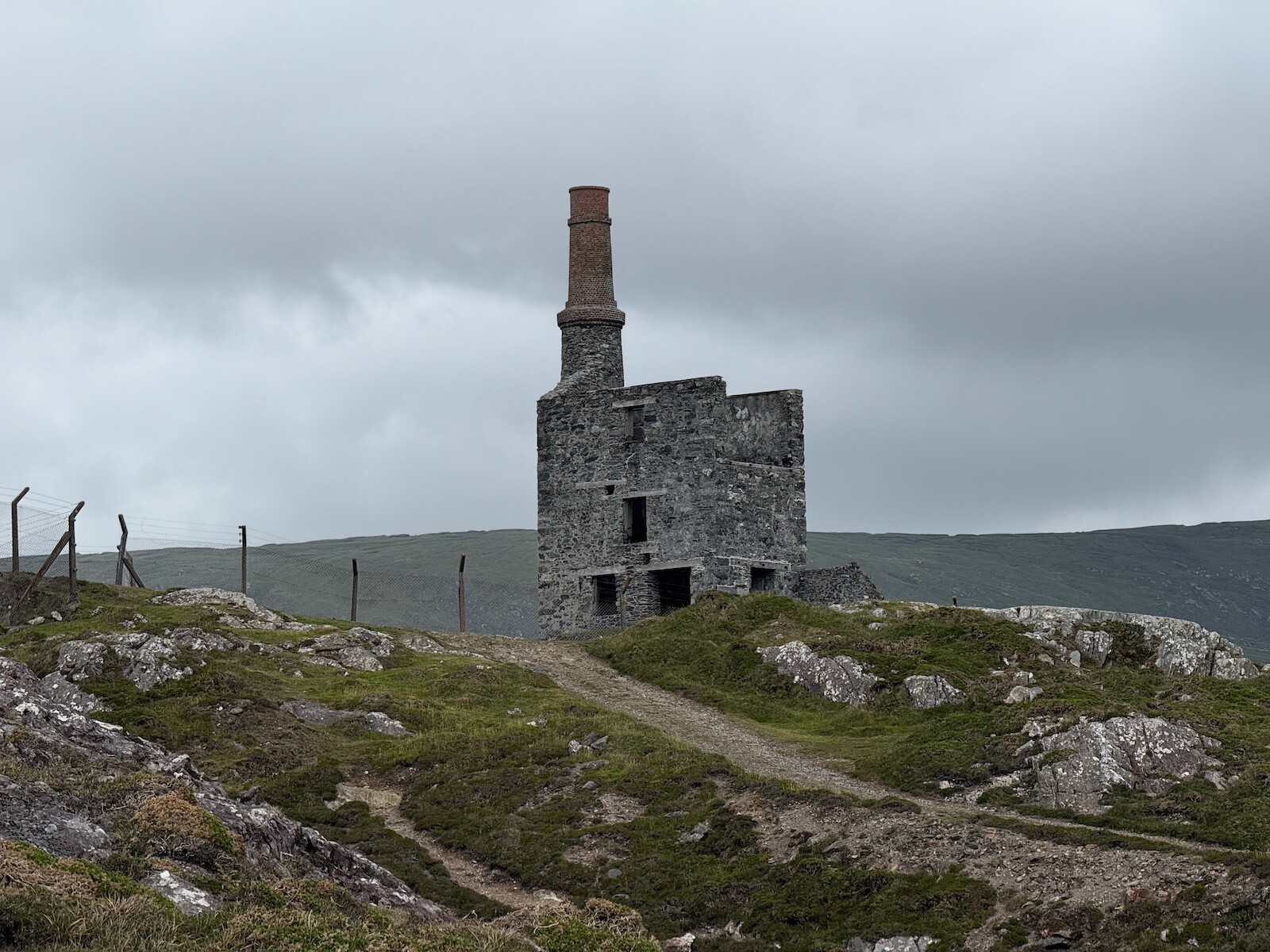
again. The route down runs past the old mine.
.
I stayed in the campsite in Alihies for two nights, and ate at the pub for
two nights. The pub food is great. There is also a shop.
Mine tower
Day 4: Dursey Island
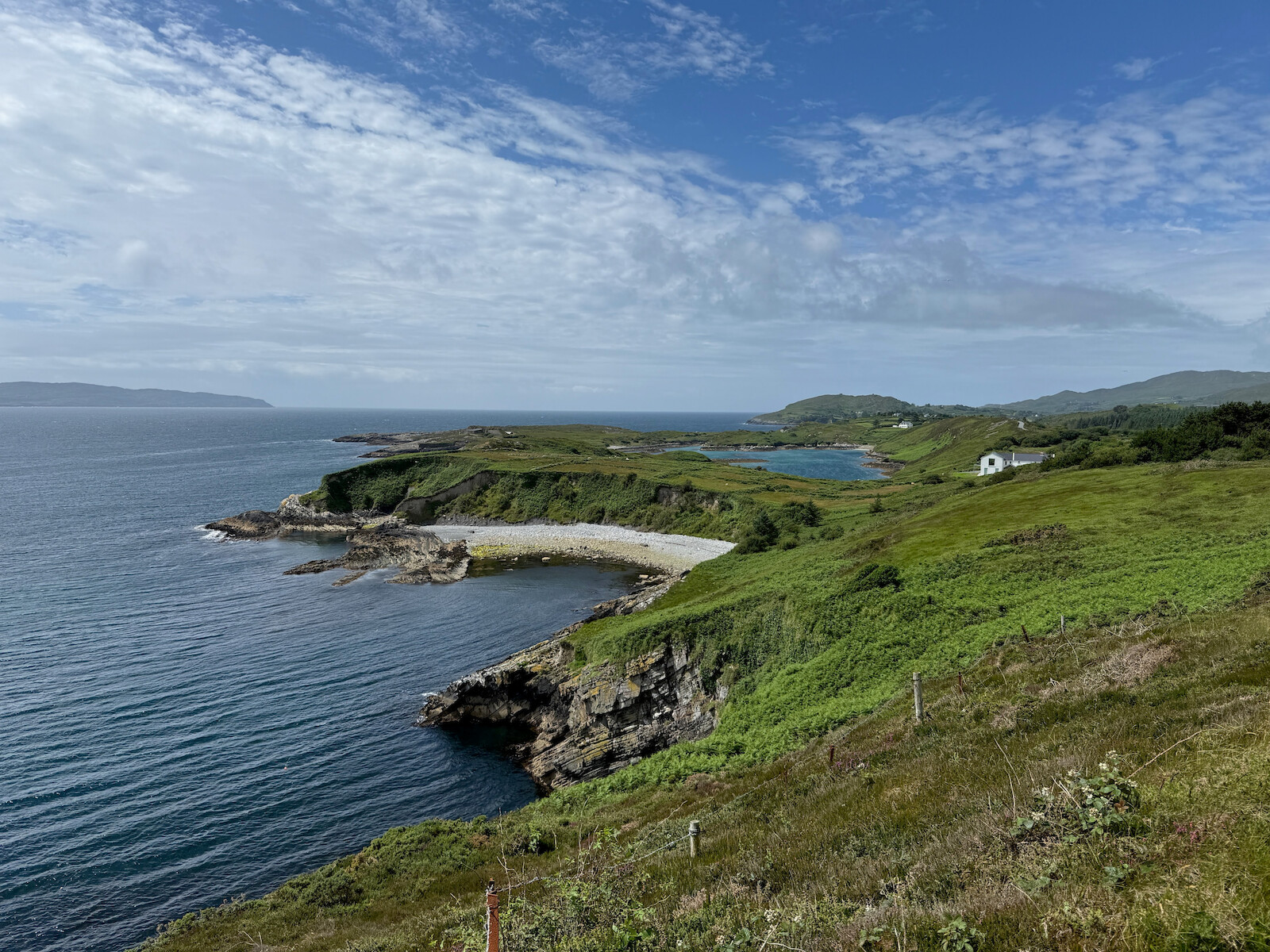
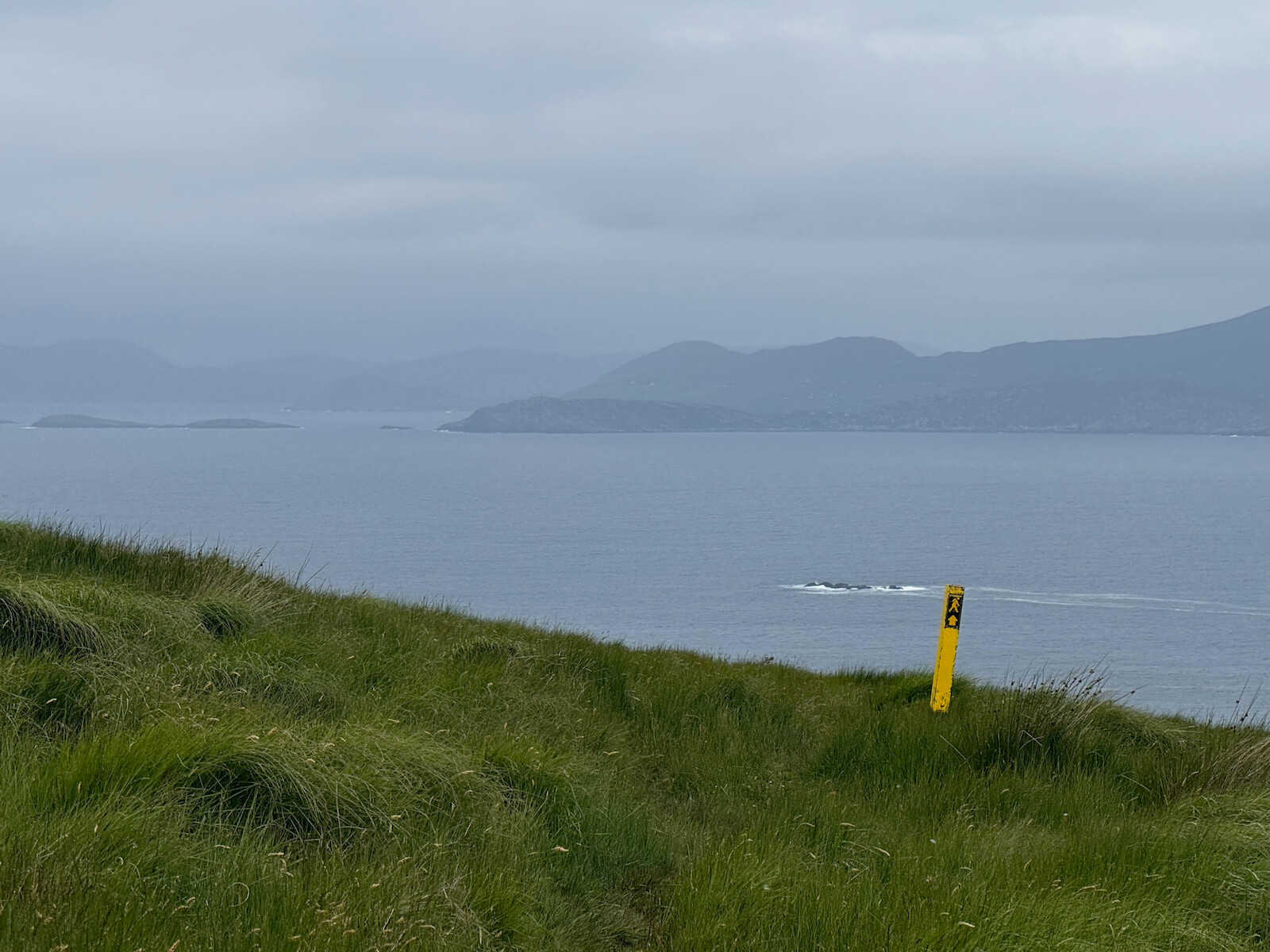
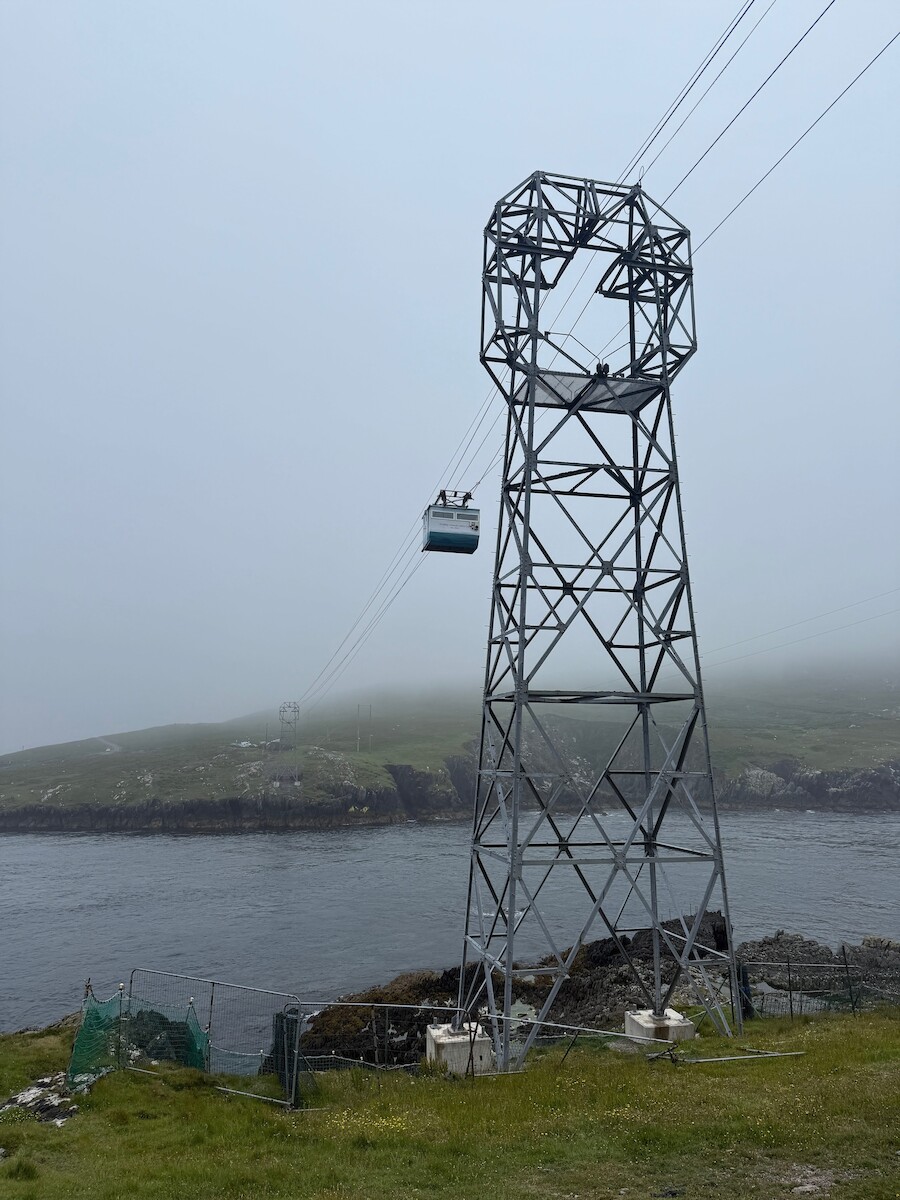
I left the tent up and walked from Alihies to Dursey Island via the cable car.
This was a miserable day for the weather, with the clouds down and covering most
of the island. I didn’t get all the way to the end of the Island, getting as far
as the Erie sign. The walk out is very nice, and would be nicer in good weather.
There are several nice beaches.
I went to the fish and chip van at the cable car, but its not great. I took the
bus back to Alihies.
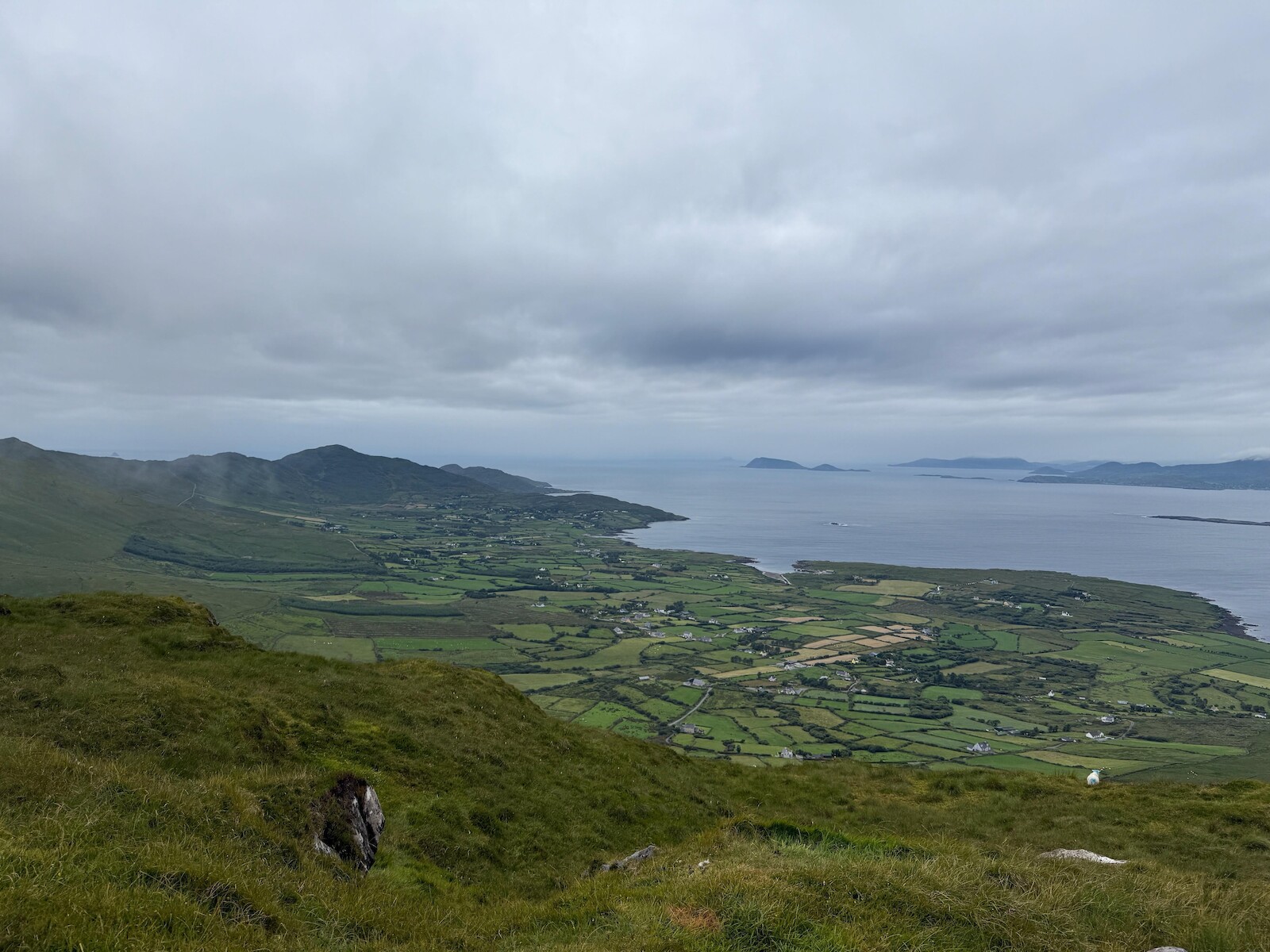
View of Dursey Island (taken previous day)
Can just see the tower I got to.
Day 5: Castletownbere.
I had worried about this day, having been fair whacked and limping from the
first couple of days. However, it went fine. There is a long slow pull over the
hill to the other side of the peninsula, on a very quiet road. The top was in
cloud, and I found myself in a coilte forest (the first plantation of this trip
- such a change from the Sieve blooms or Wicklow). I expected a slow amble down
to Castletownbere, but the route turns right back up the hill again. This
have great views back to Eyeries and to the north. I popped up Miskish for the
view.
Looking back
.
Once I had seen the view, there is a long slow desent over the bog and boreen to
Castletownbere. The town has everything, but I only stopped for a late lunch
and a postcard. There is a stone circle before the town. However, when I got to
it there were people meditating in it. I walked out of castledown bere to the
golf club, where I camped for two nights.
You can camp on Bere Island. If I had known this I would have camped there.
Camping at the golf course was fine, however, you need one euro coins for the
shower and I didn’t have any. There was no one around when I was there.
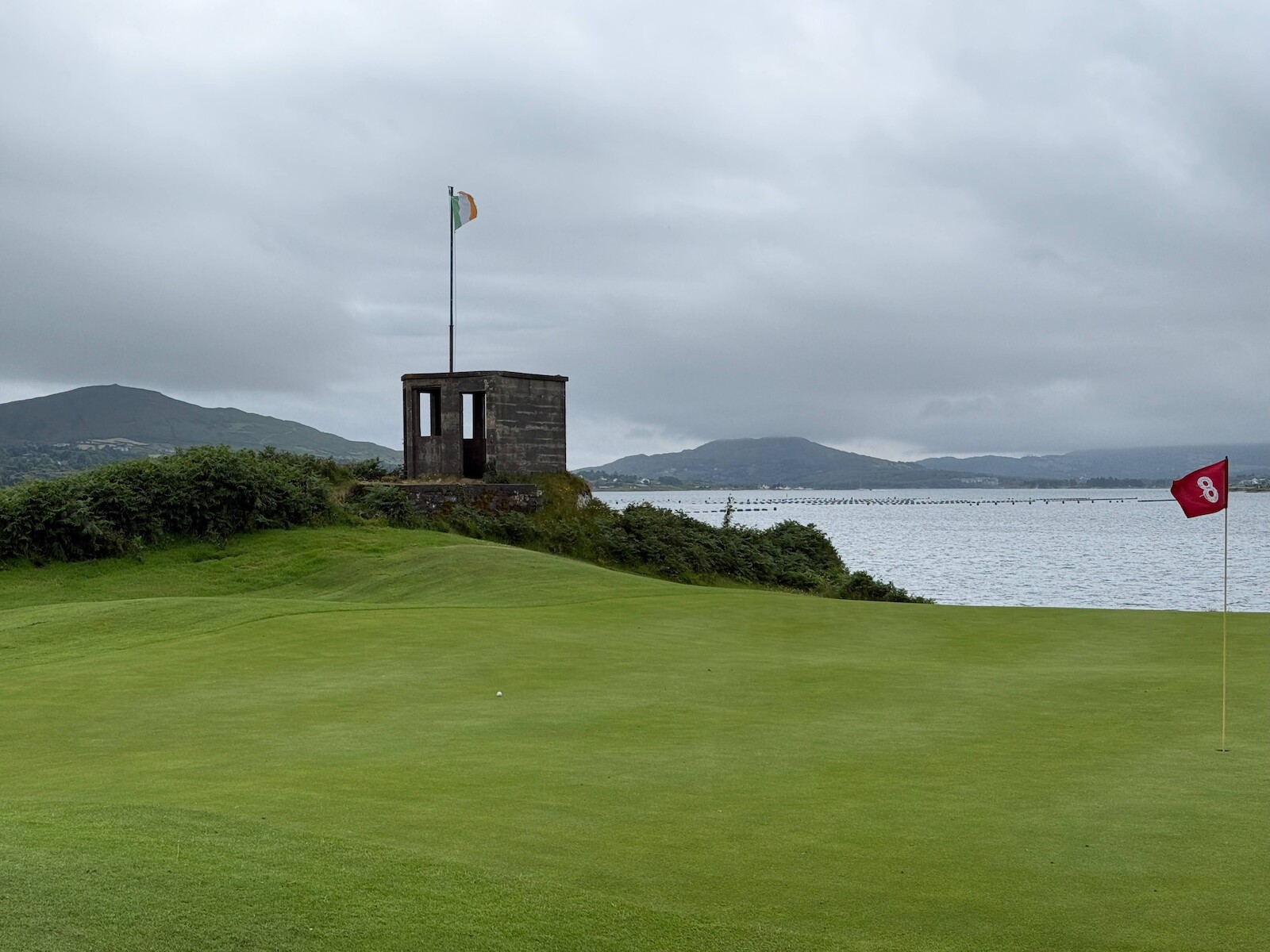
Golf course camping
The sentry box is left over from WW2.
.
Day 6: Bere Island
I didn’t do the full loop of the island. I took the boat from the pontoon next
to the campsite. Its worth checking when the ferry goes, because I ended up
waiting an hour. I walked out to the fort at the east end, then up to the
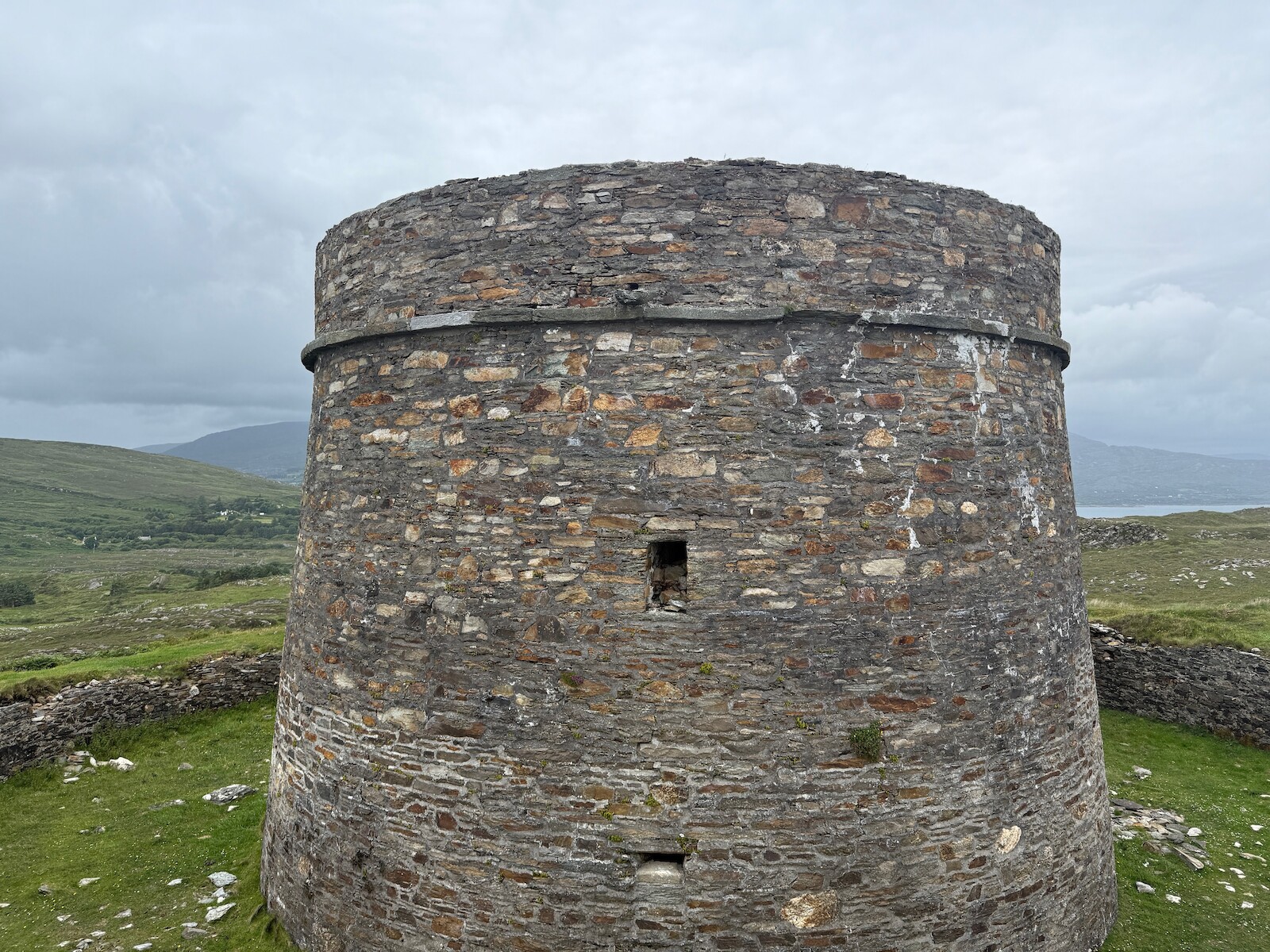
Martello tower. It was a lovely
day in the sun, and in general a rest before the next two days.
In the bay there was the LÉ William Butler Yeats which was a surprise - it is rare to see the DF out.
out to sea
Day 7: Adrigole.
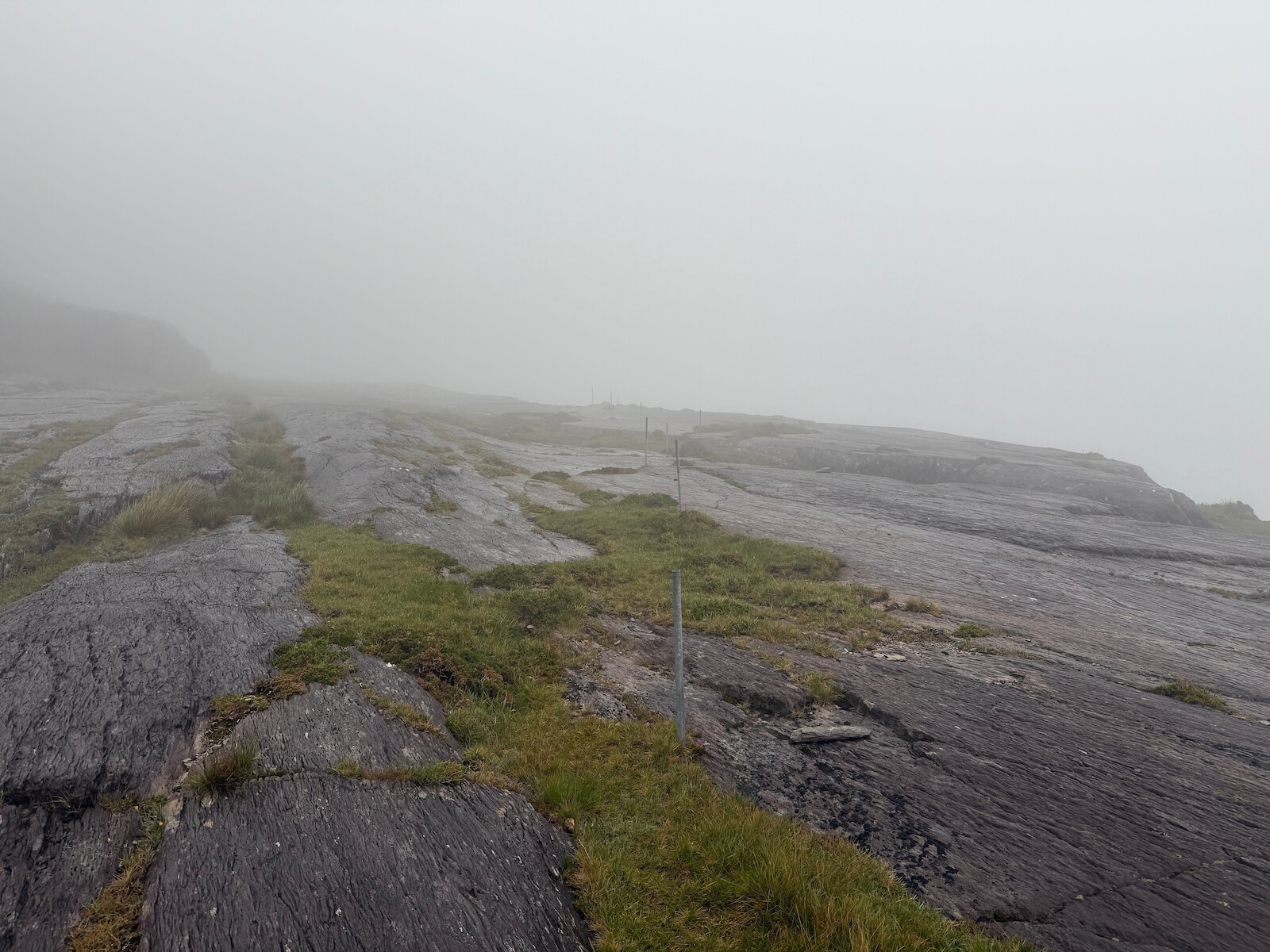
I awoke to rain and the knowledge this was a big day. I headed up towards
Castletownbere to pick up the trail, then spent all day in the rain and mist.
Lots of this in in the bog, boots etc were needed. There was also more cow
dodging. Crossing the open rock was actually fine. This day has a long bit on
the road at the end, but the road is very wide and everyone gives you space.
I stayed in the hungry hill campsite. I had the last of the camping food, but I
didn’t need to bother. There is both a shop a little up the road and a onsite
burger van. During the night a bird got into my last packet of oakcakes. This is
a great campsite, would recommend.
Day 8: back to Glengarriff
This day opened with a short section on the road, but the road is both busy and
narrow. This was the only section of road that I felt was unsafe. However, the
trail quickly turned off, and became tracks and quiet roads again.
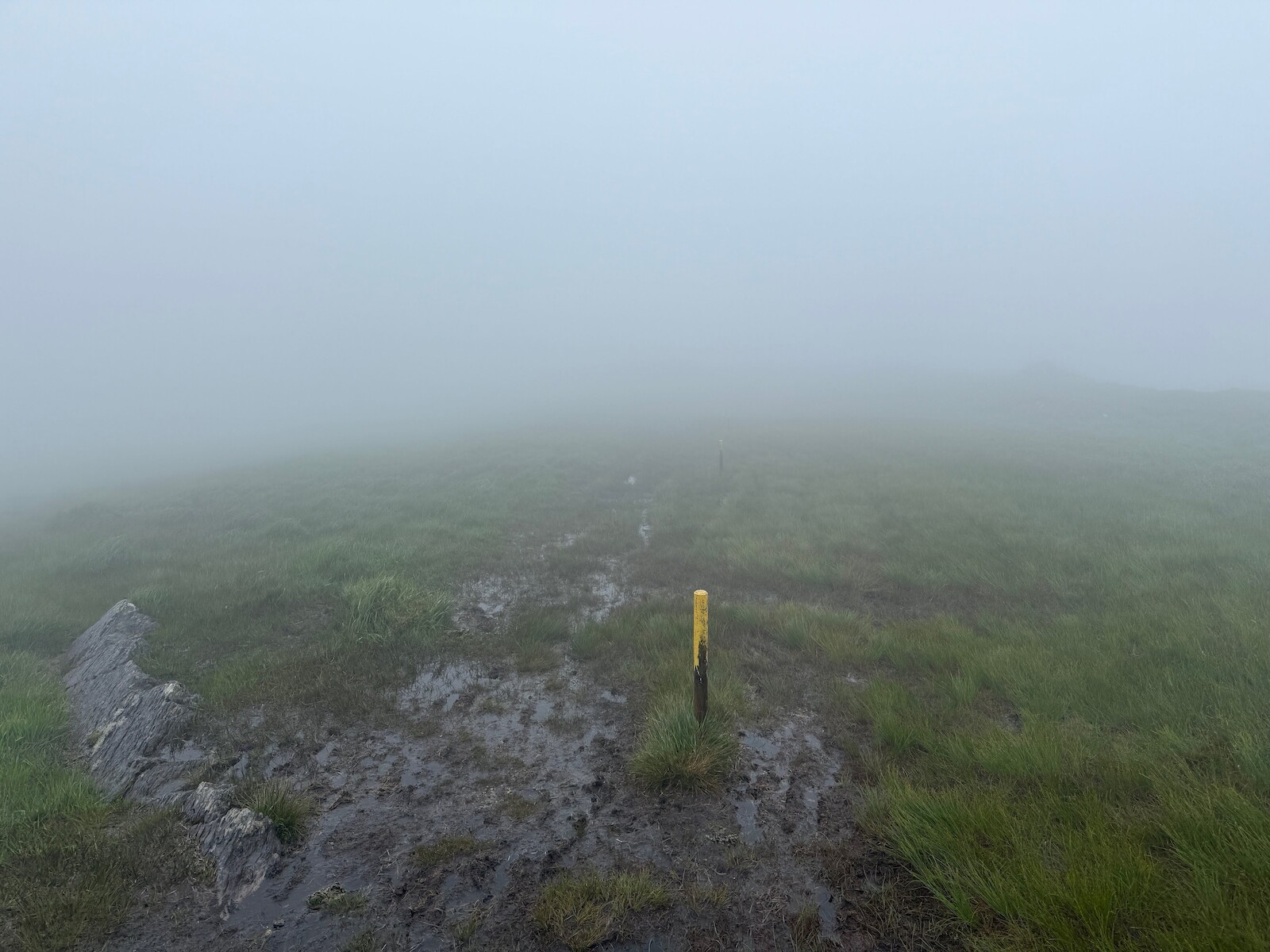
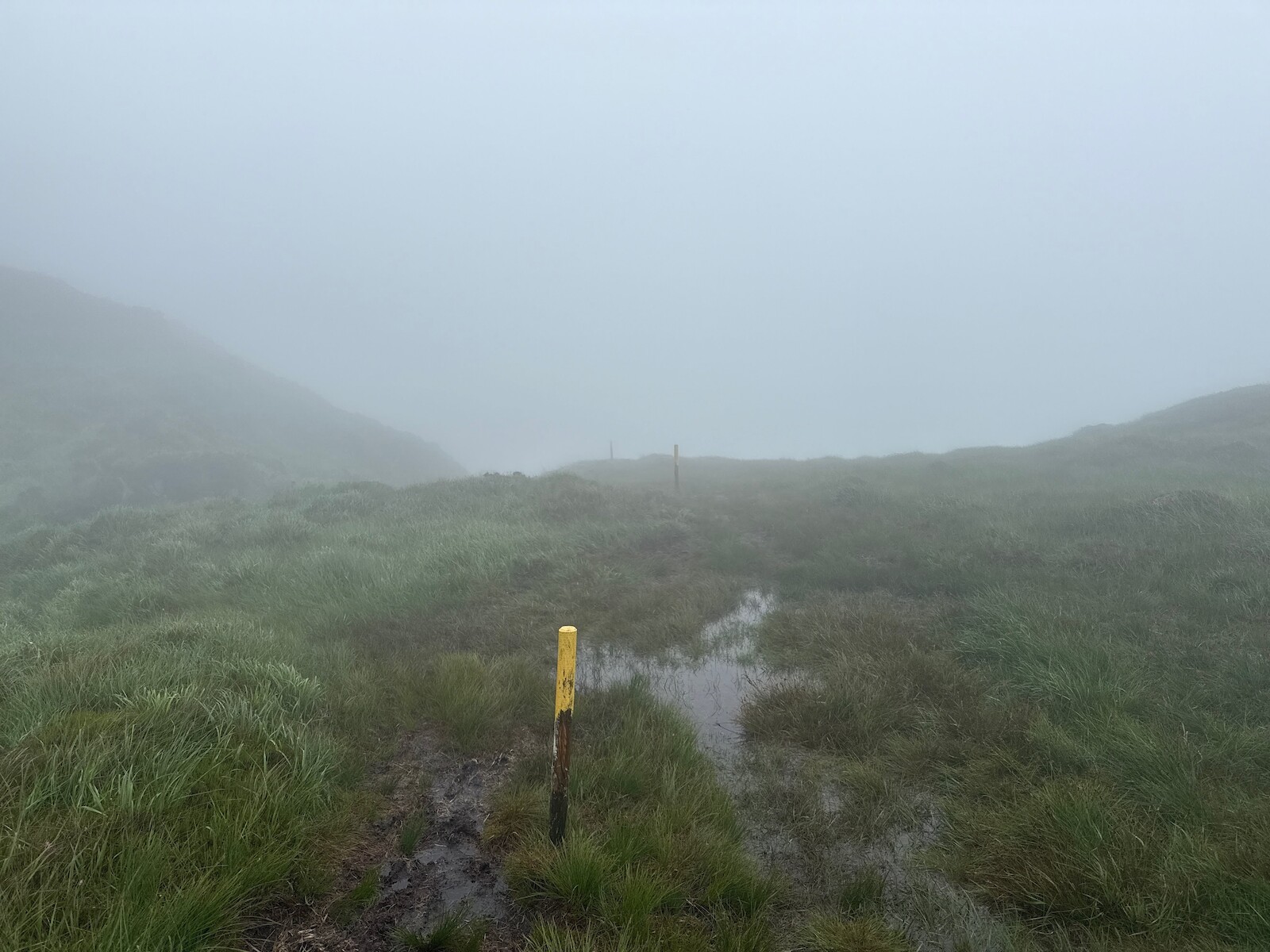
The bulk of this day is spent passing Nareera. This was all in the bog and rain
for me, resulting in standing at a post, looking into the mist to try to spot
the next post. However, with the bag as light as it was going to be, this was
not too hard. There is a long slow descent into Coomarkone, and then road to the
top of the Glengariff woods. I had pizza when done :).
I finally finished fixing up my old file server. It now has 4x 8T drives (and an
SSD), giving it 22T of raid5. I have moved frigate’s recordings onto it, as well
as some backups, using 6T. One problem is that the NFS performance seems bad, I
need to work on this.
My little jekyll install started failing. I spent a little time being confused
by ruby, and decided to start using
hugo instead. Switch over
complete. The hard part was poking the CSS and the content to make it look ok. I
found the most basic possible Hugo
site useful.
I decided to try to find a director’s commentary for a film. I thought it might
be on the Bluray, so I bought both the disk and the drive. Notes here are:
OSX doesn’t support bluray at all. You can buy software to play disks.
VLC will support bluray, on both linux and OSX, but, most bluray’s are copy
protected. There is various dubious bits of software to decrypt the disks,
however, key revocation is built into both the disks and drive. Using a new disk
revokes some access.
MakeMKV will copy a disk (including defeating copy protection) for both
linux and OSX. The resulting files are ~40G.
I was just amazed at how bad the whole experience is.
I walked the Slieve bloom way.
I took 2 days, but would suggest doing it in three. I had lovely weather on the
first day, and pretty good on the 2nd. I started in Clonaslee and went
anti-clockwise. Some points:
A lot of it is through commercial forestry, like many Irish hiking trails.
Lots of clear cutting.
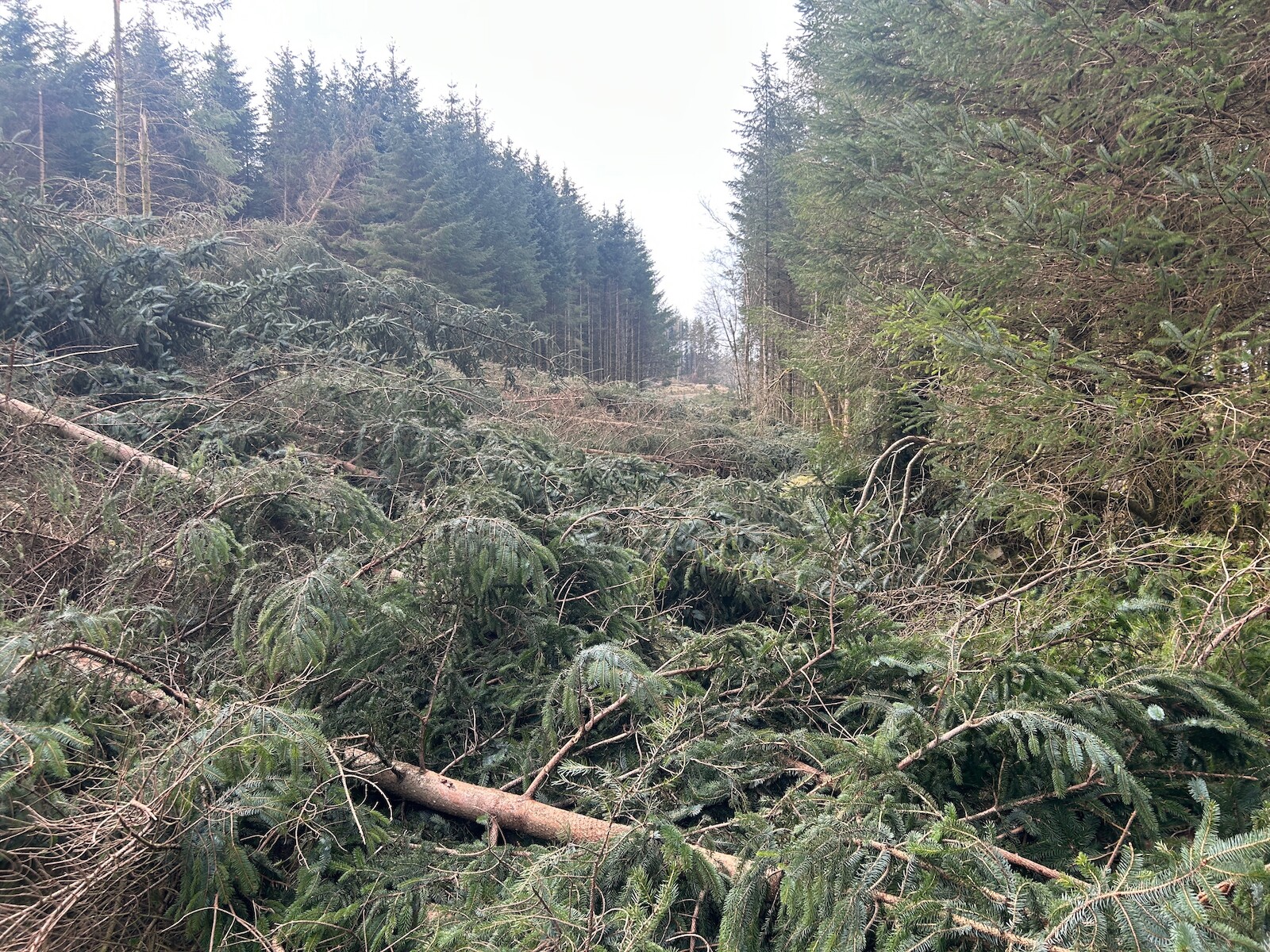
A lot of trees were down, likely from storm
Éowyn. The photo below is
over the forest track I was supposed to take.
It feels more remote than other Irish trails, there are no villages or shops apart from
when starting. You do pass through Cadamstown, but there isn’t much there.
This might be changing. Kinitty castle hotel is marked as having a cafe, and
Coillte has a toliet and planning permission for a cafe in Castleconnor.
There’s a lot of new MTB trails in the area. I didn’t see many bikers, but
it was not the weekend.
I mostly used Open Street Map and the online maps for nav. The trail is not
directly on OSM. I also took the OSI sheet, but the trail has been moved north
to go through Kinnitty forest since my OSI sheet was printed. This change is an
improvement, I think.
I met other folks - some people on horseback, other hikers, and a couple chaps
doing trail maintenance, but no one else doing the trail.
I have been worried a leak, so have setting up wet sensors around the house. The
first of these didn’t work wet at all. They didn’t detect a real leak, and also
didn’t detect when put on a plate of water. I bought a few more of a different
model, will see if they do any better.
Have downloaded 100s of GB of photos, I wanted to write my own photos search
function. The approach I used is:
Use a LLM to generate descriptions of all photos.
Use reverse geocoding to map each photo to a location via the EXIF data
Scan through the LLM output to find matches for the search term.
I didn’t really have any good ideas around ranking, and it doesn’t seem to
matter in the results.
LLM wise, I started out with Google Gemini. Based on some testing I thought I
would need 50-100 quid for describing every photo, so I moved on to using local
AI. This seems OK, and after a week or two had described
every photo. Some photos are too large for Local AI, so I fell back to using
Gemini for them.
For photo locations I used the Google
maps API. This
turned out to be really easy to use and to get an address. I reverse geolocated
all photos into text files on disk.
This actually is only ~200Mb of data, so reading through it all on request was pretty fast. I found that parsing the location data JSON in each photo location felt slow, so again I precomputed just the addresses, which made processing requests faster. There’s speedups in parallelisation etc, but I haven’t done those yet.
I used Claude to help with writing code, which was great.
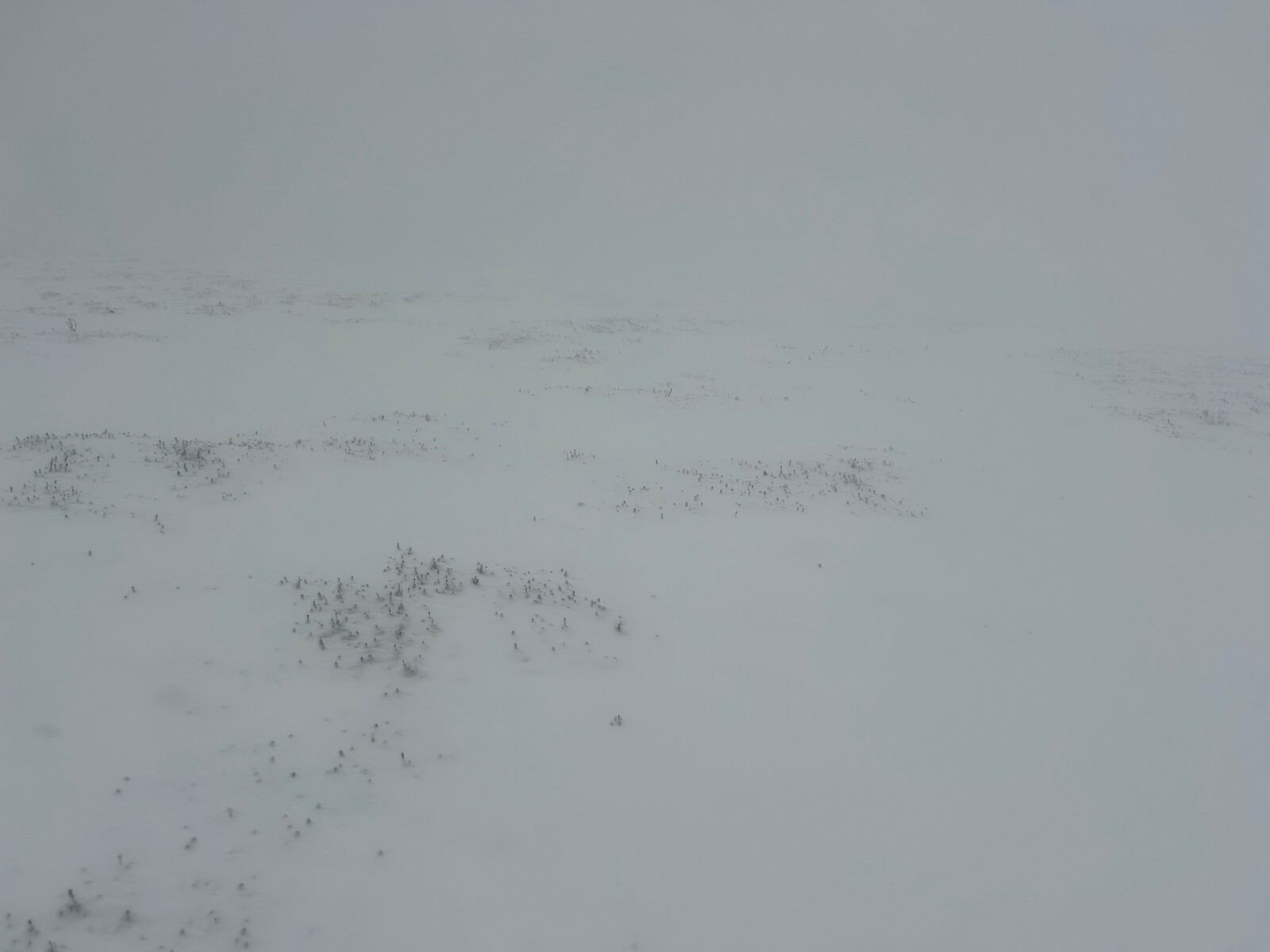
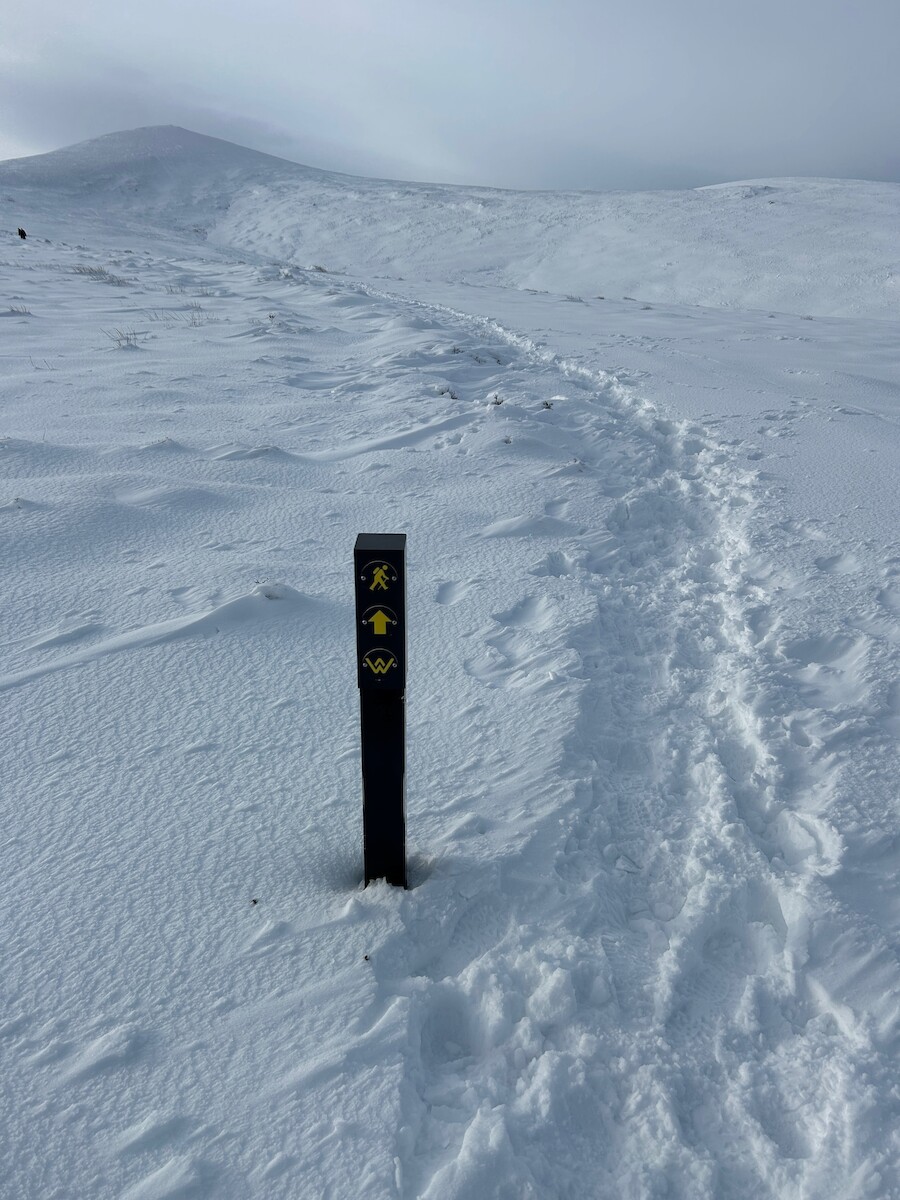
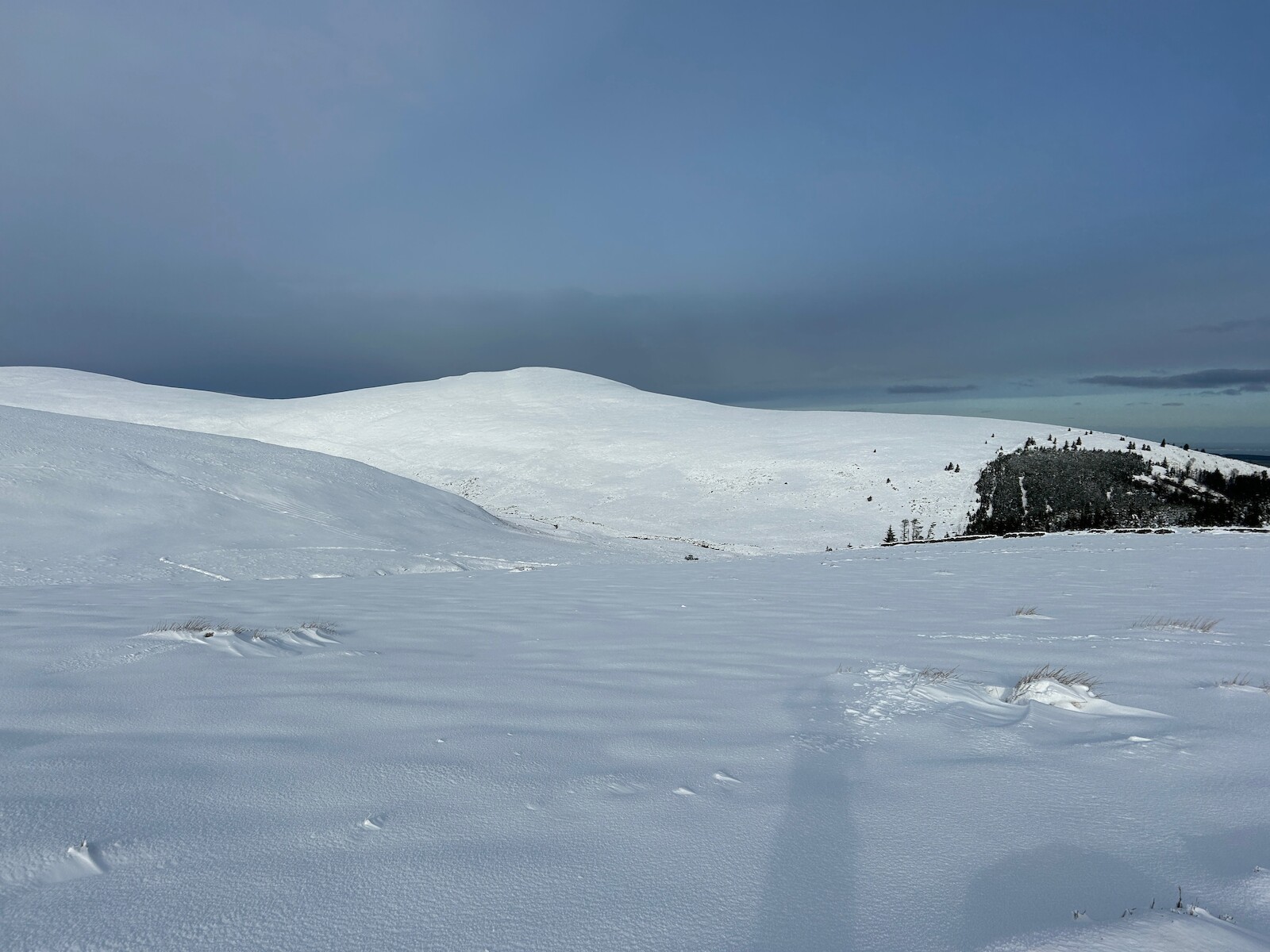
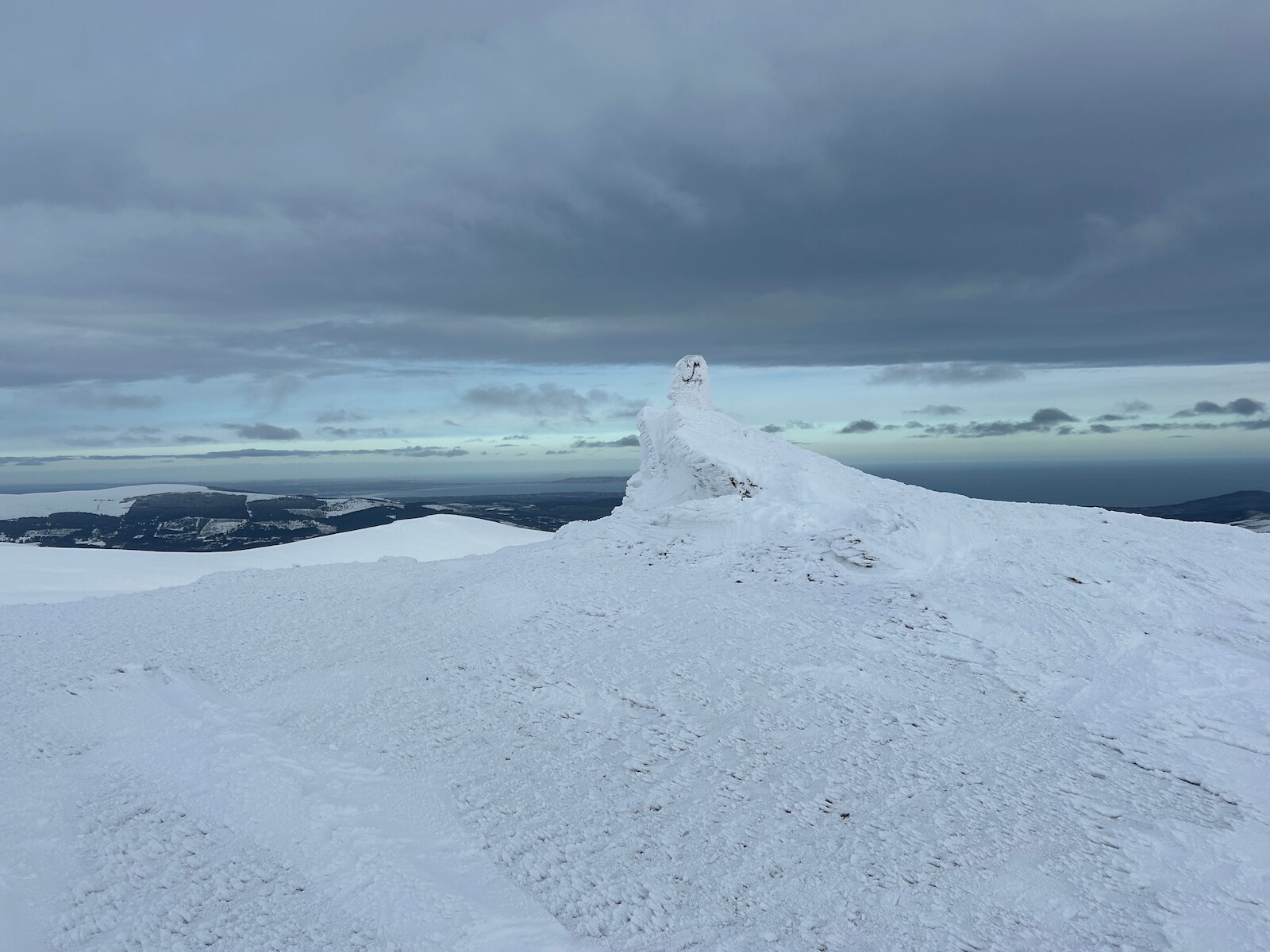
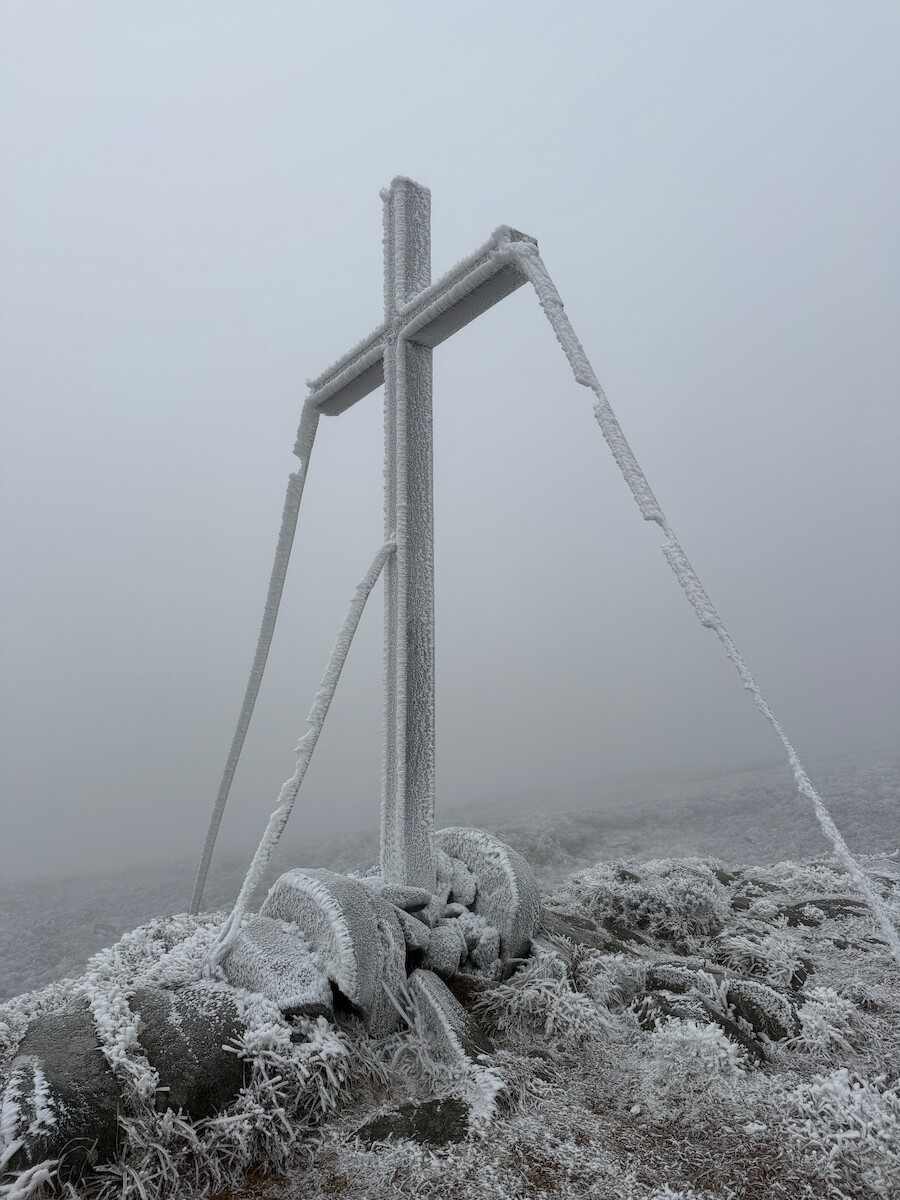
I went up Maulin as the snow fell, resulting in near whiteout conditions at the
top. More photos.
Sugarloaf
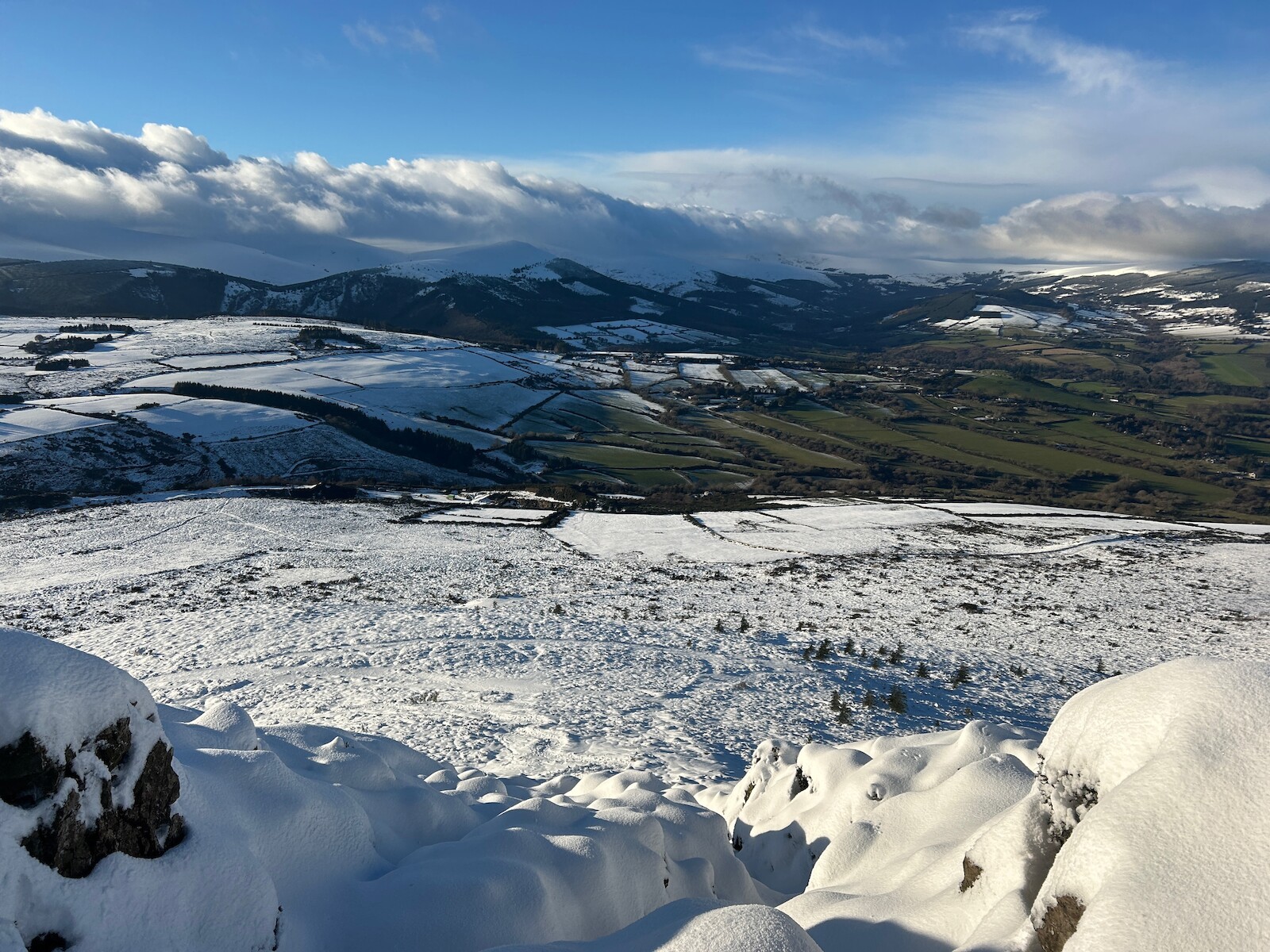
Later in the week I went up the Sugarloaf, up the new path. More photos
Djouce
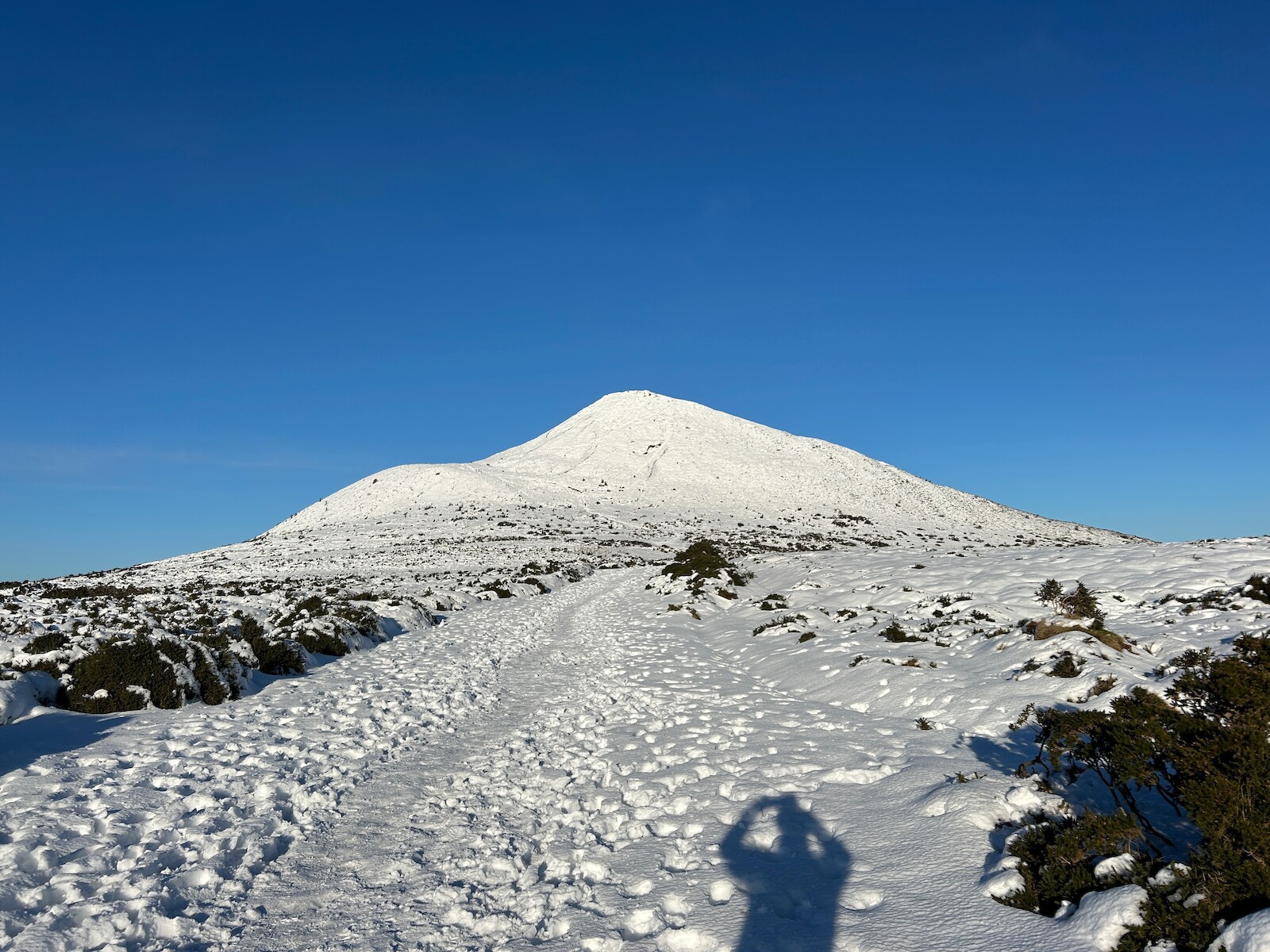
The third trip in the snow was the circuit around Djouce, War hill, Tonduff, and
then up Maulin again. Lots of time in soft snow, night was starting to fall
when I got down. All photos
I’ve been setting up power monitoring for home. One device is a
frient electrcity meter, which is reporting to home assistant. A second class of device is three smart plugs to report on likely suspects. Will see how we get on.
First, I set up Jellyfin. Then I decided I wanted to
access it over SSL, so I set up Caddy. I have wanted one big caddy setup, so I
Set up Caddy similar to the external setup, with it setting DNS names and
getting certs. Two interesting points:
I needed to set GCP DNS names. Since this isn’t a GCE VM, I ended up passing
the path to my GCP creds in a systemd environment variable. Works so far.
Caddy dymanic DNS doesn’t support the 192.168.1.0/24 address space. I ended
up adding a hack.
Why not use the external caddy? I wanted to avoid the extra bandwidth usage.
Have the copy.sh rebuild the site with jekyll and copy it to a new dir.
Fix up permissions in the directory.
Have a symlink in the caddyfile config, change what the symlink is pointing
to.
delete the older copy. I only delete copies older than 1 day.
All I need to do is to push to the bare repo.
I also looked at having caddy change root with the caddy API. Below snippet
looks promising, however I would need to patch one of several routes, which
did not appeal.
Following up from previous post, I have put the wind sensor back up. The PI
that provides data is now netbooting and providing data to prometheus. I have a
grafana console of the weather, and alerts if no data. Getting there.
I haven’t made much posting recently, but have added a few things to frigate:
a Homekit camera, mounted on the side of the house. This I disconnected from
homekit and paired with home assistant, then set up frigate to pull from home
assistant’s go2rtc.
OK, so the weather sensor stopped working after the SD card died. Previously, I
reduced the write rate to the card. This time, I decided to netboot the pi. The
doc I used.
One twist is that initramfs started failing, causing dpkg to fail. I set
/etc/initramfs-tools/initramfs.conf to include netboot, which fixed one issue.
The other problem is that storm
bert
blew the wind sensor off the shed, and I haven’t put it back up yet.
I had been wanting a external end point for a few services. I had been using
Caddy internally, I wanted to expose
it to the internet. I started out looking at static IP options, but they are
expensive. One solution is to update DNS when the IP changes. I started out
looking at having a standalone shell script to set DNS names, but Caddy
supports dymanic DNS (and
docs. I have been using
tailscale to send traffic between the caddy reverse proxy and the actual
service.
This featured figuring out GCP API calls from a GCE instance. I had to set
up a service account to make this work.
I also had to patch caddy-dynamicdns to support a zone ending in a dot
psn.af..
Firstly, I set up monitoring for the two LUAS stops I use, using The
API. There is also data on
lag which I have not
used. I will wait to see how useful it is.
Google
Secondly, I set up polling every 10 minutes for how fast Google thinks a commute
will take, including if traffic is slow (yellow in Google maps) or stopped
(red). Will see what emerges. Cost so far is 8 USD a day.
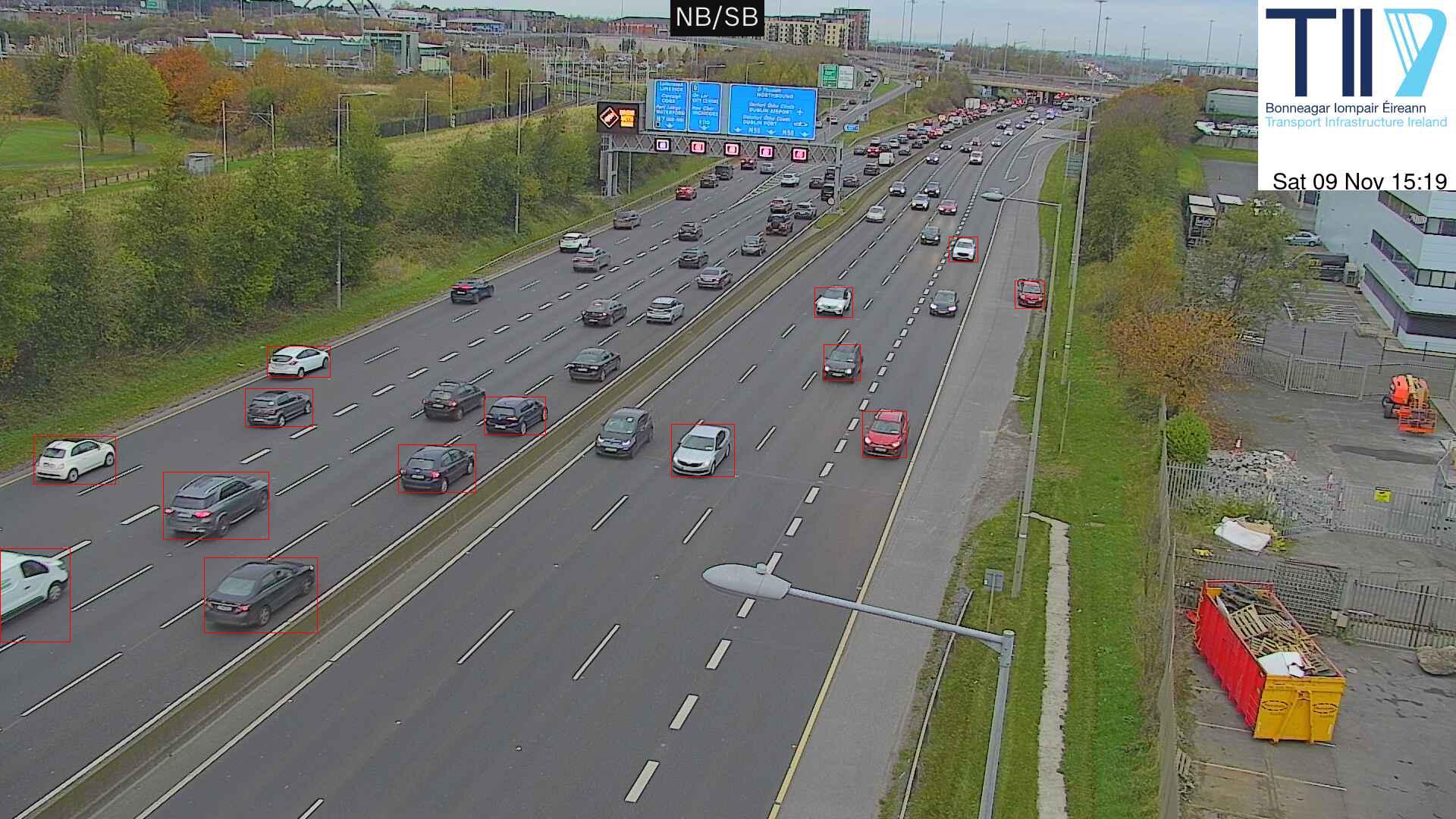
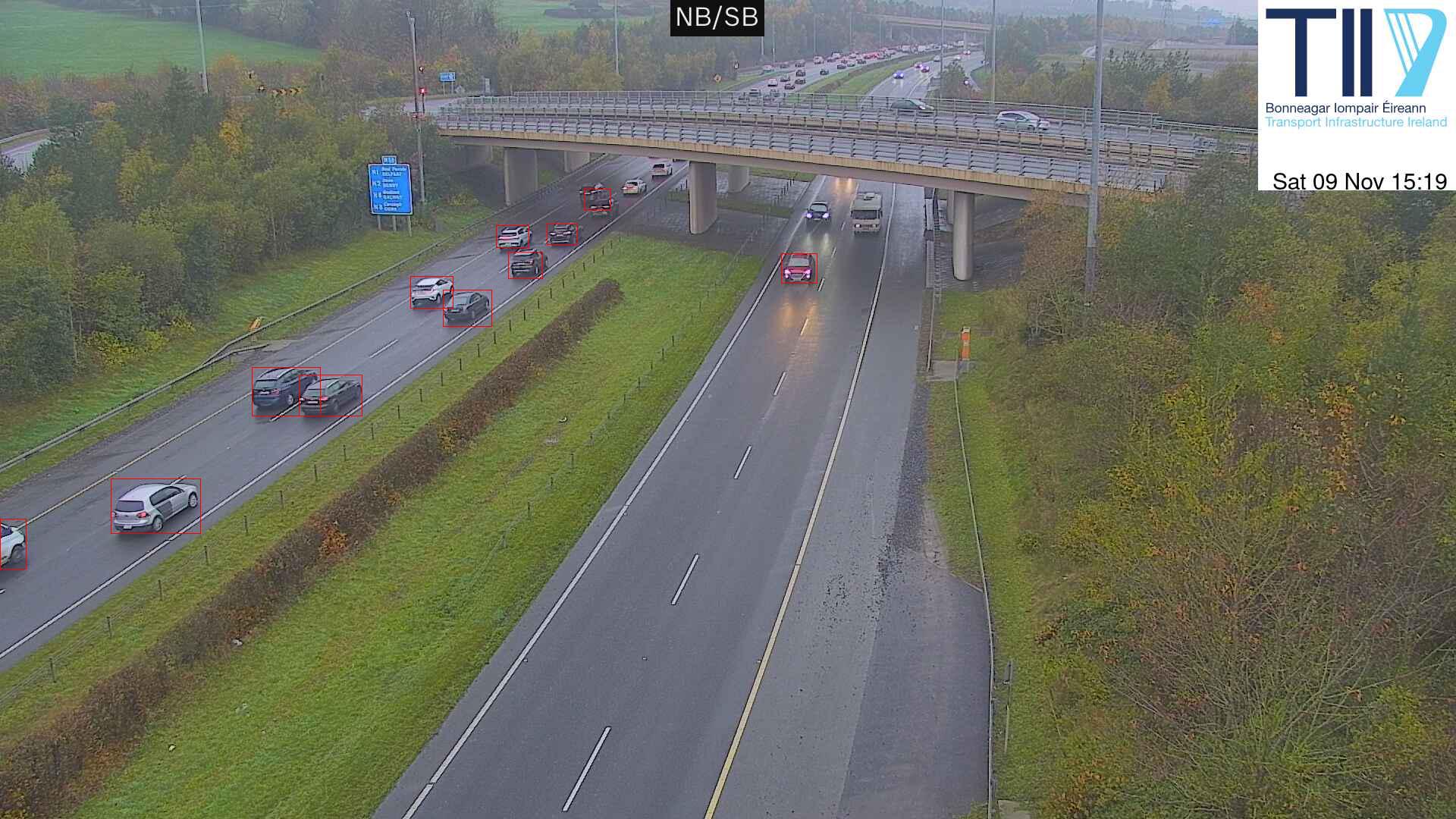
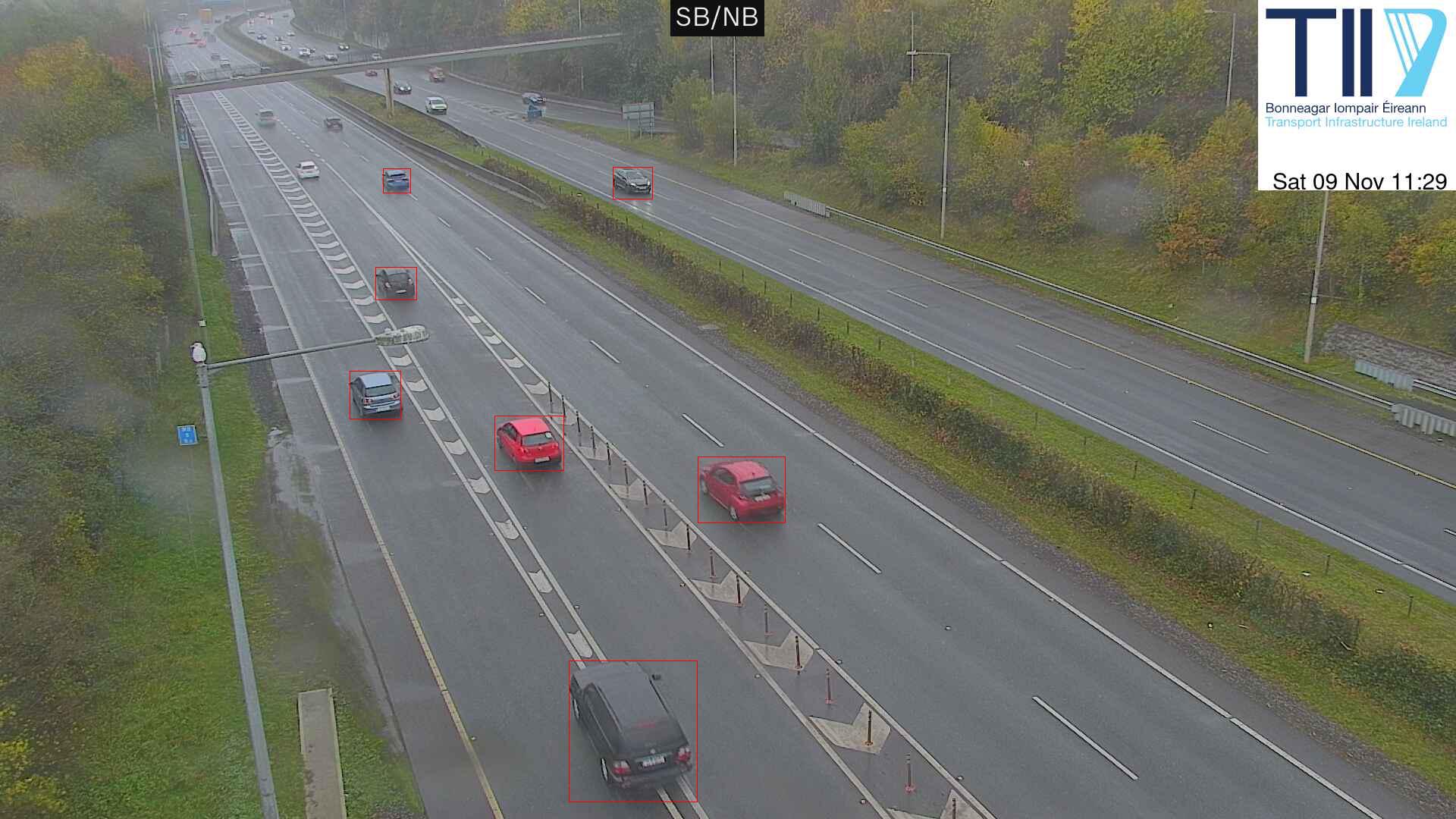
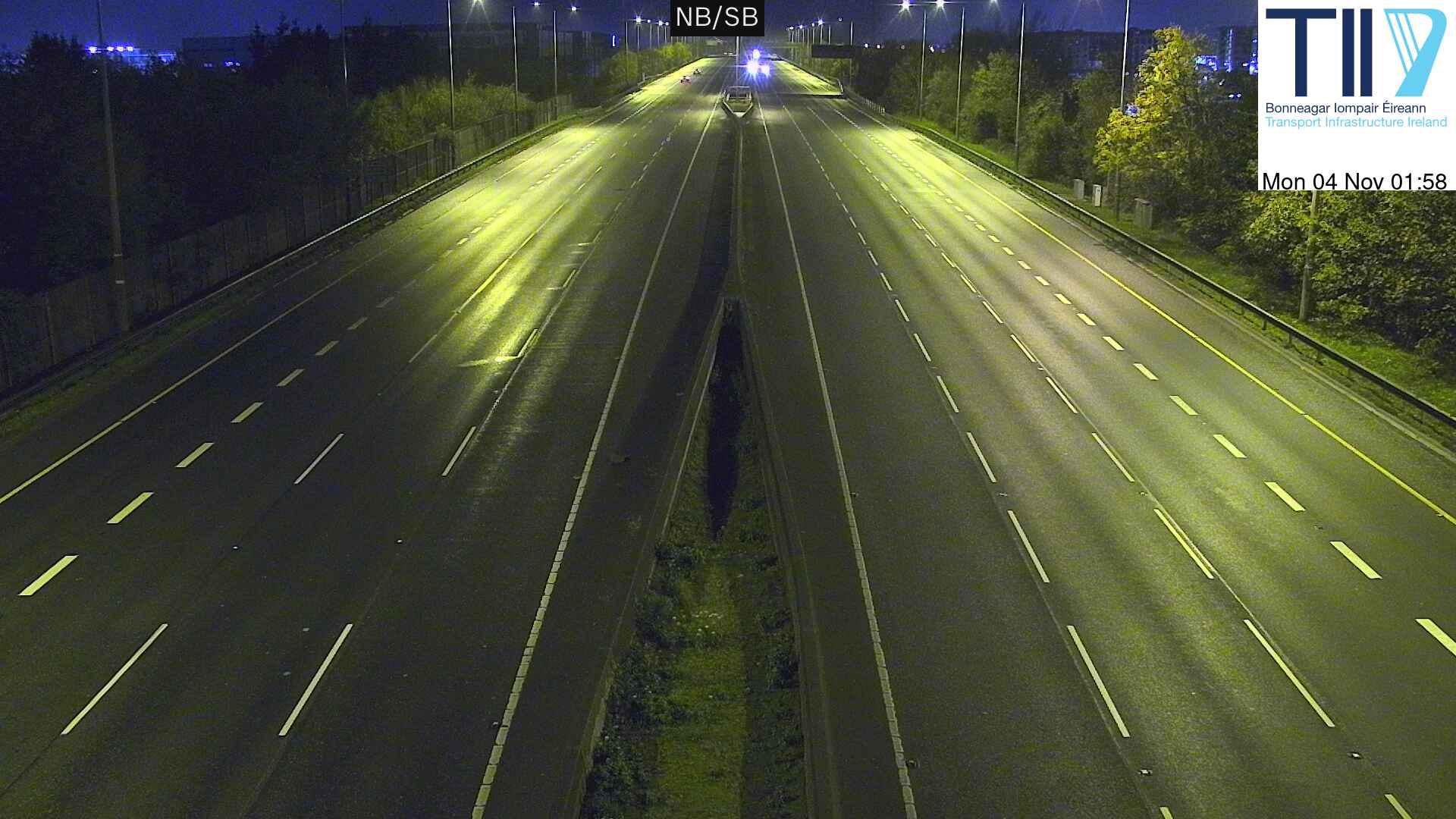
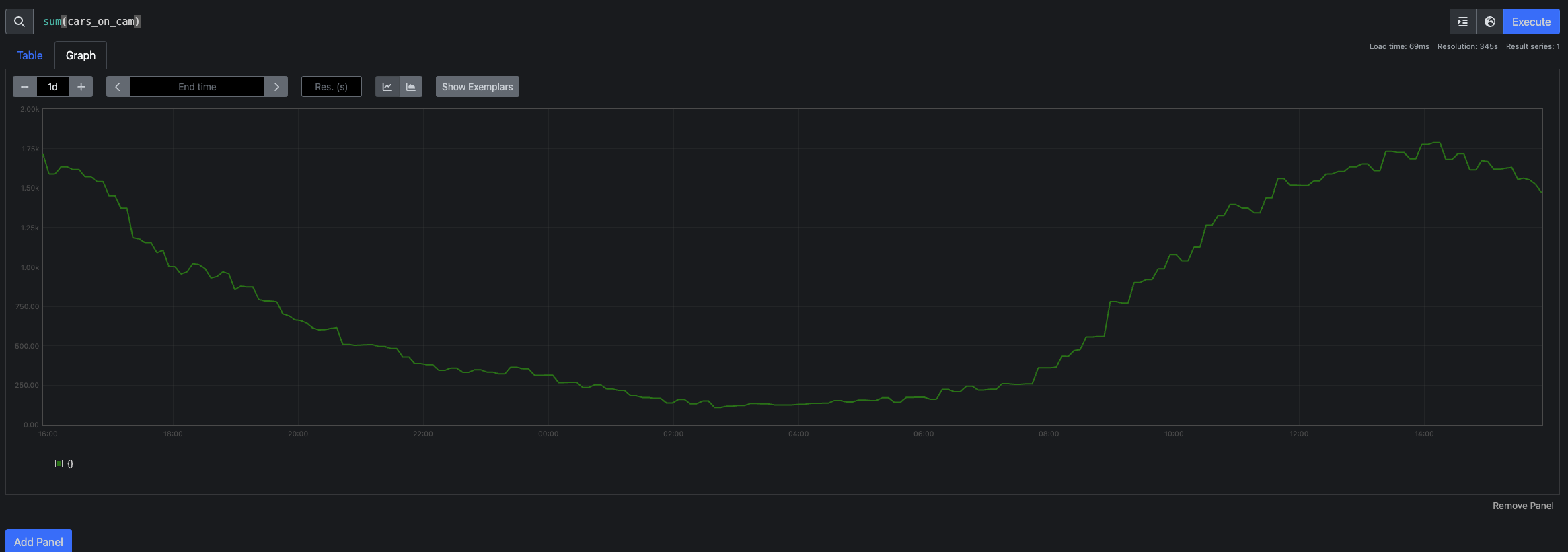
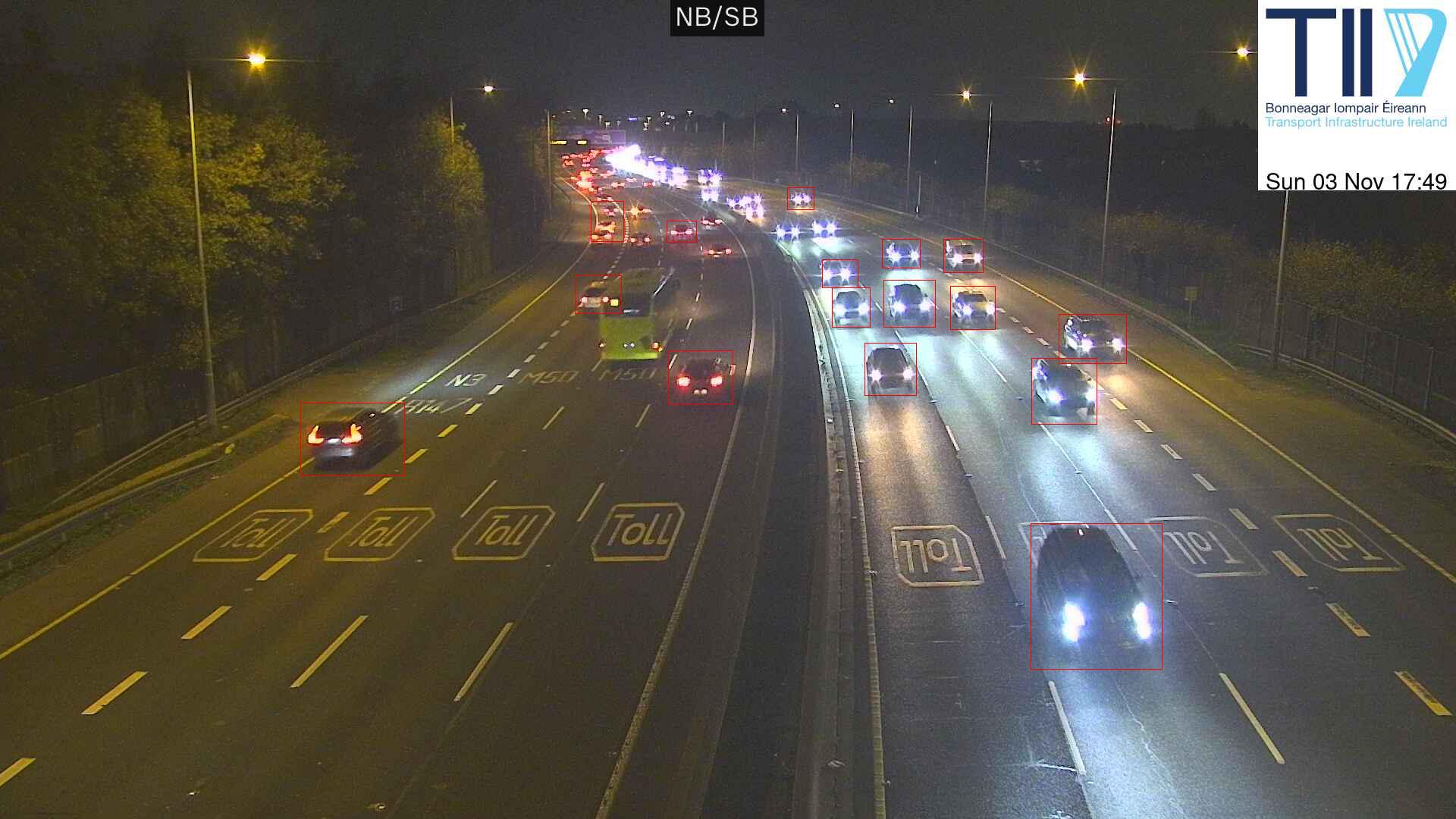
I went back to poking traffic cameras. Since I last started looking TII has
replaced their website. However, you can still get the camera feeds. I tried
running an image through an image recognition model:
I have a Pimoroni weather
station
that I have been poking at, on and off, for a year or so. The first setup was a
Pi Zero in a stevenson screen powered by battery. This doesn’t work well when
its cold.
The 2nd approach was to run a cat6 cable out the house, entrench it over the
lawn, and into the shed near the sensor. I can then use the cat6 cable to
deliver power (with PoE) and networking to a raspberry Pi, with the sensor
plugged in.
I wrote a custom HTML graph library for a air quality meter a few years back,
and a reused it for this project. It had a few issues:
It did many many small writes to the Pi’s SD card, resulting in sadness.
This was an attempt to keep history through restarts of the program.
It kept all history in memory, resulting in an OOM.
I think I’ve fixed both of these and have set up Prometheus exporting as well.
Hopefully we will get some weather data.
Some notes from poking around at bluesky’s decentralisation.
instance
Running your own instance is trivial. There are
docs,
everything just works, etc. I was a little taken by the “run a new server so you
can run a docker container”, but otherwise totally fine.
DNS
Bluesky requires you to point the A record for your domain to your bluesky
PDS. This would be problematic if you’re already using your domain for something
else, which I imagine is the common case. I’m surprised they didn’t use SRV
for this.
Migration
The account
migration
docs both have a warning, and tell you that you can’t migrate back to
bsky.social. This is surprising, since account portability is held up as one
advantage to bluesky in their paper and
protocol docs. I’ve
certainly seen the need for being able to move in fediverse.
Feed
Its really easy to see a live feed of posts with
Jetstream. I wrote code to handle
them all, was trivial. Bluesky is running at about 300 actions/s. A trivial go
program I wrote can keep up with the feed. So, building anything might be
doable.
traffic loops. There’s a nice website of loop locations. It is sadly difficult to just get all this data. However, you can explore one spot pretty closely. For example this is the M11 Between M50/M11 and Bray North. Going south, the PM peak is around 1500. This was surprising to me - I had thought that the peak would be around 1700-1800. Going north, peak is at 0700, but traffic doesn’t drop to normal until 1000. I had felt that waiting until 0900 was a good move, but I might as well set off at 08330.
Tom tom
tomtom has an
API.
However, it requires an account etc which I don’t have.
Google maps
Google maps turns out to have an
API. This will tell
you everything you see in the google maps app or website, including expected
duration, routes, traffic on the route etc. It takes a future time, and includes
the route, the expected duration, traffic on the route etc. You can use the
polyline
decoder
to put the route on a map.
Google has billing for the API, but I hope to fall into the 200 dollars
free setup.
I don’t know how good google maps is. The variation in timings is not large.
However, it does show a few different routes and traffic jams.
traffic cams etc
There’s also Traffic.tii.ie which is a nice overlay
on open street map. It has a few sources of information:
Current roadworks and incidents
Images from traffic cameras
current weather, including more cameras
current journey times
what the overhead signs say
The cameras are interesting. Firstly all the camera images are loaded on page
load, for both the weather and traffic cams. However the image is a 640x480
still. The weather cams come with current weather information. I suspect that
the traffic cams are being downscaled, and there is support for ALPR.
I’ve been trying to sort out the contents of my old file server. Its been
sitting powered off for a few years. I had dumping data onto it forever on the
assumption that one day I would sort it out. Today’s the day!
Backups
Before starting I took a backup of everything to an external HDD with rsync -avz -P. This was
itself a slow and messy process, because the server locks up after a few hours
of copying. Many restarts later and a polling loop of
while true; do
 if ! ssh -o ConnectTimeout=1 sewer true; then
  echo 'server failed' | mail
 fi
done
This was done. I then reinstalled the server, both due to it being 2 debian
releases behind, and in the hope the lockups had been fixed.
Dupes
I wanted to find all identical files. First I wrote a program that used Go’s
filepath.Walk to list all files, and
to take a hash of each file. There’s filenames with spaces and other messiness,
so I put the results into a CSV file.
The first version of this program had poor performance, so I ended up writing a
version with a worker pool to do the hashing. It is using 100% disk and 100%
cpu, so that’s good. I think there’s still optimisations to make - for example I
would like to only hash the first 1Mb of each file, then later hash the full
file on finding a possible-dupe.
Given a CSV file, I wrote a program to read it and group by hash. This is
suggesting 9% savings so far.
Next idea was to find whole directories that contained the same files. This I
implemented by sorting the csv file, and processing each directory. I took a
rolling hash of the file name (without the directory name) and the hash of the
file contents. If two directories had the same files (names and contents, hashed
in order), they are a match. This is again a 9% improvement, but likely not
cumulative with file matches.
The next idea is to try and find whole sub-trees of directories that are the
same. This is pretty promising. This is finding 24% savings.
Previously I had been using platerecognizer.com
for License plate recognition. Couple days back they sent a note saying I was at
95% of quota, followed by another saying I was at 100%. Quota is 2500 images,
suggesting 250 images a day. That seems a lot. I did some things about this:
Firstly, I debugged why so many images. I turned on logging of the plate
images and a web server to show me the images. It turned out that many
were cars driving by. I added filtering for cars on the road to frigate,
and the number of detections dropped.
Secondly, I added some Prometheus metrics to frigate_plate_recognizer.
Thirdly, I set up and started using Code Project
AI for License plate recognition. The main
problem with this was actually testing it with curl. Command I ended up with
is
curl -F upload=@Downloads/videoframe_1987228.png -X POST http://codeproject-ai.tail464ff.ts.net:32168/v1/vision/alpr
frigate sending messages to home assistant via MQTT
Home assistant opening the gate.
This time I set up detection of cars for both cameras. I don’t want people
opening them all the time. This featured writing a home assistant automation
using MQTT directly, which is working fine. After some debugging, I had this
working ok. It works surprisingly well.
Next, on the outer side, I set up frigate plate
recognizer to detect if it
was one of our plates on the car that showed up. If it is, open!
Debugging this featured driving in and out of the car several times. I’m sure
this looked totally normal.
I also found a external HD to put all frigate’s data on. So far so good.
I have a few other cameras. We have a Neolink battery powered camera pointing at
the stream. It turns out not to support RSTP, and instead to talk its own
protocol. There’s a
fewblogpostson making these
cameras work. I didn’t have much success. I’m going to try the homehub next.
I’ve also set up scrypted and
frigate. I’m still playing around with these.
Some more information about the cameras. I ended up running cat5e cable to the
pump house and then onto the gate. I started out with a wireless bridge, but I
wasn’t sure how well that would work long term. The cable install was not so
bad, and it is mostly buried. I also took the chance to run an cable to near the
picnic table and set up and outside AP there. There’s a lot of warnings about
using wireless for camera feeds.
Once i had the cameras running, I poked around at NVR systems. I started out
with scrypted but moved onto frigate. I have
frigate running on the same NUC as everything else with a coral TPU for video
processing, and so far that is working well. I like the frigate UI for
reviewing changes, feeds etc. The motion detection is also really good, and
surprisingly doesn’t trigger when the gate itself moves.
I’ve set up frigate behind tailscale. I also have a home assistant box also on
tailscale. Home assistant provides a MQTT broker. I have set up home assistant
to include frigate as an integration, and to open the gate when someone
approaches from the inside. This is working pretty good so far, but still needs
some work.
We have just installed a Video doorbell on the gate, and I wrote a program to open it when
someone says friend. Notes
on this.
Doorbell
The doorbell is a Reolink PoE
doorbell. It is an
always on video camera, with audio. To install it I ended up drilling a hole
through the gate (for the ethernet cable) and running it to the pump house. The
pump house has power, so I set up a wifi bridge from the pump house to the main
house. There’s also now a switch in the pump house. Camera feeds over wifi is
generally discouraged, but so far this is OK.
I initially looked at Open
WakeWord but it
has a limited set of trigger words.
speech_recognition is much more
interesting. It has N different providers that are ready to go. I found that the
Google Speech Recognition worked well enough not to set up the others. I also
tried out whisper but it was both slower
and less accurate than the Google API.
Getting a sample
Ideally, I would use streaming API. What I ended up doing was taking a short
recording (~few seconds) and then converting them to text. This gist was where I took the idea from.
T used ffmpeg to take a few seconds recording from the RSTP stream and convert
it into the right format.
The cheapo PC420 IP camera I bought ages ago has stopped working (likely due to
not having a firmware upgrade in 4 years) so blergh. I had hoped to use it for
testing. In general, making linux sounds work was the most annoying part of this
project.
I’ve been playing around with netboot for raspberry pi. Goals are:
easier reinstalls when stuff goes wrong.
diskless nodes - there’s a lot of problems with SD card wearout, NVMe drives
are expensive.
One problem is that a new PI5 will not netboot out the box, requiring a eeprom
flash.
NFS
What I have working is booting from tftp and nfs. One doc one
this. This works but it kinda messy. The client has read write access to the files on NFS, so you can;t share the filesystem over a few different clients.
Read Only NFS
I followed this guide to get read only
NFS, works fine.
Nobodd
I’ve had a go with Nobodd. It hasn’t
been very successful.
I spent a little time debugging NTP for the nodes of my k8s cluster. I have a
local NTP server, and the k8s nodes were not using it, they were using the
debian NTP pool. Debugging went:
Is the DHCP server providing the NTP server address? Yes, visible in
/var/lib/dhcp/dhclient.leases.
Is systemd-timesyncd using this NTP server? No visible in timedatectl timesync-status -a.
I first found the dhcp exit hook /etc/dhcp/dhclient-exit-hooks.d/timesyncd
which makes a /run timesyncd config (but something cleans it up promptly. I
then found in the timesyncd logs the error
Timed out waiting for reply from 192.168.1.48:123 (192.168.1.48).
I then prove with tcpdump that packets were making it as far as the NTP server
before timing out (ping, traceroute and curl all worked, suggesting not a
network problem). I then worked out that the ntp server was not accepting
requests from the k8s VLAN. One reload later, and we were working.
I wanted to fix all machines, so I ran
for n in node{2..6}; do ssh $n sudo dhclient -v eth0; done
for n in node{2..6}; do ssh $n timedatectl timesync-status; done
To rerun the dhcp hooks on each.
Useful commands
Show status of timesyncd.
timedatectl timesync-status -a
ntpdate has been reimplemented as ntpdig.
ntpdate -d 192.168.1.48
Logs of timesyncd
journalctl -u systemd-timesyncd --no-hostname --since "1 day ago"
I have a netatmo weather station, that has been providing data for the last
year. I would like to build a little display that shows the current wind speed.
The display
I used a 7 inch touchscreen
display
for the display. I have ~/.config/lxsession/LXDE-pi/autostart as below.
@xset s off
@xset -dpms
@xset s noblank
@xrandr --output DSI-1 --rotate inverted
@pcmanfm --desktop --profile LXDE
@/usr/bin/chromium-browser --kiosk https://home-display.tail464ff.ts.net/ --enable-features=OverlayScrollbar
The hardest part of the API was auth. I implemented the three way oauth dance to get a token, and to refresh tokens before expiry. Once I had a token, the actual calls are simple enough. There’s only 1 point an hour.
K8s
This is this first thing I have built on the k8s cluster, so there was some yak
shaving to get stuff working.
private docker image registry
I ended up running private docker registry for images. I find I kept building
new images all the time. I set the registry up on docker itself.
This has a collection of secrets - the oauth client ID and client secret, and
then the token and refresh tokens. I put these in a k8s secret, using kubectl
to get started (docs). This is working pretty well so far.
K8s Cluster config
For the secrets, I ended up copying and pasting the code below to enable access
to the secrets from within or outside the cluster.
I’ve been trying to build a home k8s cluster. I started at
microk8s,
then moved on to the main stack.
hardware.
I started with two raspberry PIs.
I used a NVMe
base for
each, and a PoE hat. The fan is pretty quiet, and I hope that the NVMe drives
will have better lives.
cluster
I used kubeadm init to start the cluster, and flannel for networking. I spent
a long time debugging cgroups, see this
blog. I also had problems with dns - I
turned off tailscale dns.
tailscale
I have set up tailscale
operator to
provide HTTPS access to the dashboard.
I wrote a program to download all data from my Ruuvi tags,
via the ruuvi cloud. There is an
API. Couple quick points:
Most API calls need a Authorization bearer token from the user. To get a
token, I logged in to station.ruuvi.com and
poked around in dev tools until I found one.
The actual data is still in the encoded format used by the hardware tags.
github.com/peterhellberg/ruuvitag will decode this data. I had to
remove the first 5 bytes.
I finally filled in the original sin for my little sql engine: writing a parser
for sql itself. This is a bit painful and and I would be tempted to rewrite. I
used participle for the parser.
I wrote a little SQL engine, based on ideas floating around head. Maybe one day
I will write a bit more.
Features etc
filters (select, where)
group by.
The big thing missing is a parser for SQL itself.
Key interface: iterable
type iterable interface {
  next(context.Context) (*row, error)
}
This is used by each operation (select, group by, order by etc) to provide a new row of results to the calling operation. For example, where would call next on its source until it gets a row matching the where clause, then it would return that row to the caller.
A errStop is called on there being no more rows to return.
Key interface: expr
type expr interface {
  value(r *row) (interface{}, typ, error)
}
This is used to evaluate different expressions in the context of a single row. Example expressios:
select a+b - here a+b is the expression.
where a<3 - here a<3 is the expression.
Expressions are currently
constants.
variables extracted from the row.
expressions defined as other expressions, for example:
a+b
regexp_extract(foo, 'foobarbaz')
CSV
CSV is an iterable, using a CSF file as the source for the data. Its lame, but
works.
I went back to poking my little RSS reader. This time I
Added support for running it as a server. This is one solution to the lack of
cron woe.
Added a docker file to serve it, set up Caddy and dns so it has a reasonable
name.
Capped the number of entries served.
Cron woe
I had hoped to use normal cron and static serving. Sadly, cron no longer works
in NixOS. I tried out writing a user systemd config, but it quickly because
easier and more fun to write a little server instead.
This is interesting, you’d imagine that the first thing github would do is stop
distributing the bad tarball.
Peek at the files
I ended up writing a little python script for parsing the output of find . -type f | xargs sha1sum. ~200 files are missing from git, mostly translations
and docs. 35 files have different hashes.
There’s about 100 test files, over 500kb of stuff.
% sed "r\n" ./tests/files/bad-3-corrupt_lzma2.xz | tr "\t \-_"" \t_\-" | xz -d | sed "s/.*\.//g"####Hello###...
At this point its pretty clear you have a backdoor, but up to this point it is
well hidden - unreadable shell and M4, compressed and corrupted payload, etc.
looking at the output
Lots of folks are looking at the binary blob. Note for future self:.
objdump -d 2 > 2.disass
honeypot
A honeypot.. The
honeypot makes no sense, so I spent some time poking around the docker image.
I missed having a simple RSS/atom reader, having used
rawdog many years ago. I didn’t quite find
what I was looking for, so I built a trivial replacement with
gofeed. All it does is grab N feeds and
put them into a simple html page.
I also looked at miniflux
(suggestion) but it needs
a database, which felt like overkill.
goread is another option.
As always, the hard part was setup around the code. I ended up setting up Caddy
on nucnuc, and fighting systemd to serve from /home/psn. ProtectHome=no is
not enough, because the caddy user can’t stat /home. I ended up using
/srv/www/. I added an activationScript to grant the psn user access to
/srv/www.
I haven’t yet found a working solution for cron yet.
I finally got around to setting up Homebridge. I
started out trying to make it work as a docker container, but moved on just
giving it its own raspberry pi (install instructions). Homebridge needs to be on the same network as
the other homekit stuff, and it needs to control mDNS, so giving it its own
machine worked out best.
I have set up the Awair plugin (works fine) and would like to set up the
Automower plugin.
I have been wondering what sort of traffic my house sends to the internet. I fancied building a little sniffer.
Hardware
I used a NUC with three ethernet ports. One provides the normal connection, the other two are bridged together and plugged into the UDM and the starlink bridge adaptor. You can then sniff the bridge.
I’ve run a pi hole for a while now, but it would be helpful to free up the Pi its running on. So, quick docker container later, it was running on the NUC.
I did make a mistake setting up tailscale, and ended up debugging it with /proc/*/net/tcp, which was new and interesting.
I would like to set up SSL for the web interface (so chrome stops complaining). I use tailscale for access, so I turned off the password to the web UI.
I would like to serve a redirect from go.psn.af to the same hostname on tailscale. Ideally, I would like to serve it over SSL (now the default) and have the certs automatically renew. I also would like to avoid opening up port 80 or 443 for cert checks.
Solution
Initial setup:
I’m currently hosting DNS on Google cloud DNS which is pretty good as a DNS server.
Caddy is an easy web server that supports redirects. It also supprts automatically getting an SSL cert using the ACME protocol. However, by default it doesn’t support using GCP DNS for the DNS ownership checks.
FROM caddy:2.7.6-builder AS builder

RUN xcaddy build \
  --with github.com/caddy-dns/googleclouddns

FROM caddy:2.7.6

COPY --from=builder /usr/bin/caddy /usr/bin/caddy
I did have to provide GCP creds, which I’m a bit nervous about. I would like
to set up some docker creds store.
I had thought github pages didn’t do custom domains, but looking closer they do.
Maybe next time I will set that up. I tried to delay actually setting up the
blog until I had some content, but I got that in January, so lets write something.
I think this is my 3rd blog. whoops.
I picked up a x230 running coreboot as a nixos laptop. This is the result of
the nuc basically being used for all sorts of little services and not really
being useful as a desktop. I also thought it would be fun to have a little linux laptop again.
The good points:
Nixos is great - installed easily, split my existing configuration into a common template, all is well.
The bad:
The keyboard came with the UK layout which still sucks. I will have to try replacing it.
Gosh, the spec and hardware are bad. I rebuilt the kernel for latencytop, and it took hours.
I was also surprised at the lack of HDMI and the thinkpad power plug.
I recall having one of these as my main laptop ~10 years ago.
Import ssl certs from tailscale (tried, didtn’t work)
With the UDM being at the other end of the house, I’m not worried by sniffing.
Solution:
Run a reverse proxy (in this case caddy) that serves SSL and proxies through to
the router. Run a tailscale node next to caddy with the name “router”. Have
caddy use tailscale’s SSL certs. Have Caddy redirect http traffic to the full
ts.net name.
Now, when I go to http://router, I get a redirect to https, with a valid cert
from tailscale. Traffic from the proxy to the UDM is also encrypted.
I set up starlink exporter
to provide some stats from starlink, was pretty easy, is looking good.
Network
I have the dish in bridge mode. Initially I read that the dish is on address
192.168.100.1, and all you need is a route to that address. That didn’t seem
to work, resulting in me setting up sniffing to see some traffic from the app.
Sniffing confirmed the address, and sure enough, it turns out that the dish
does not respond to ping, but does respond to http to 9201. Was really easy
to get the exporter and dashboard running.

 .
.
 .
.
 .
.


 .
.
 .
.
 .
. .
.